
The EXR Photo Guide
Photo Format
The best photo format for online vehicle listings
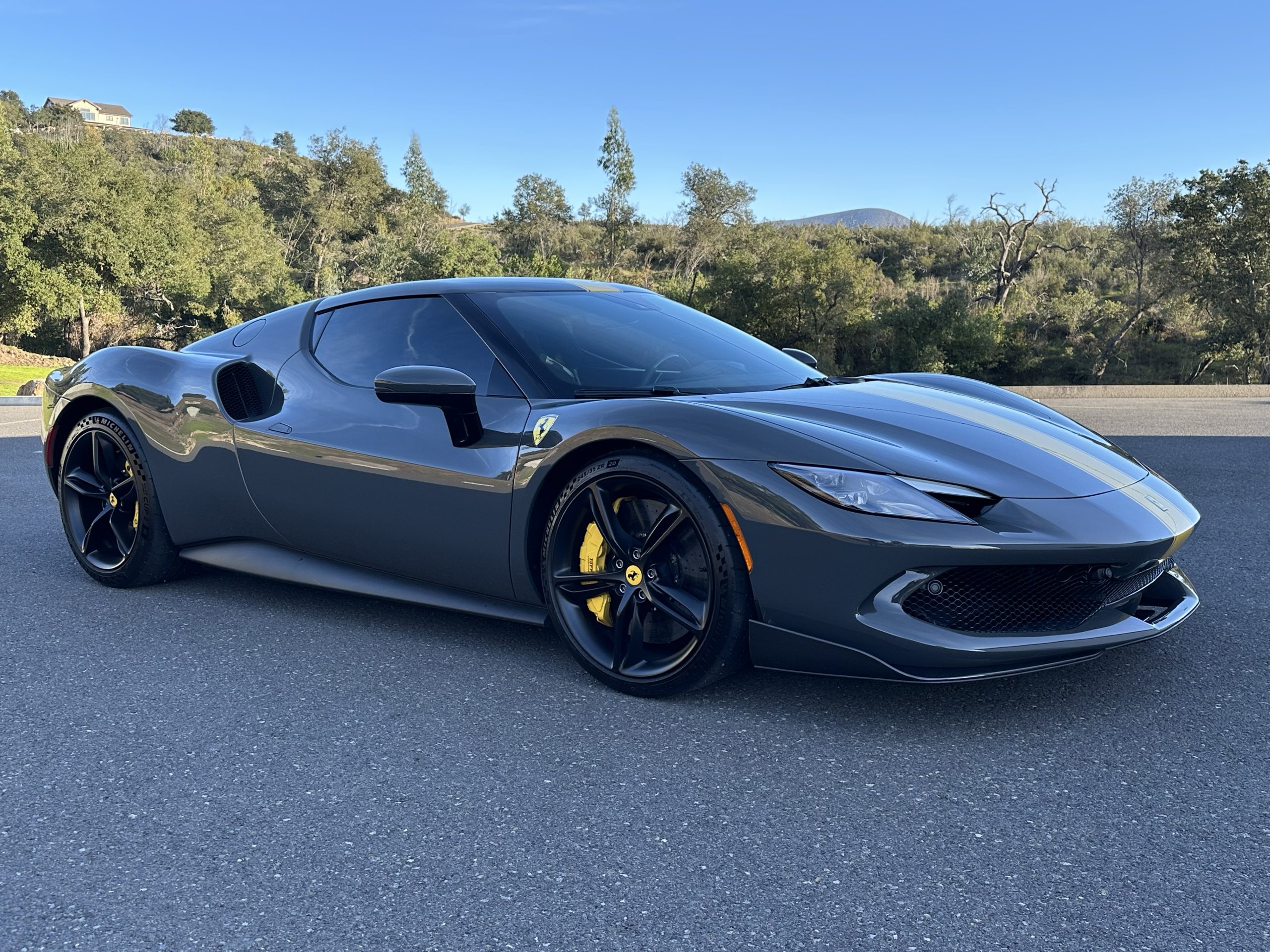
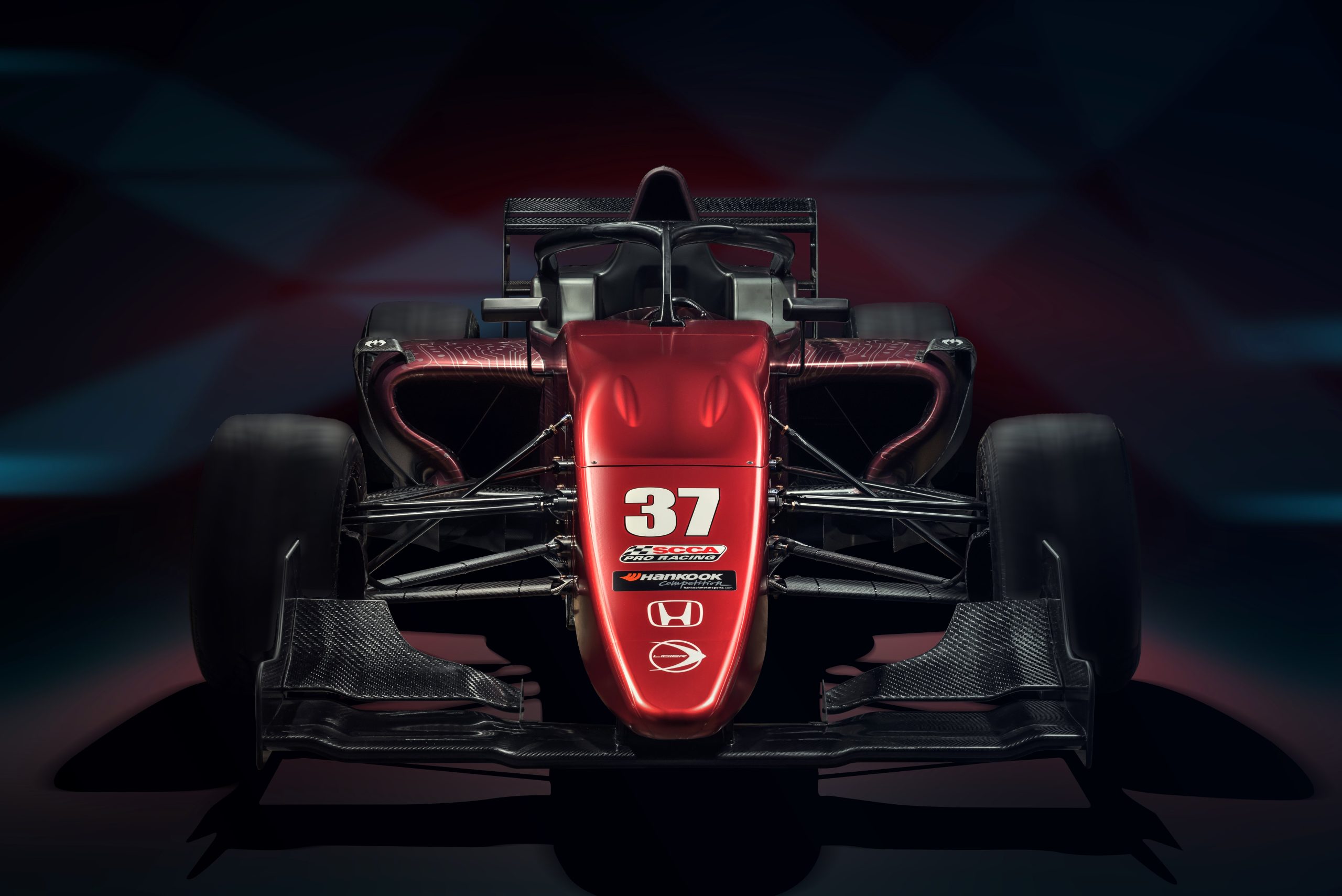
Always shoot in landscape orientation with a 3:2 aspect ratio. Landscape captures the full vehicle, communicates scale, and presents horizontal subjects like race cars at their most flattering. Portrait orientation either crops the vehicle or compresses it — neither works for a listing.
The EXR platform accepts photos up to 15 MB per file.
Tools & Setup
The right tools and set-up for vehicle photos
A DSLR or mirrorless camera on a tripod produces the best results in low-light conditions or against large backgrounds. A modern smartphone is fully capable of producing gallery-grade photos — most listings on the EXR marketplace today are shot on phones. The camera matters less than the lighting, the location, and your willingness to walk every angle.
Lighting and location matter more than gear:
- Shoot outdoors in natural daylight whenever possible — early morning or “golden hour” before sunset gives the strongest results
- Avoid cluttered or distracting backgrounds
- No puddles, stains, or other vehicles in the frame
- Wash the vehicle before shooting — clean cars photograph dramatically better
- Your listing should fill approximately 75% of the frame with a small border around it
Exterior
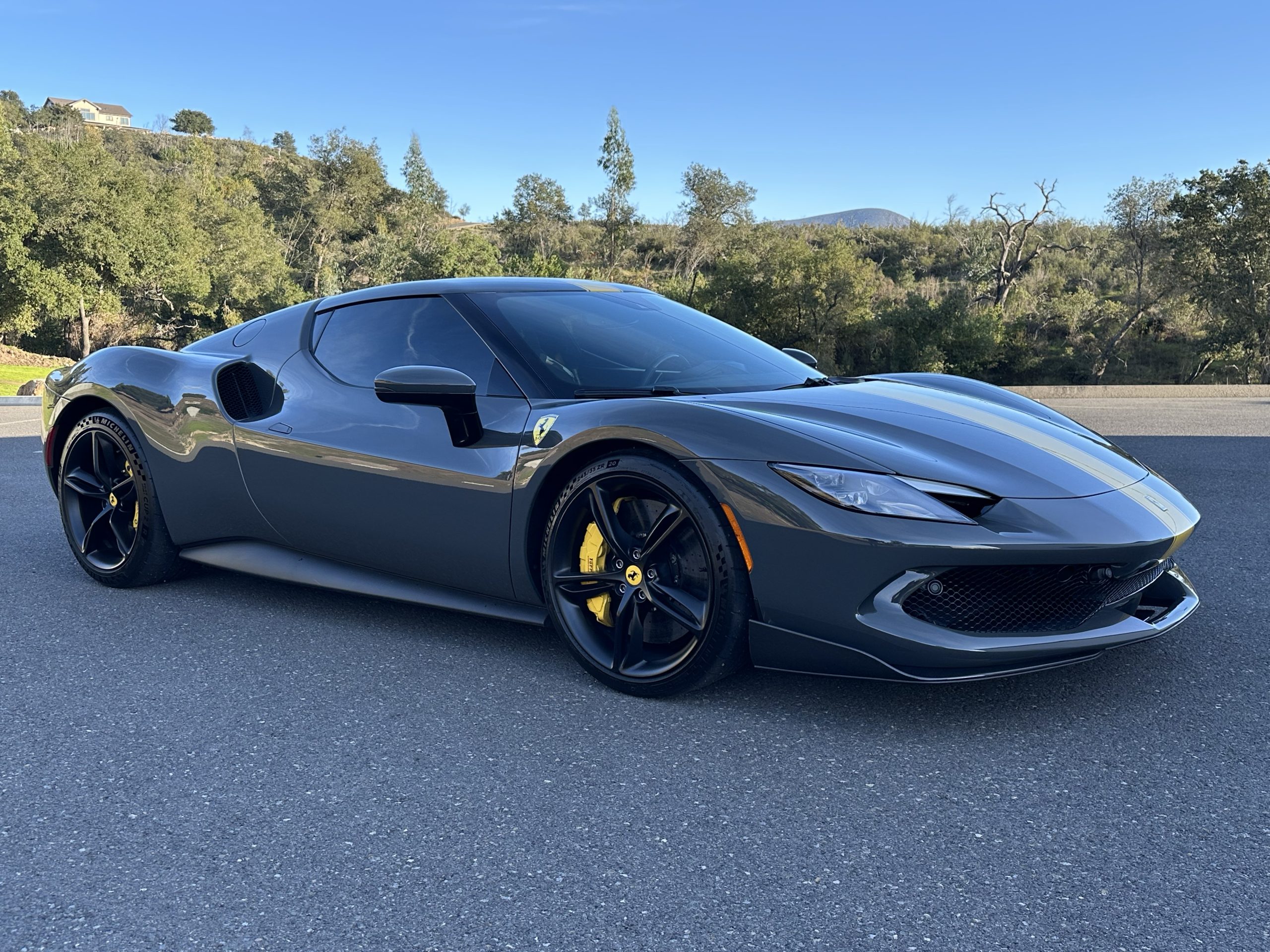
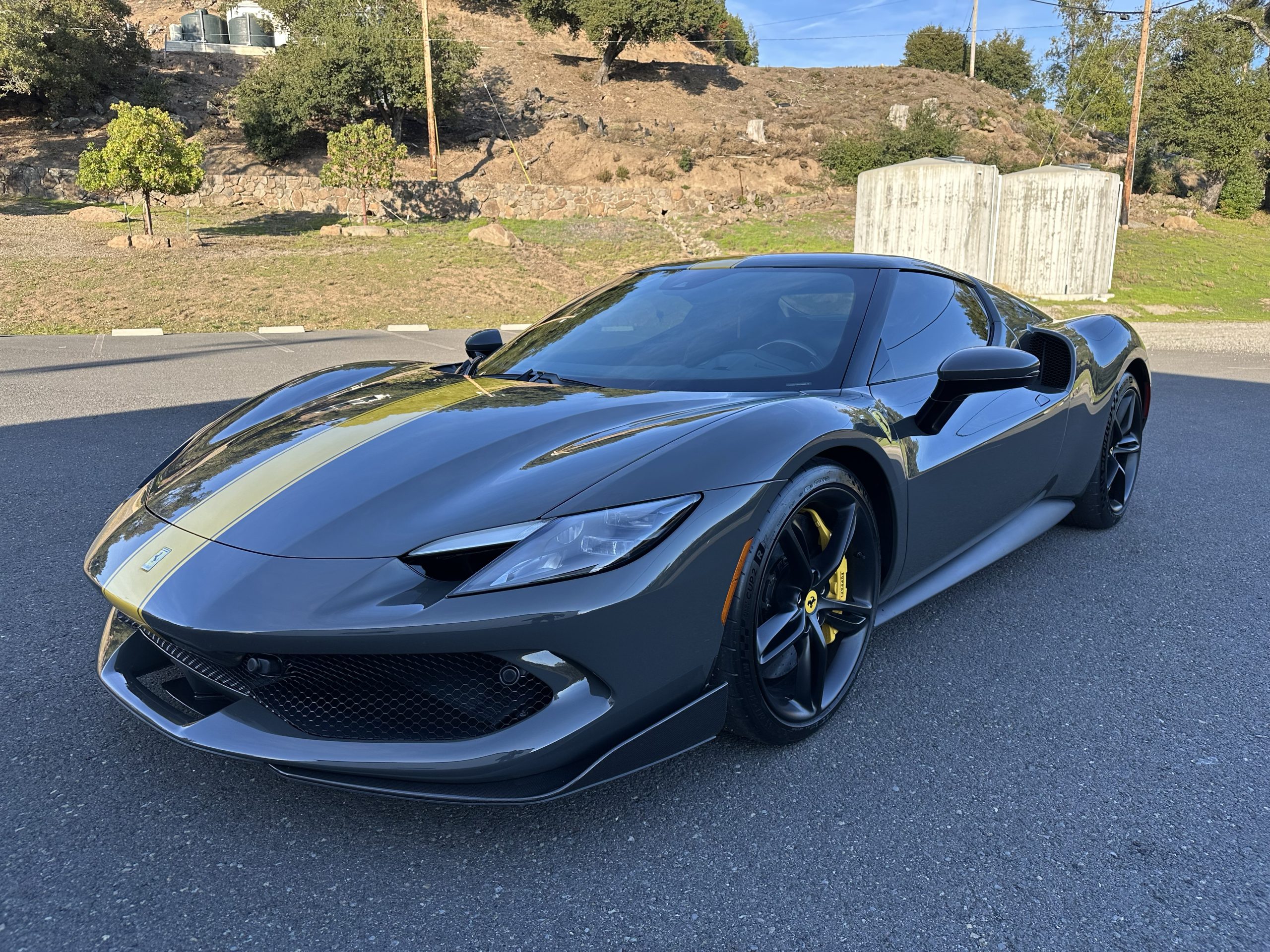
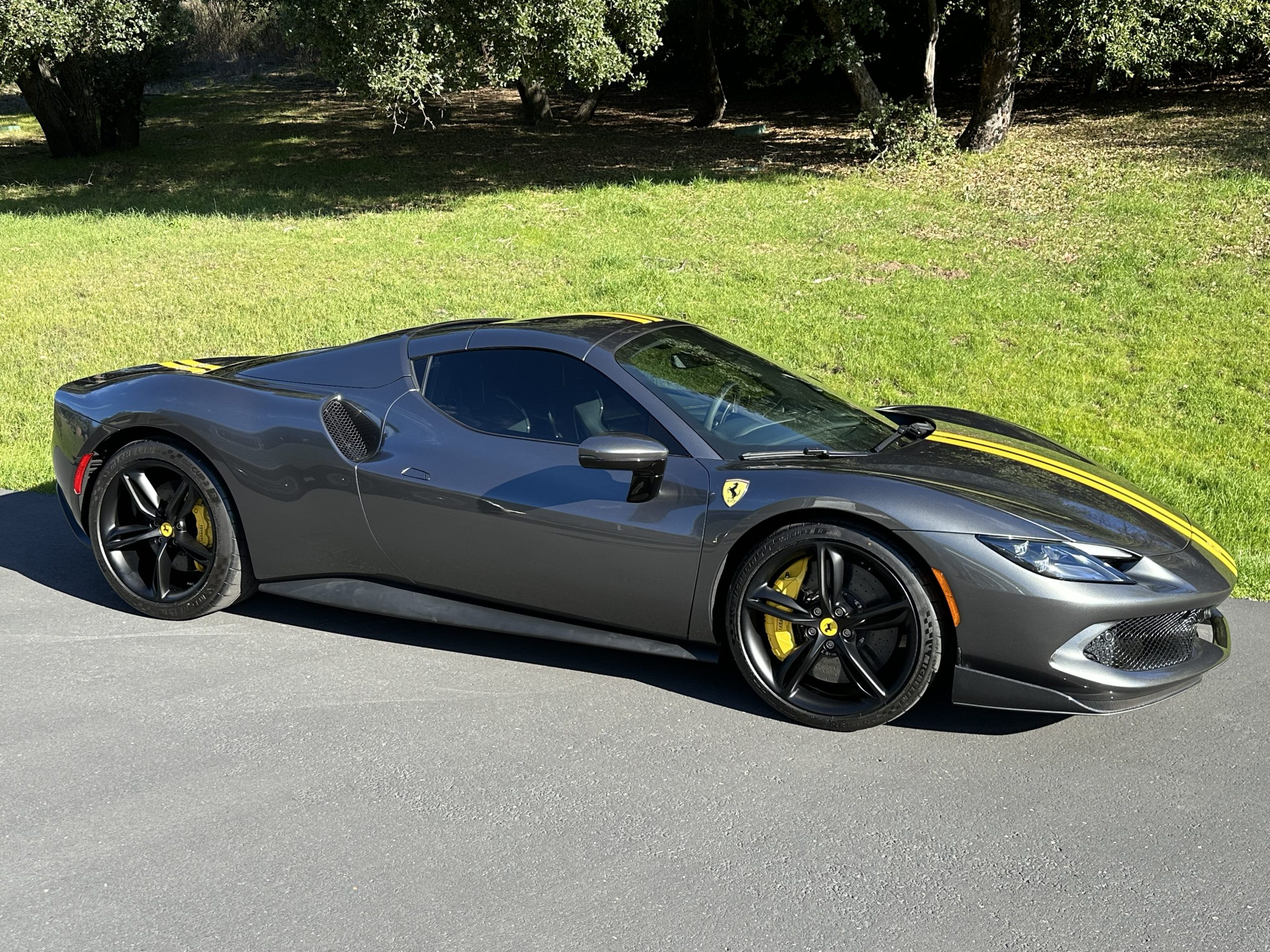
The Hero Shot. The first photo uploaded becomes your featured listing image — the thumbnail buyers see in search results, on the homepage, and across our marketing channels. Make it your strongest front-3/4 angle: vehicle clean, surroundings uncluttered, shot at golden hour if possible.
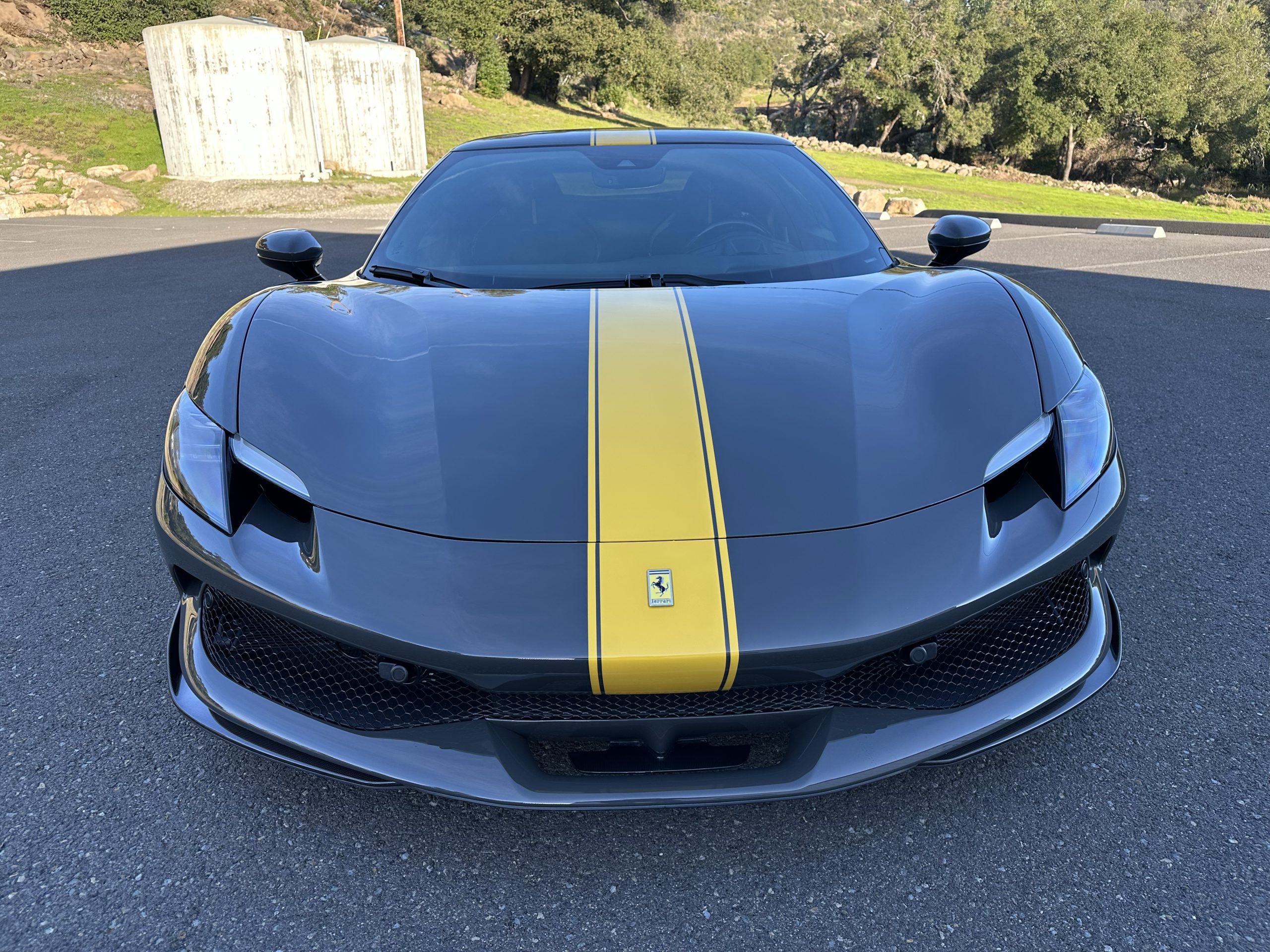
Body. Walk every angle — front, rear, both sides, all four corners. The goal is to recreate the experience of viewing the car on a rotating platform. Every panel, body line, and surface should be documented.
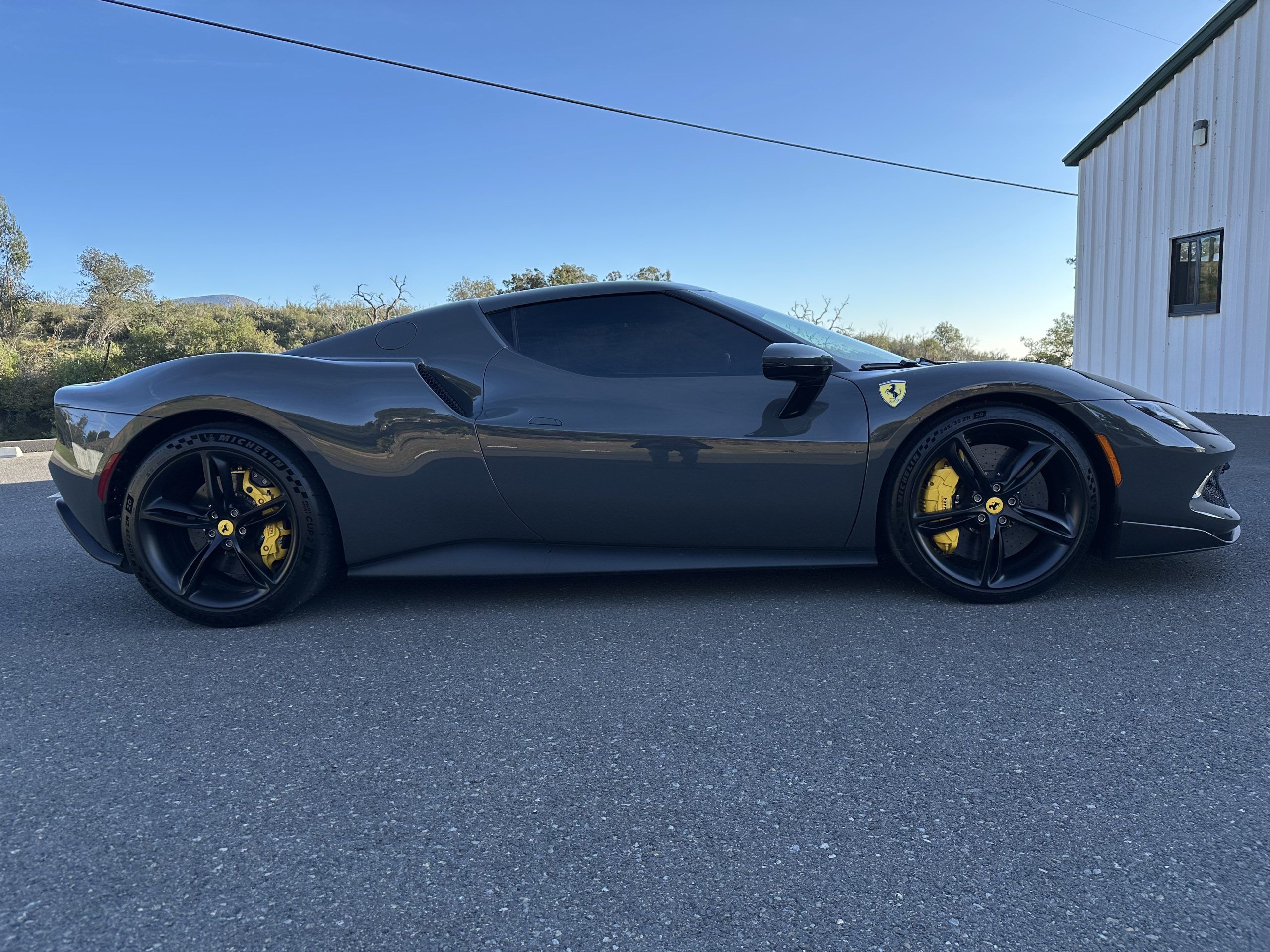
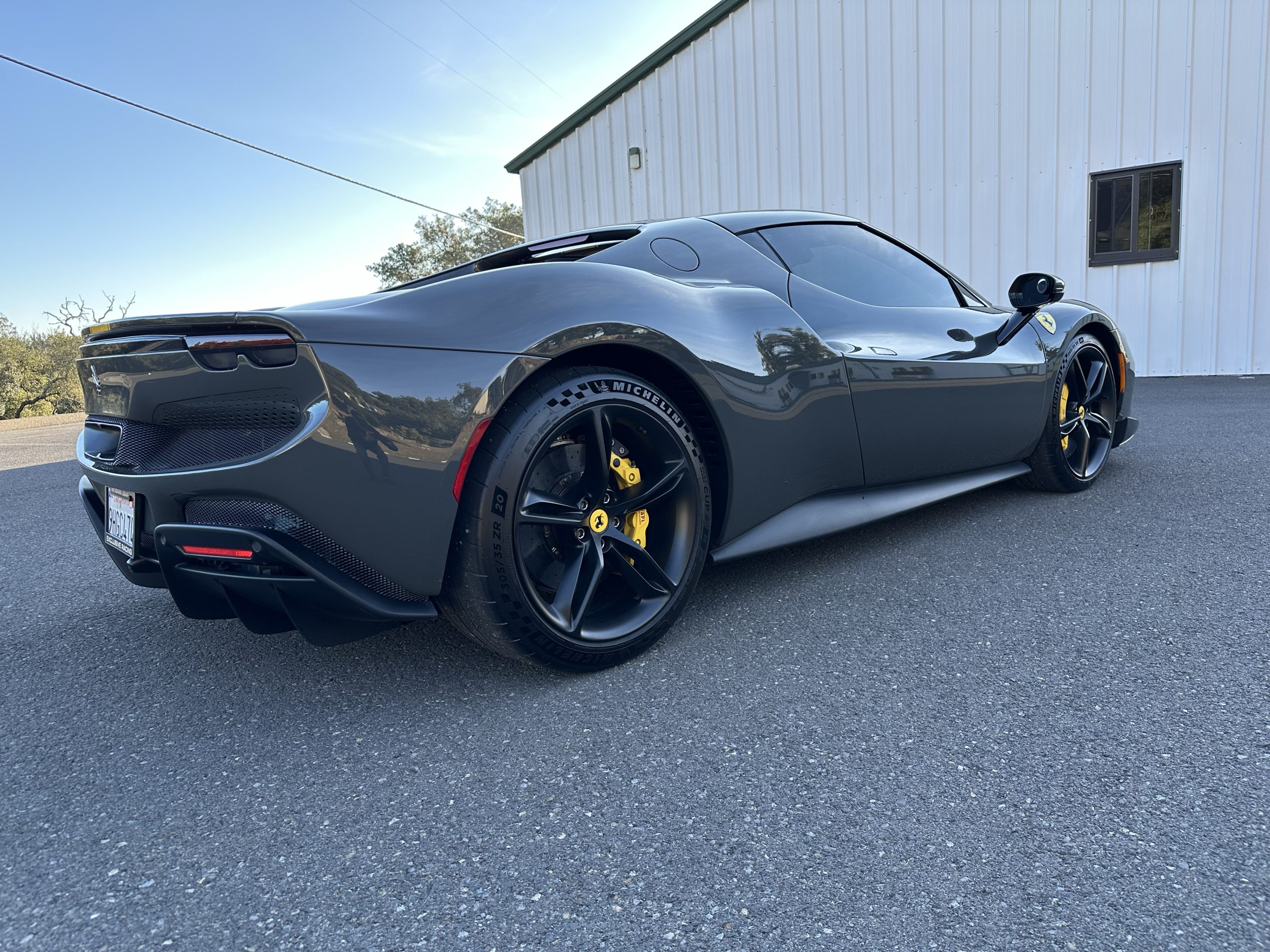
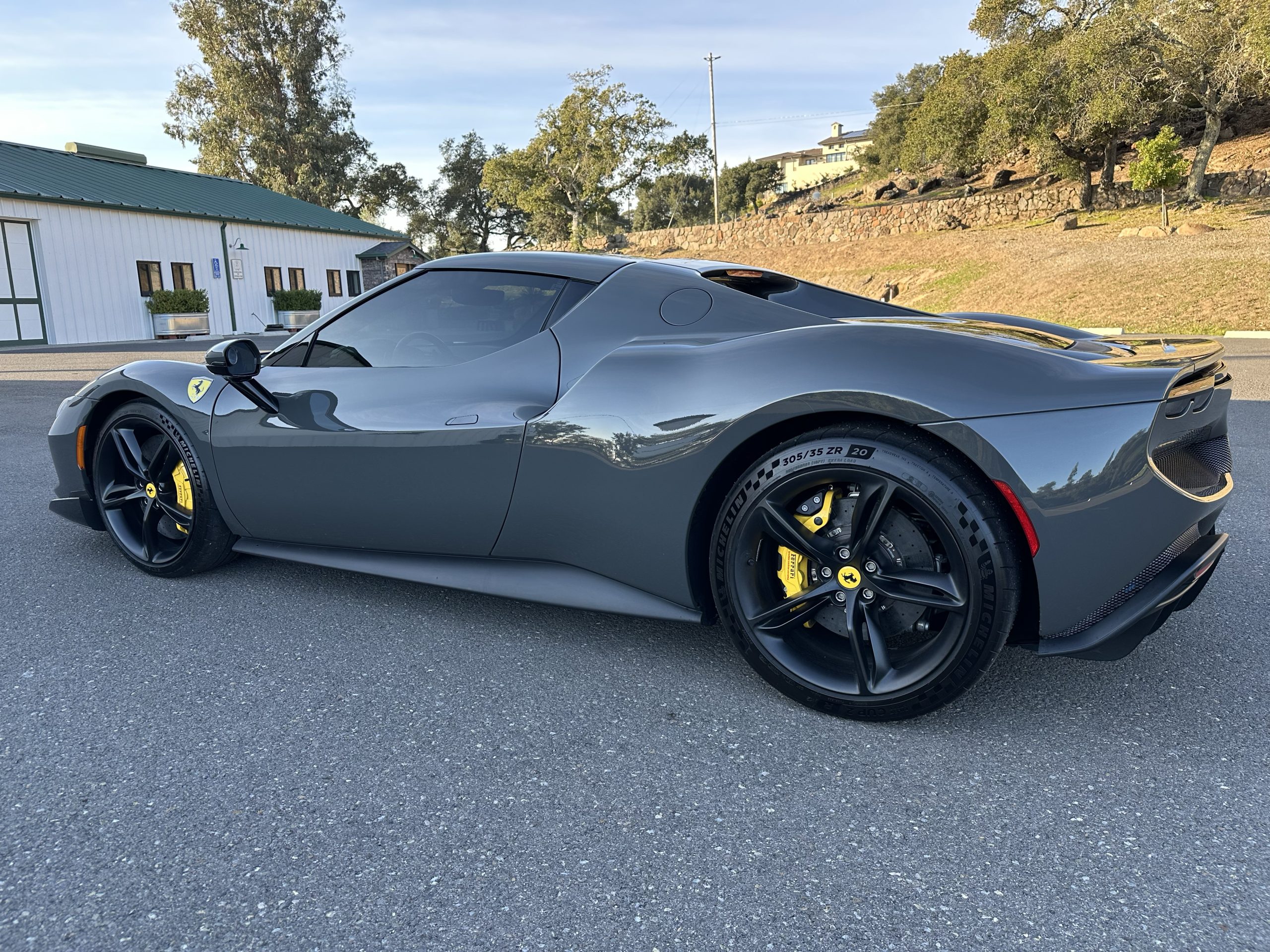
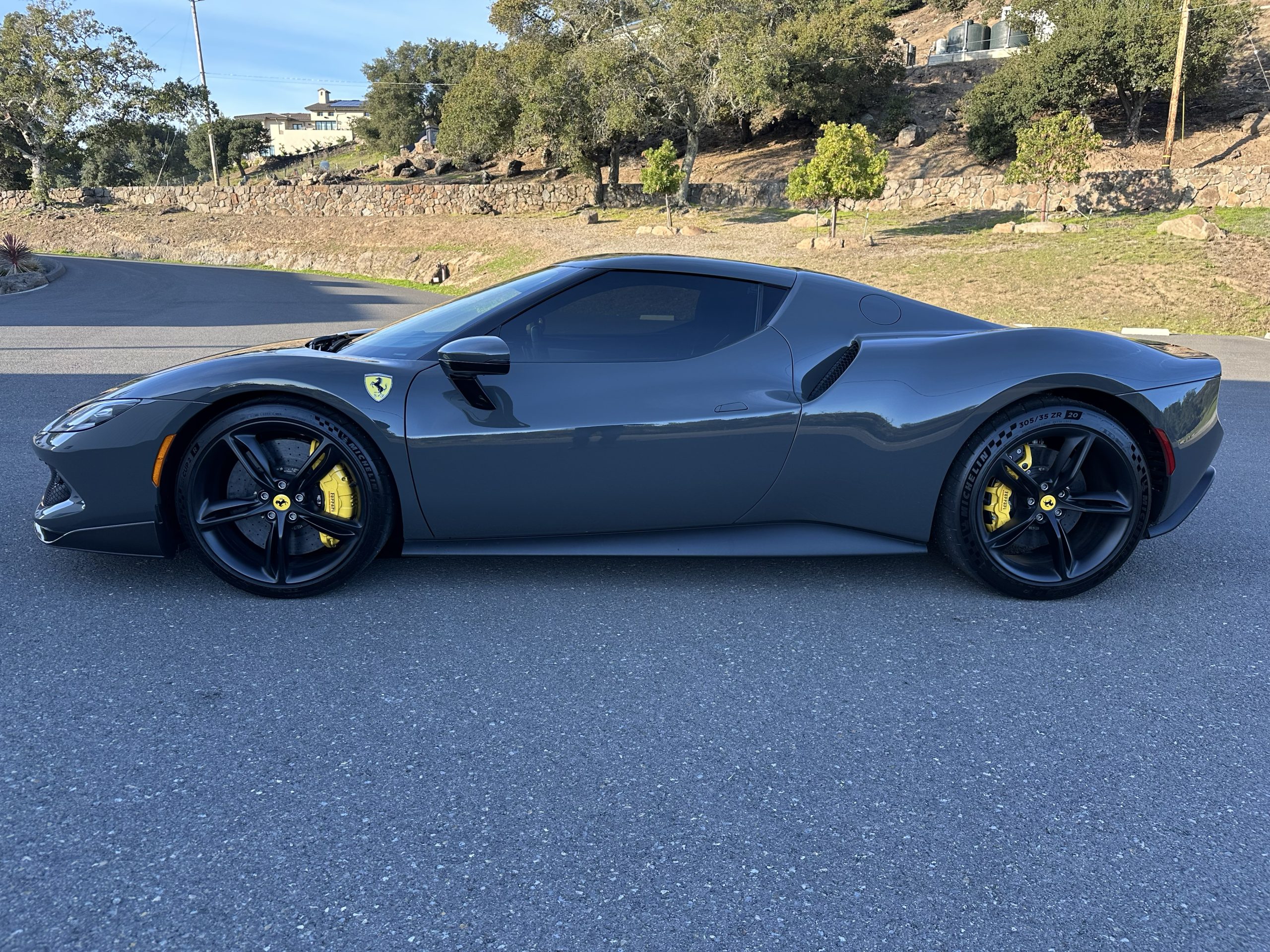
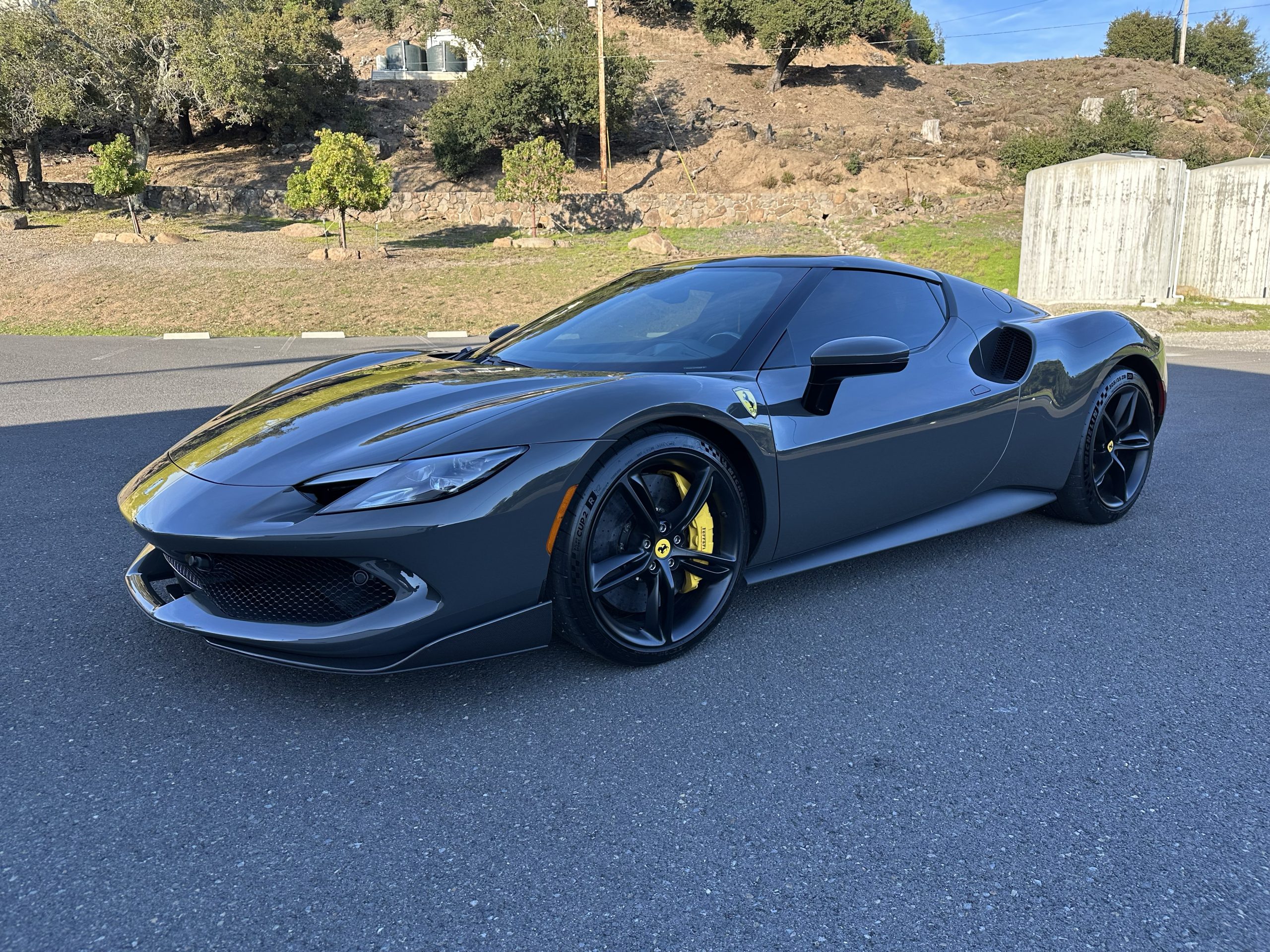
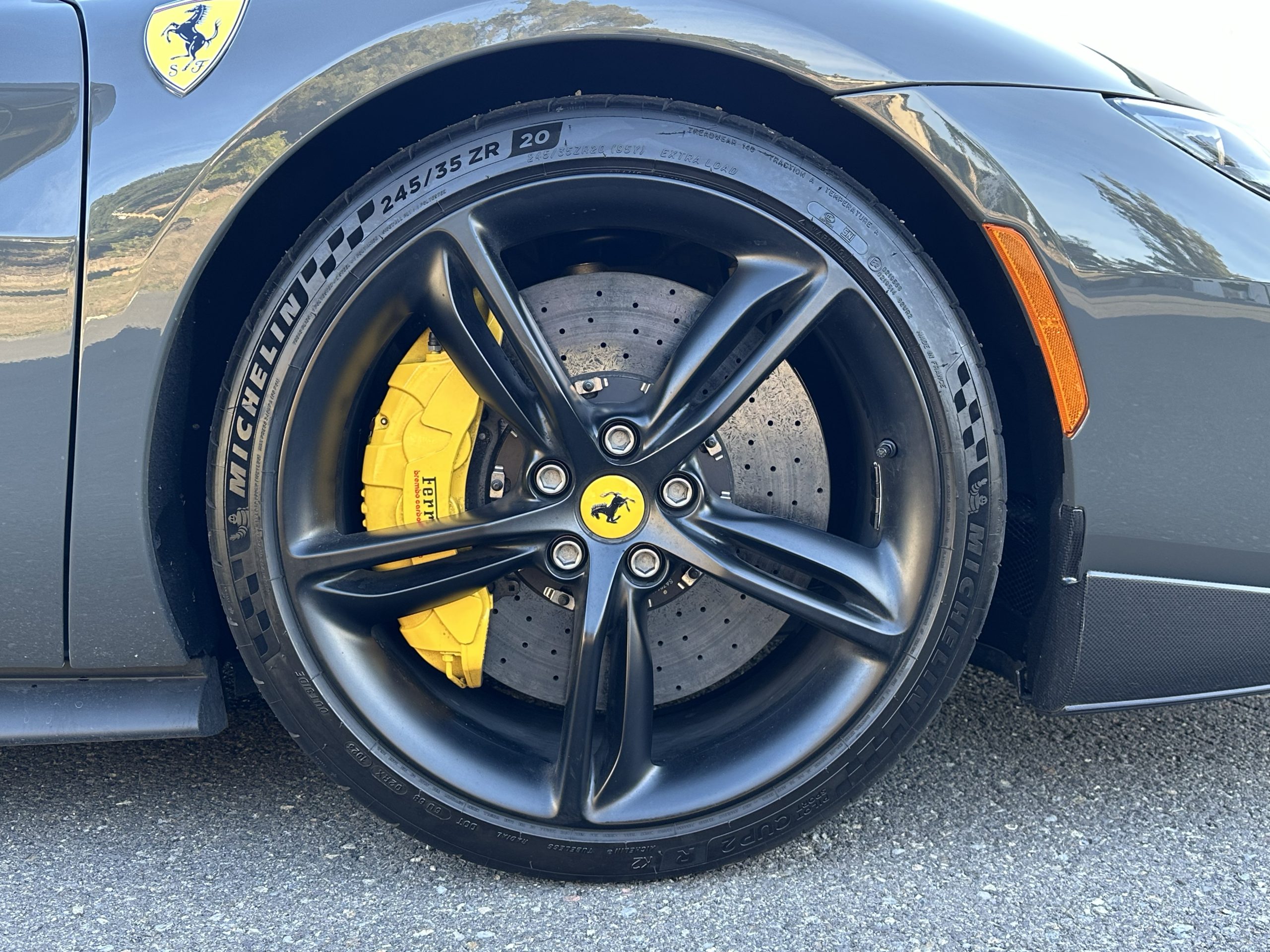
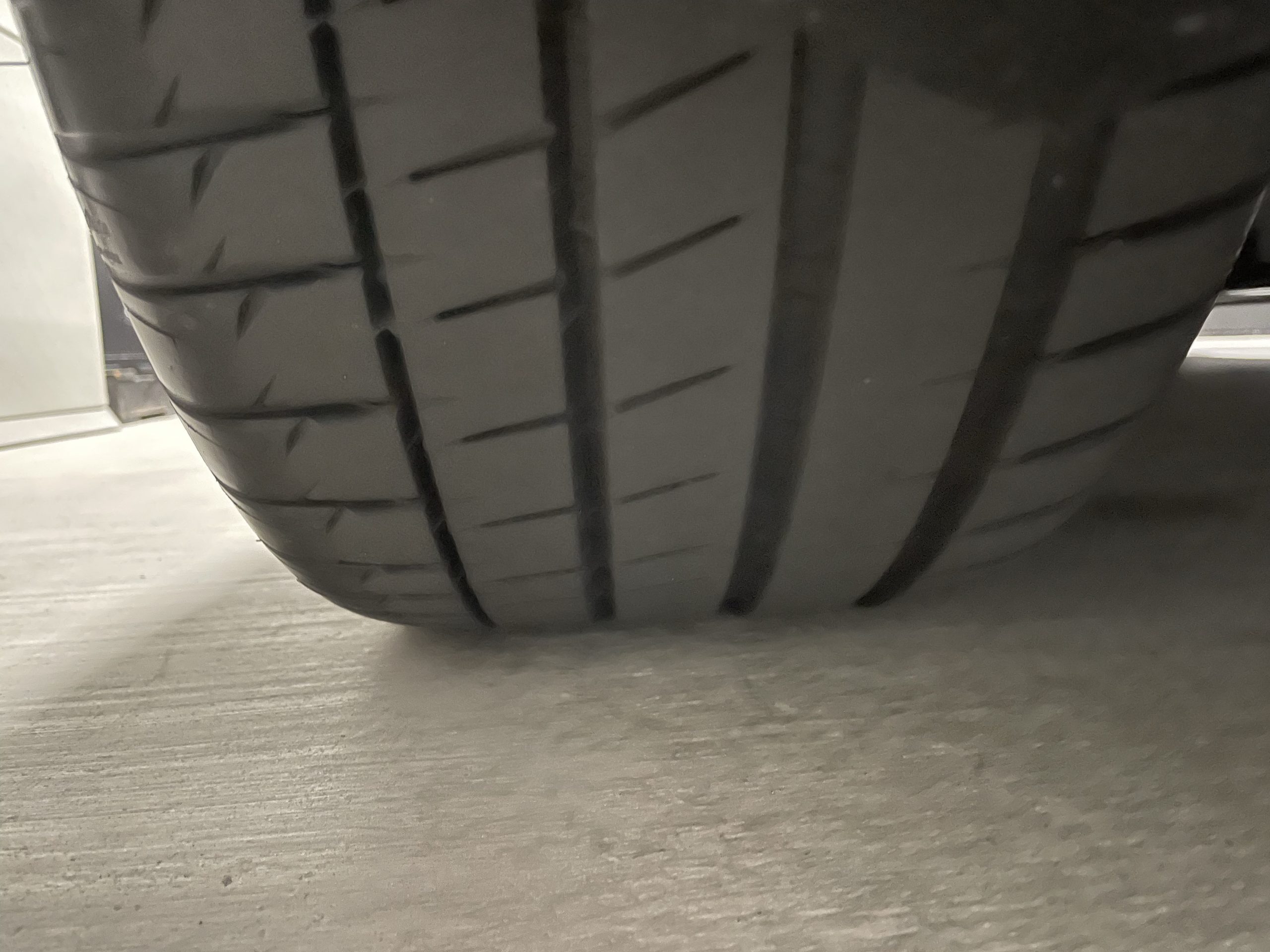
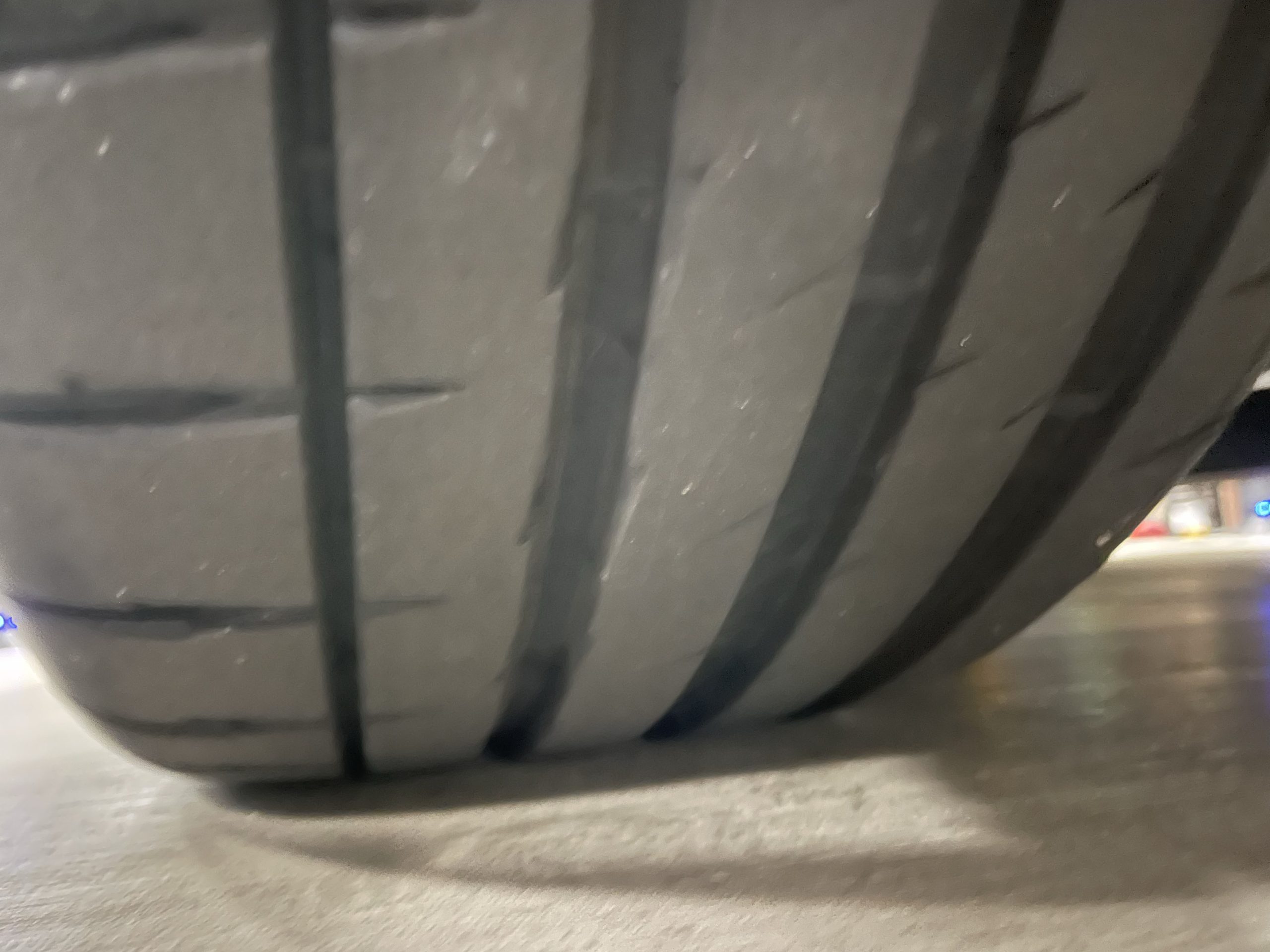
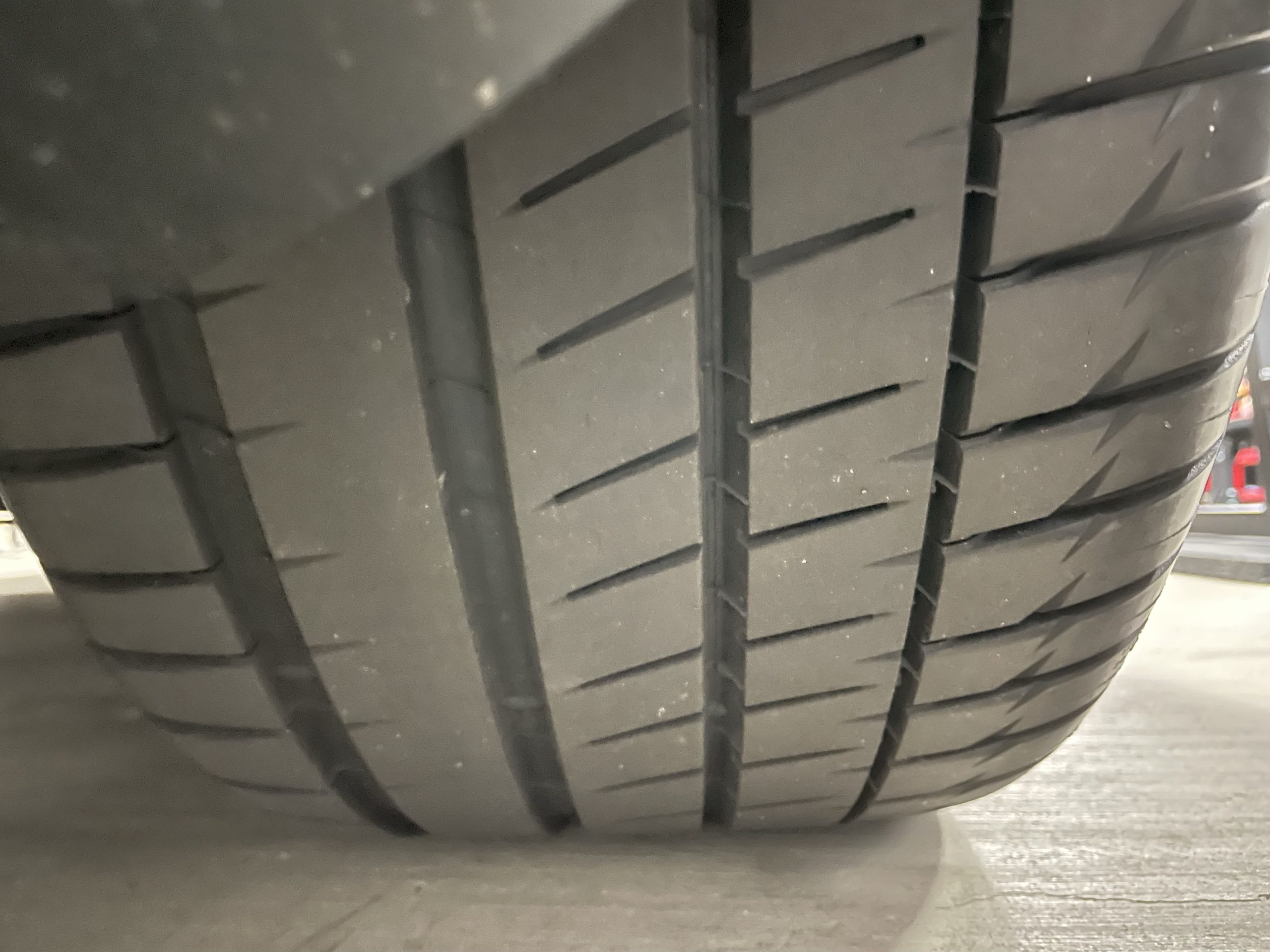
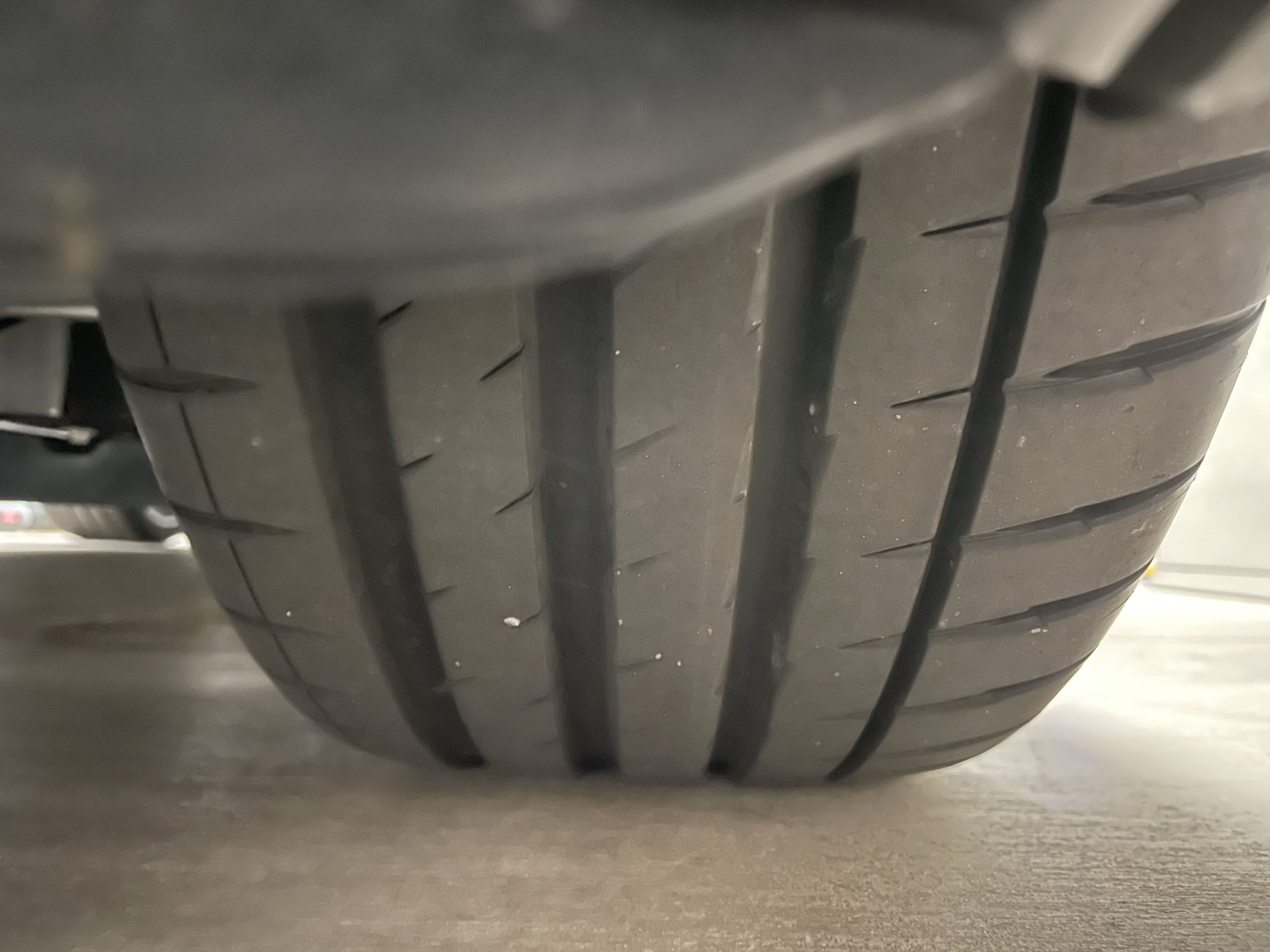
Tires and Wheels. Photograph each tire and wheel individually, showing the full wheel with a small border around it. Buyers assess tire condition closely — don’t skip any corner.
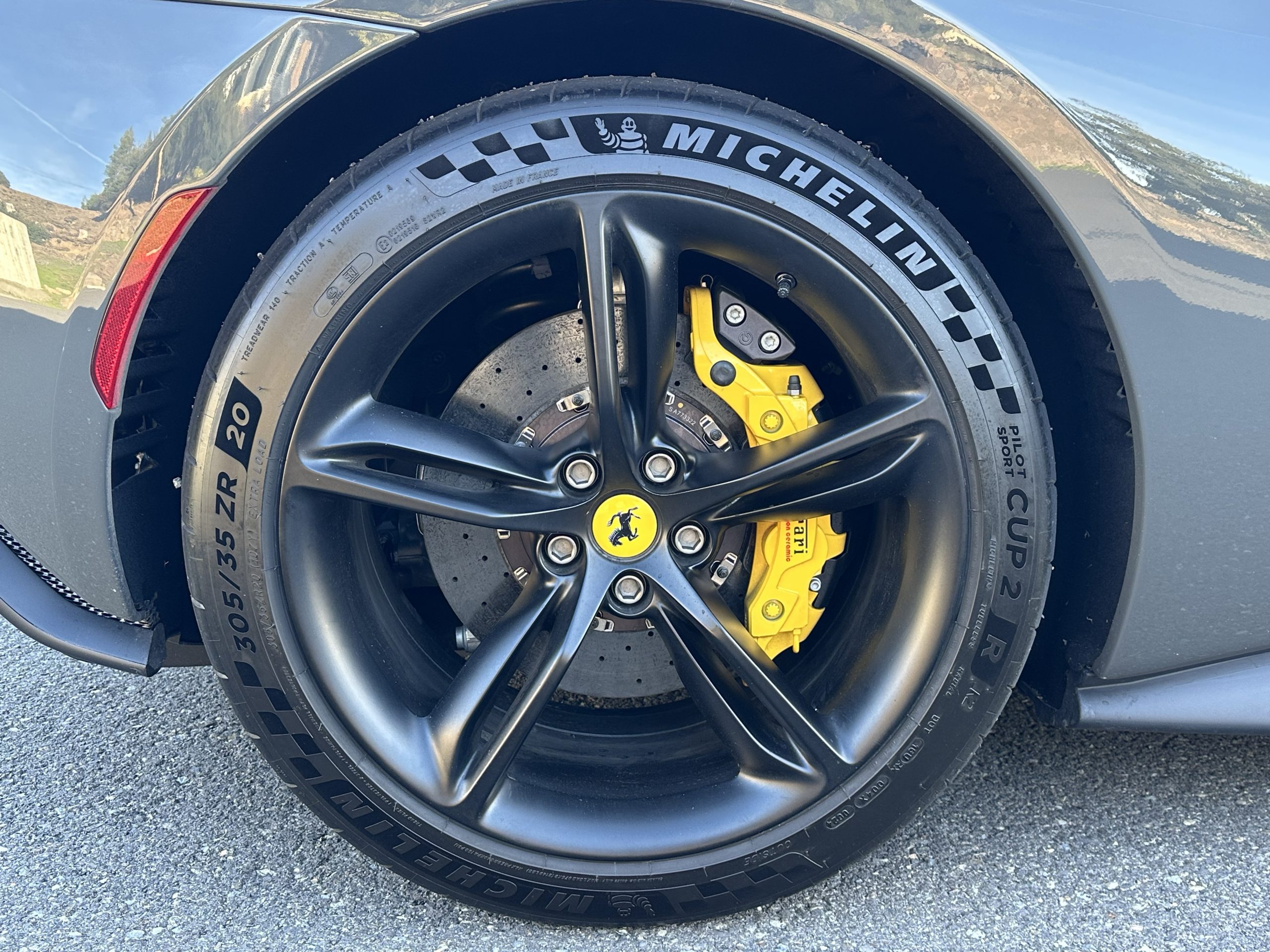
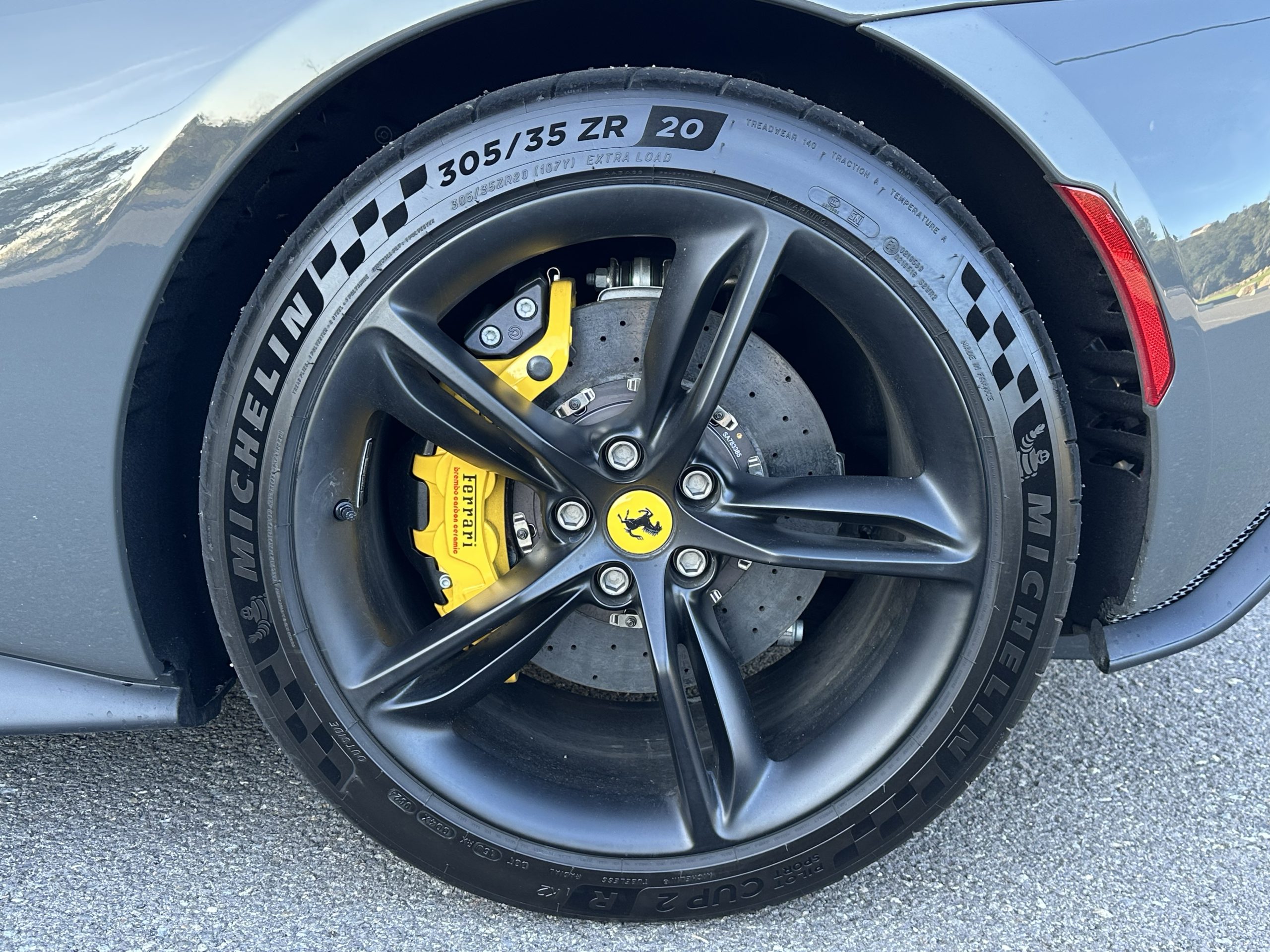
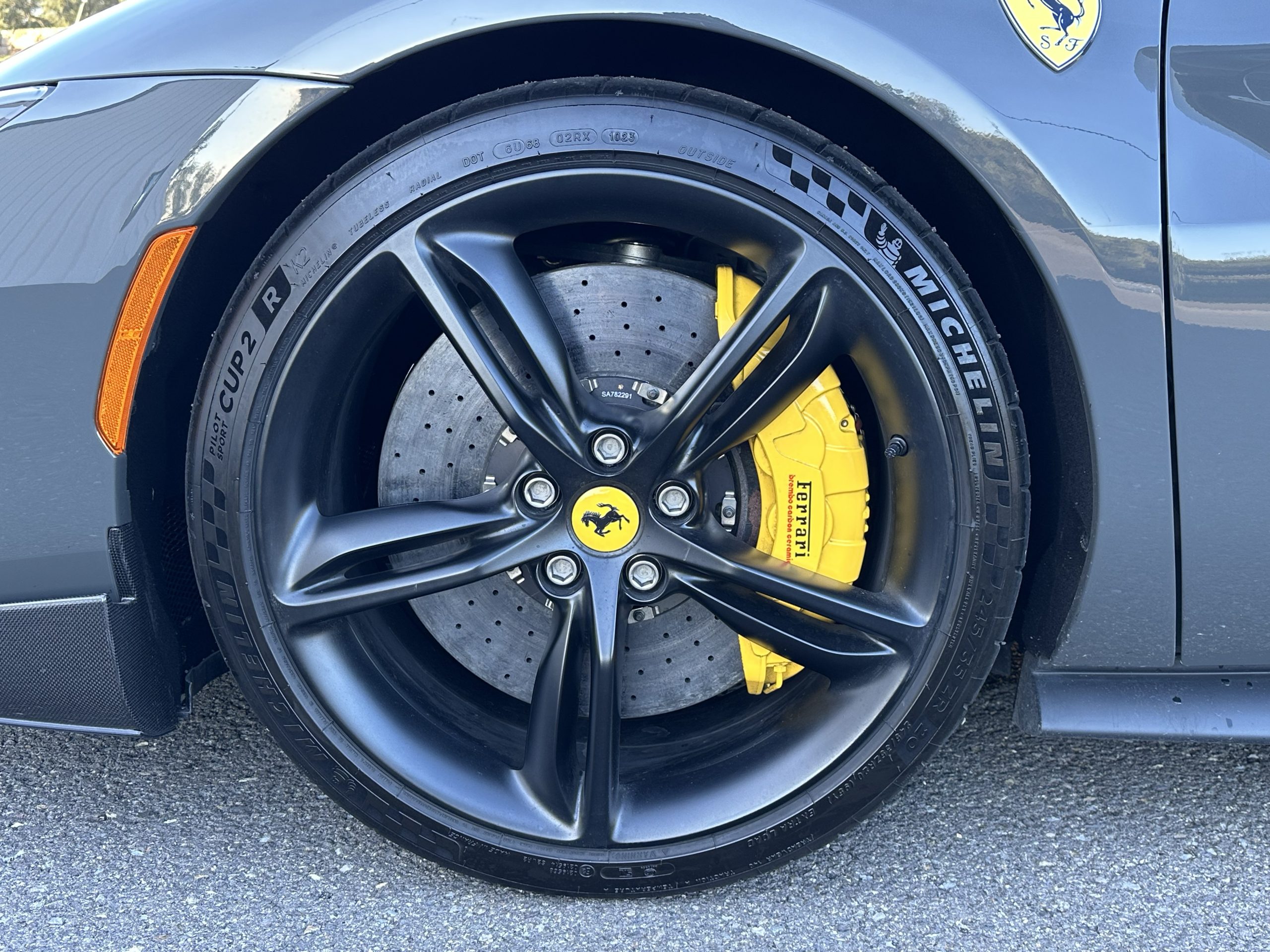
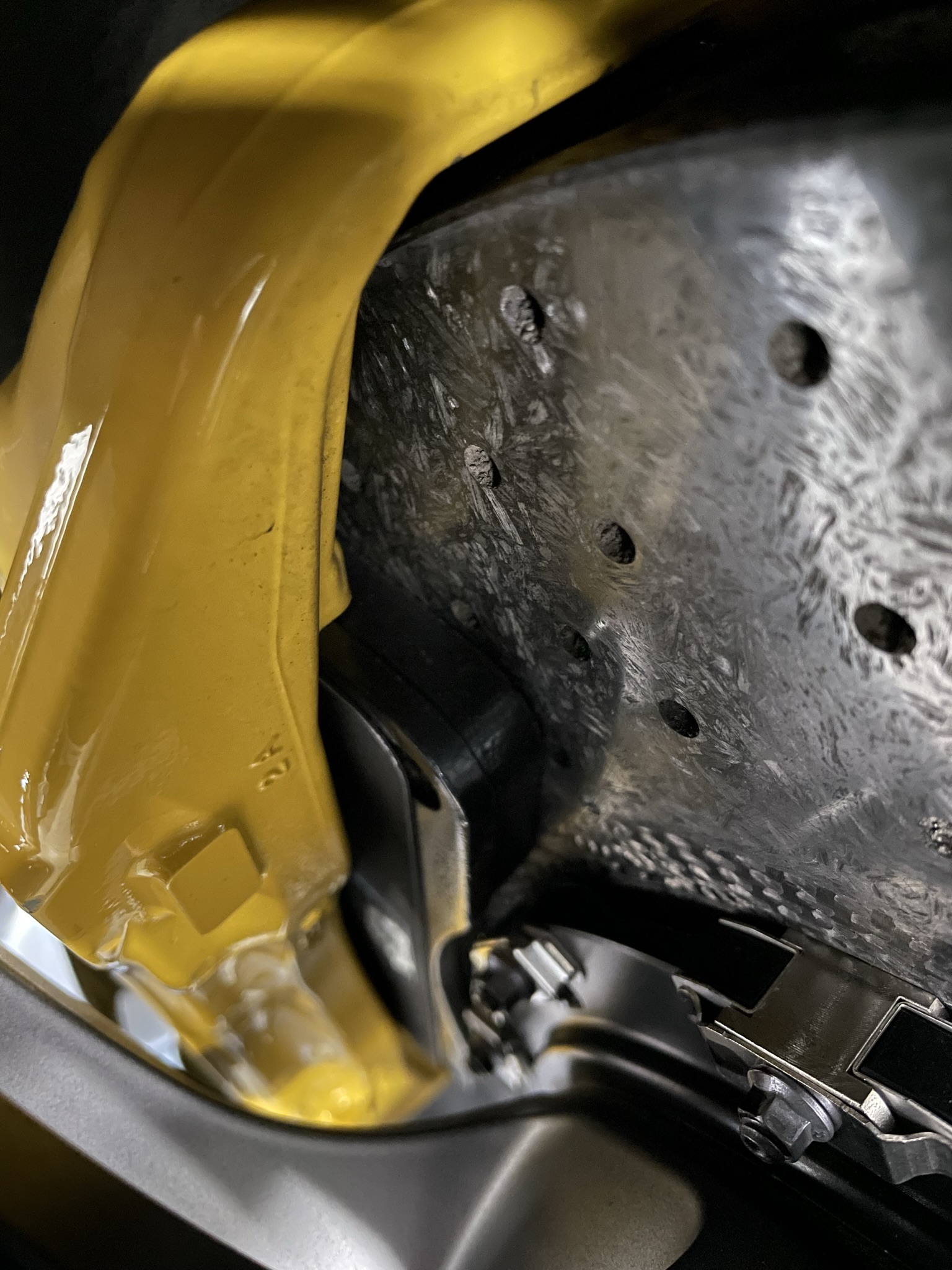
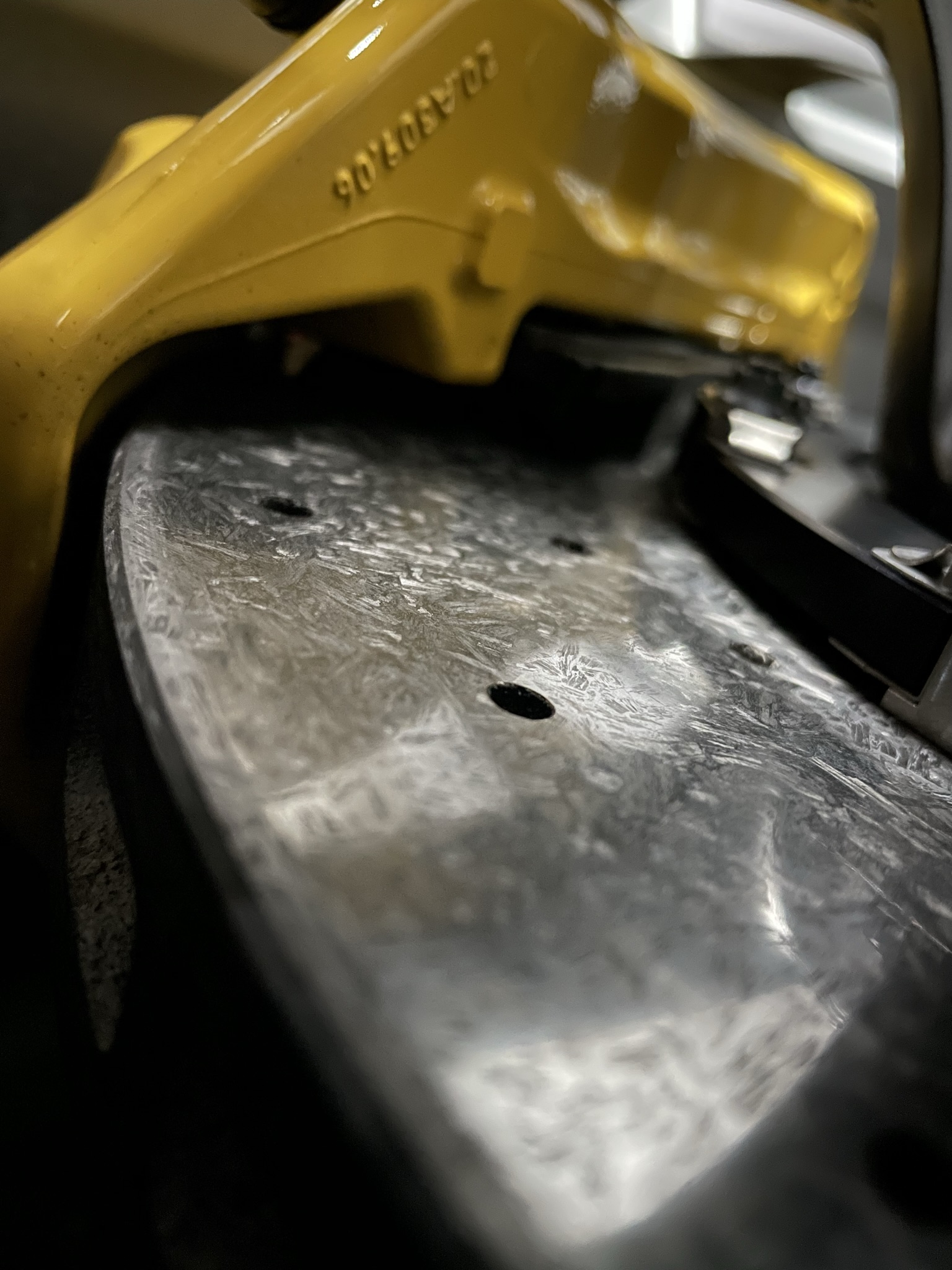
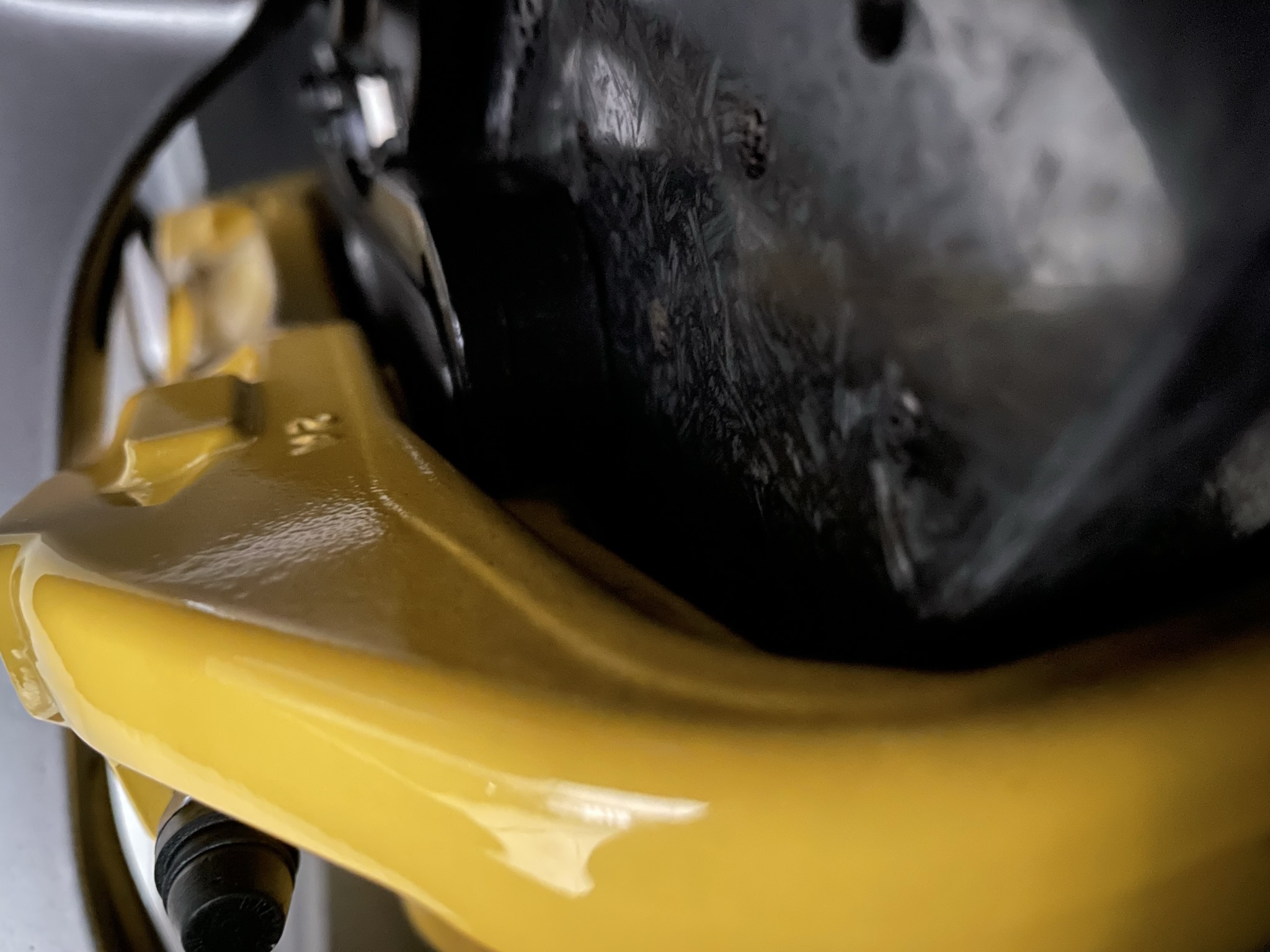
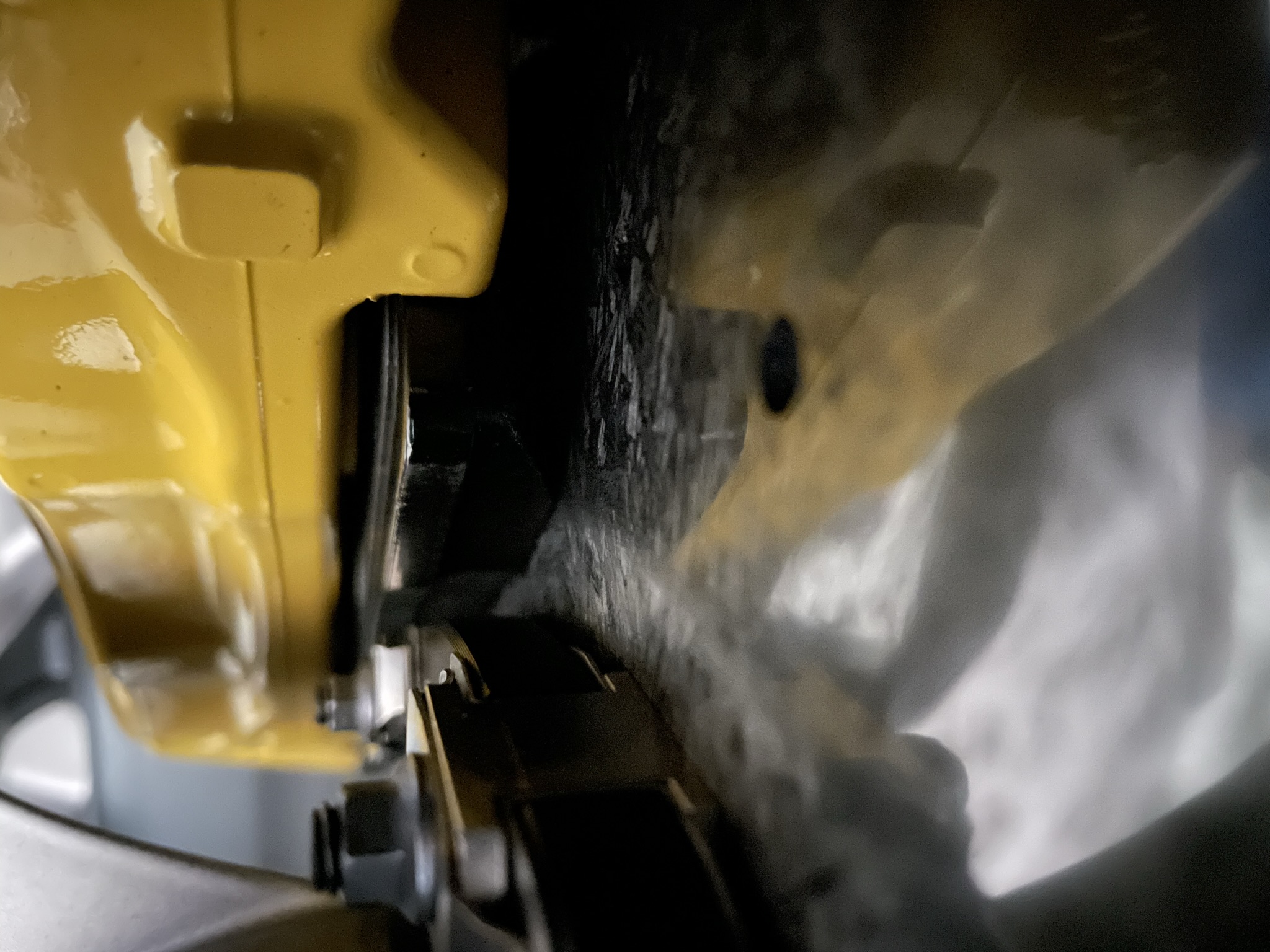
Brake System. Take close-up shots of the brake system at each corner. Show the caliper, rotor, and brake hardware clearly.
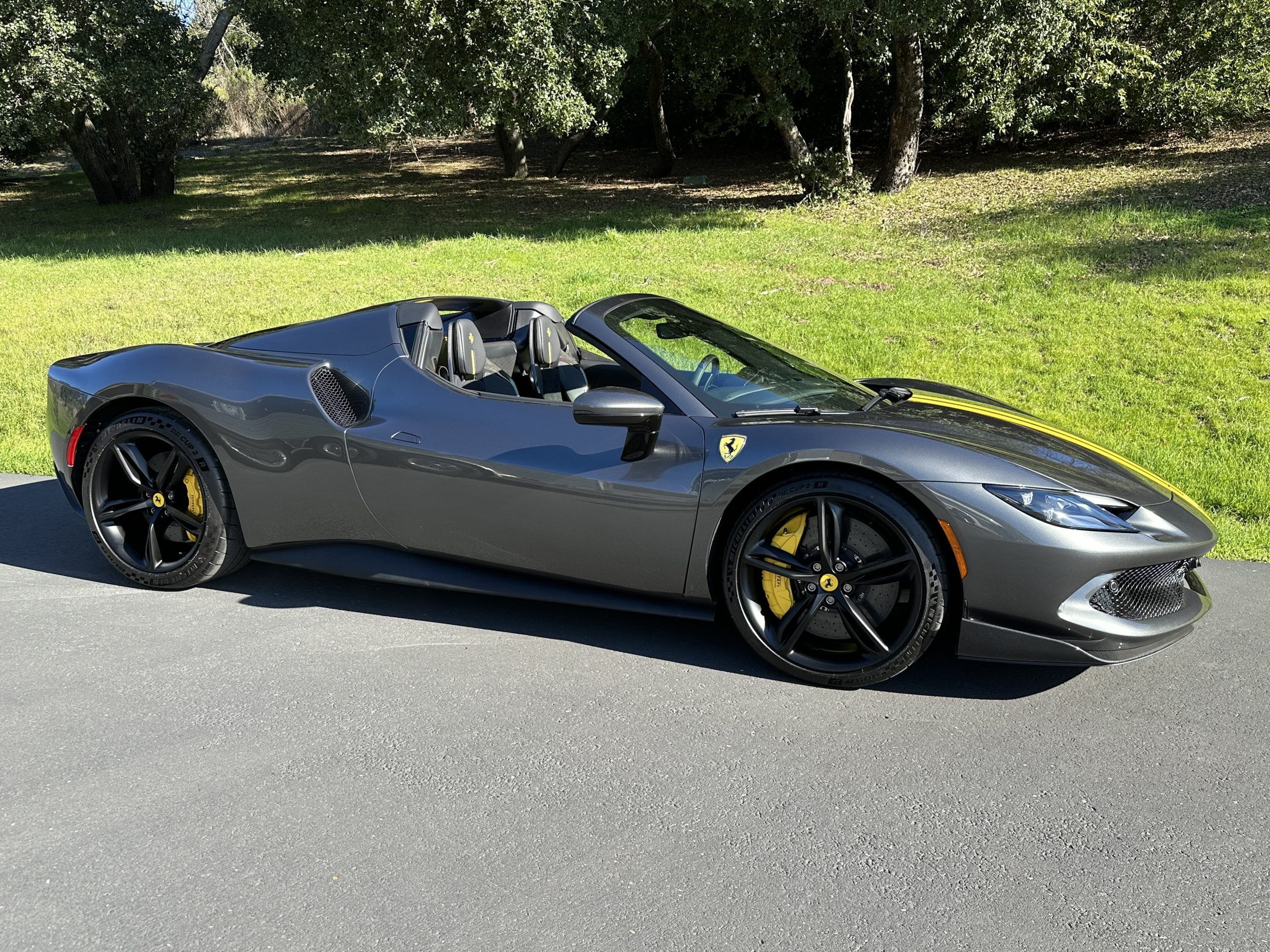
Vehicle Top. If the vehicle has a convertible top — hard or soft — photograph it from both the exterior and interior, open and closed.
Interior
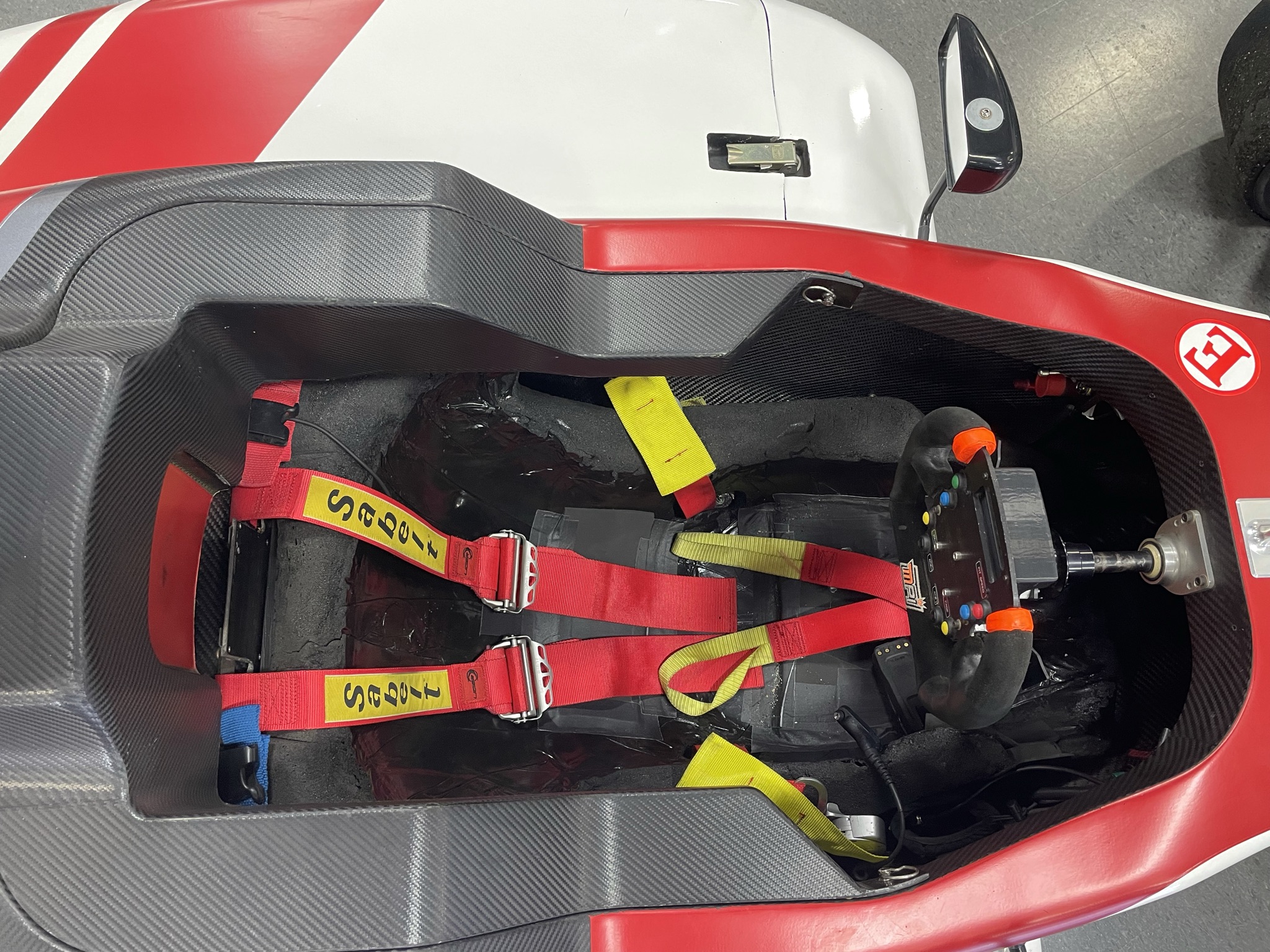
Seats & Upholstery. Photograph each seat individually. Show seatbelts, harnesses, and any notable wear or flaws — especially on the driver’s seat. Include close-ups of carpets, floor mats, and trim condition.
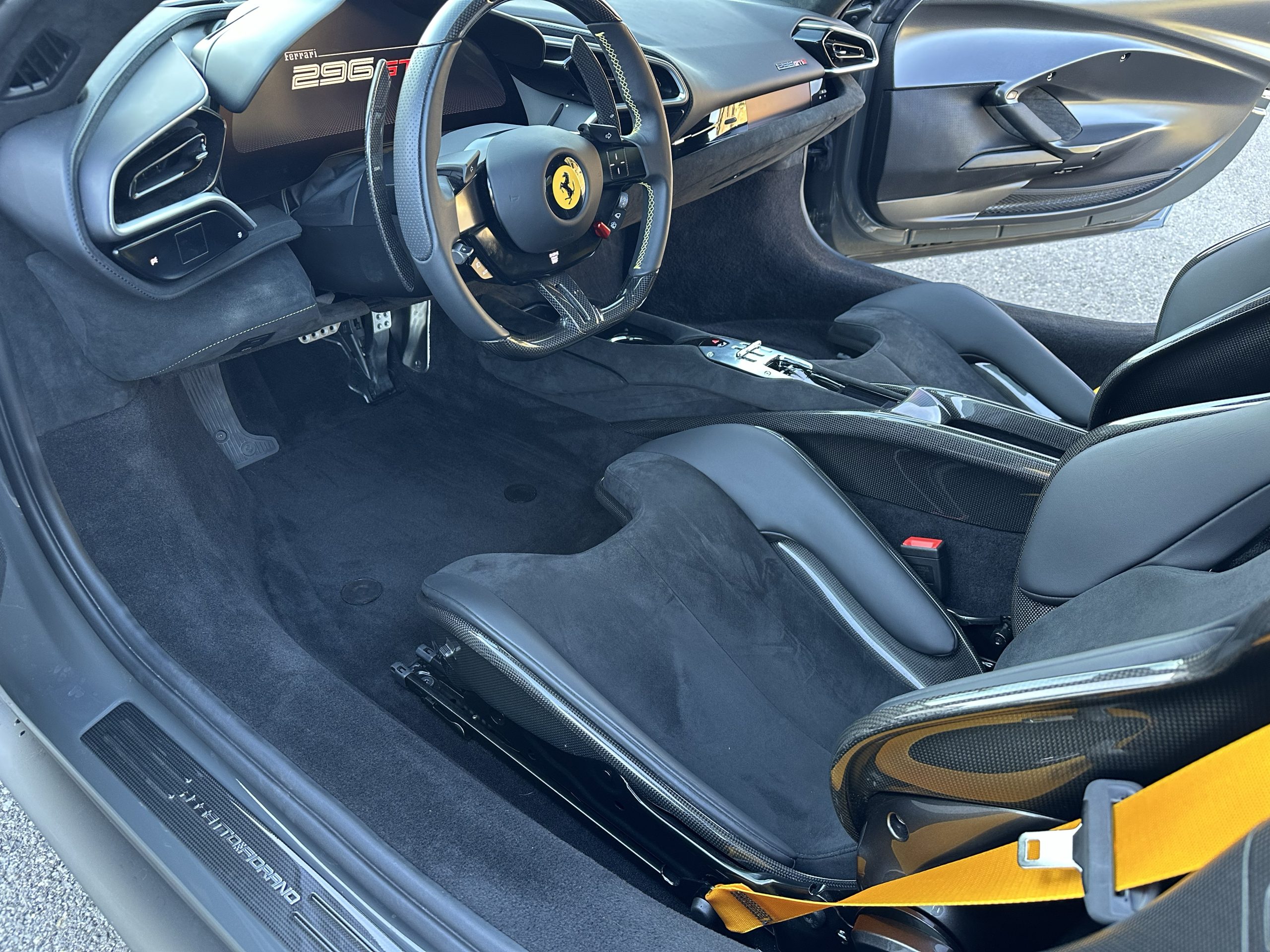
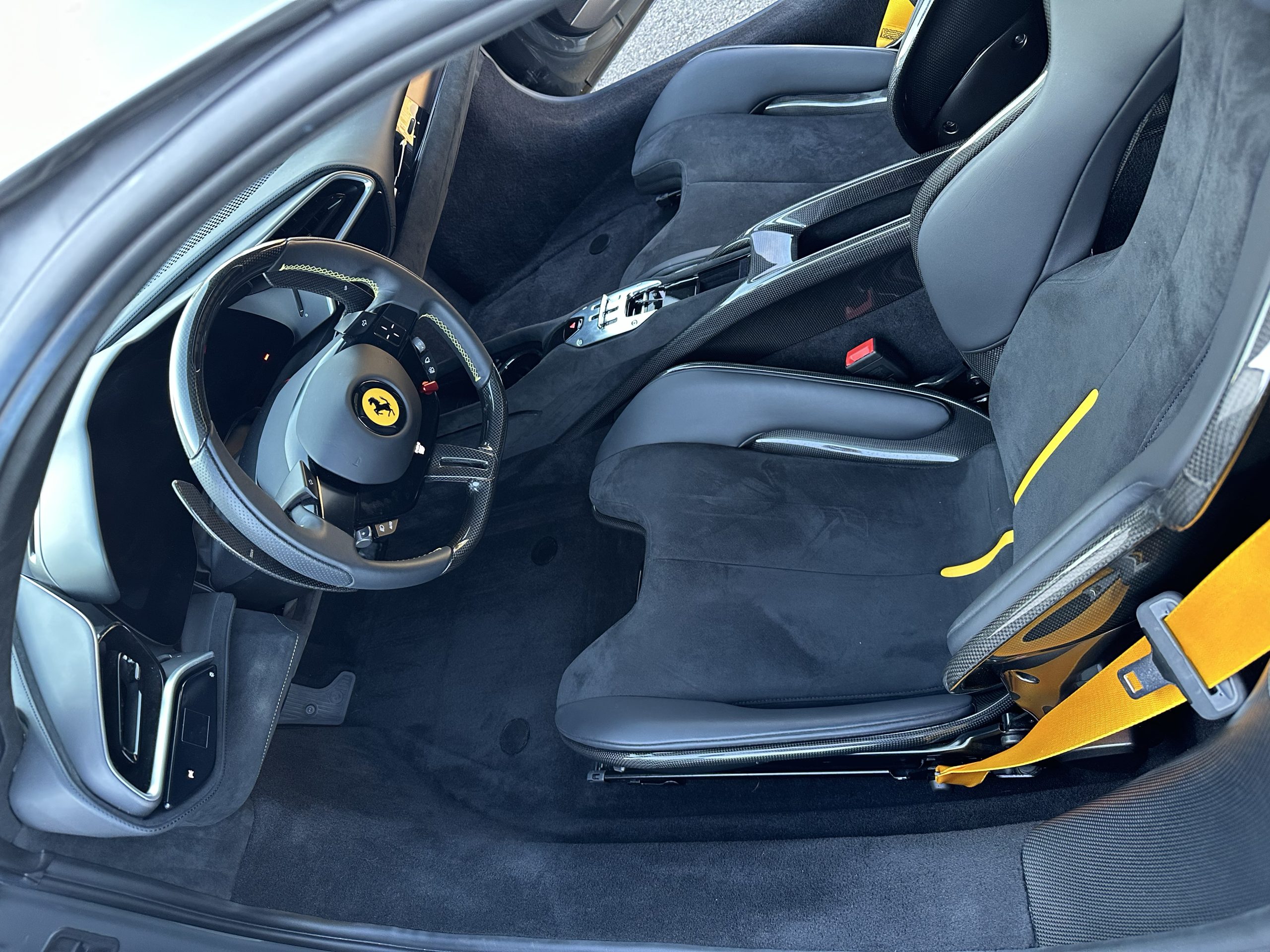
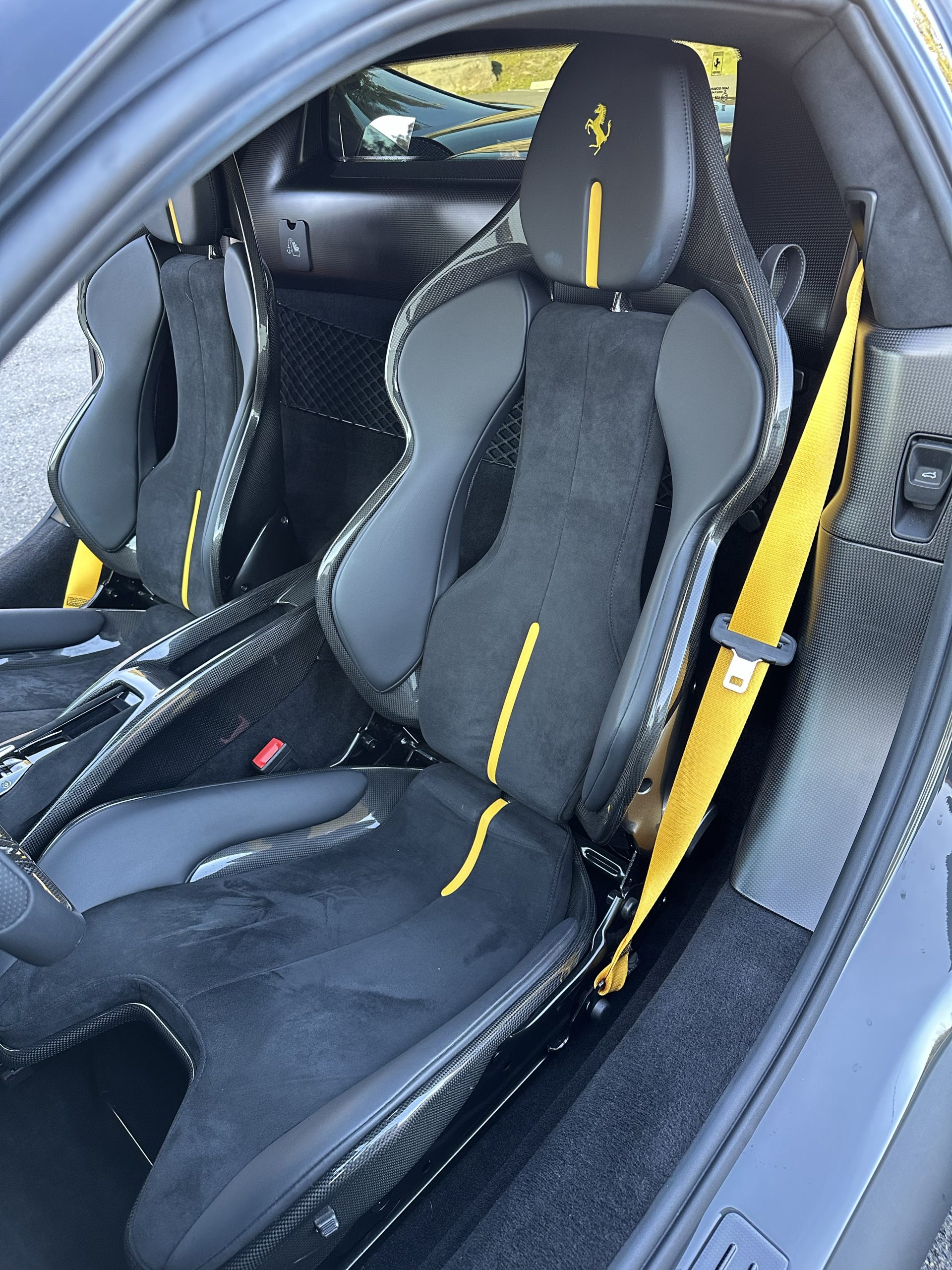
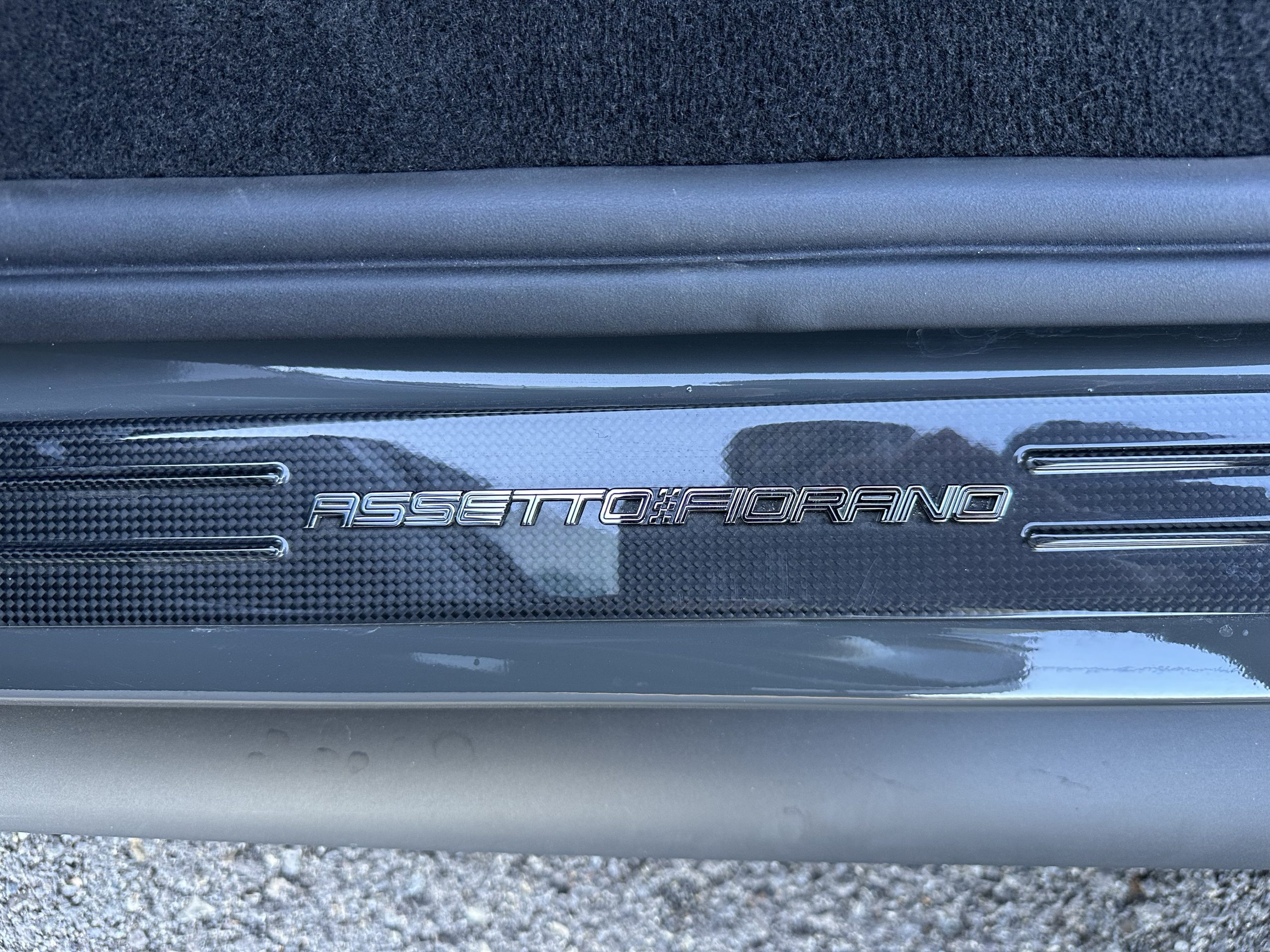
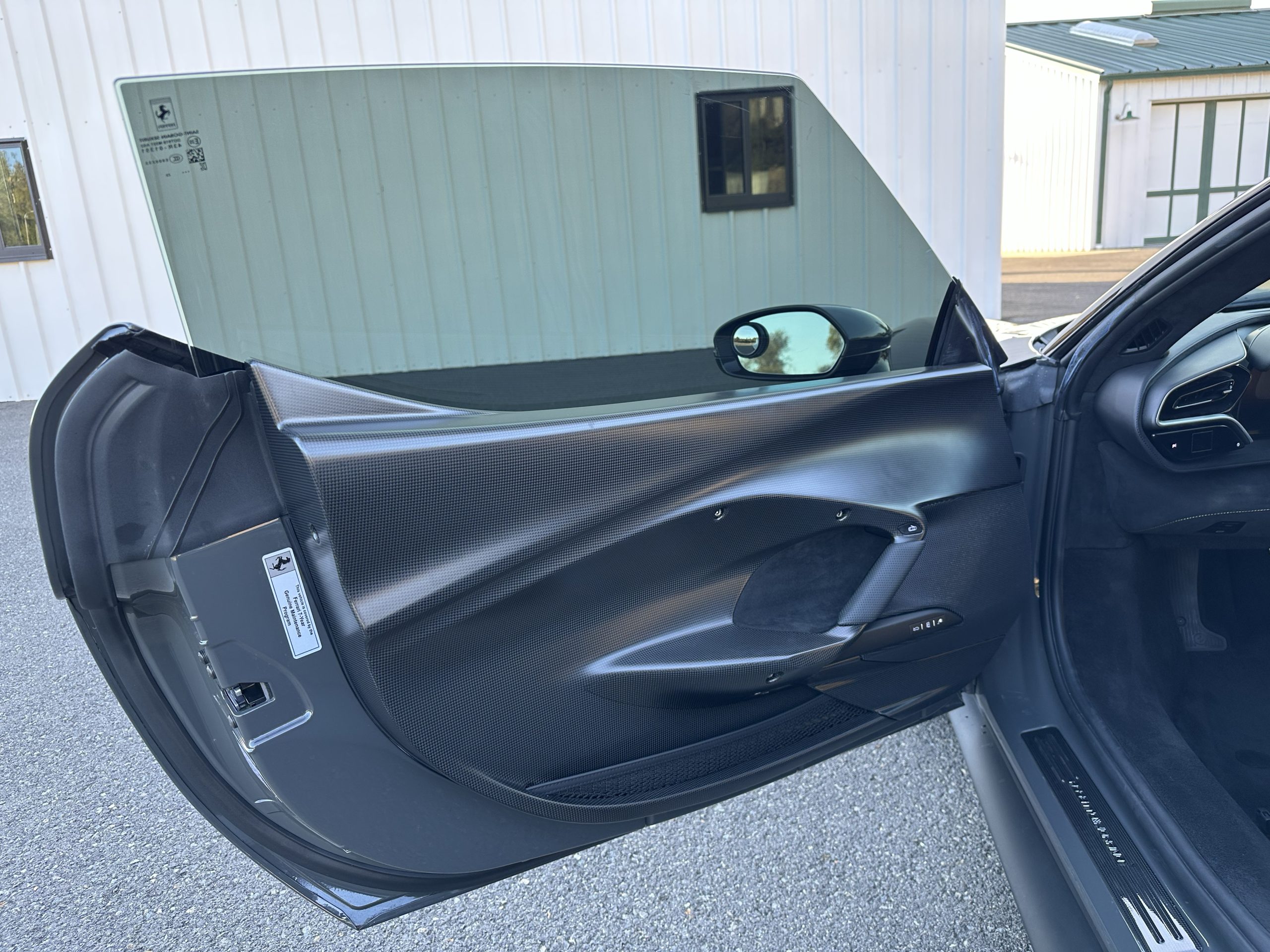
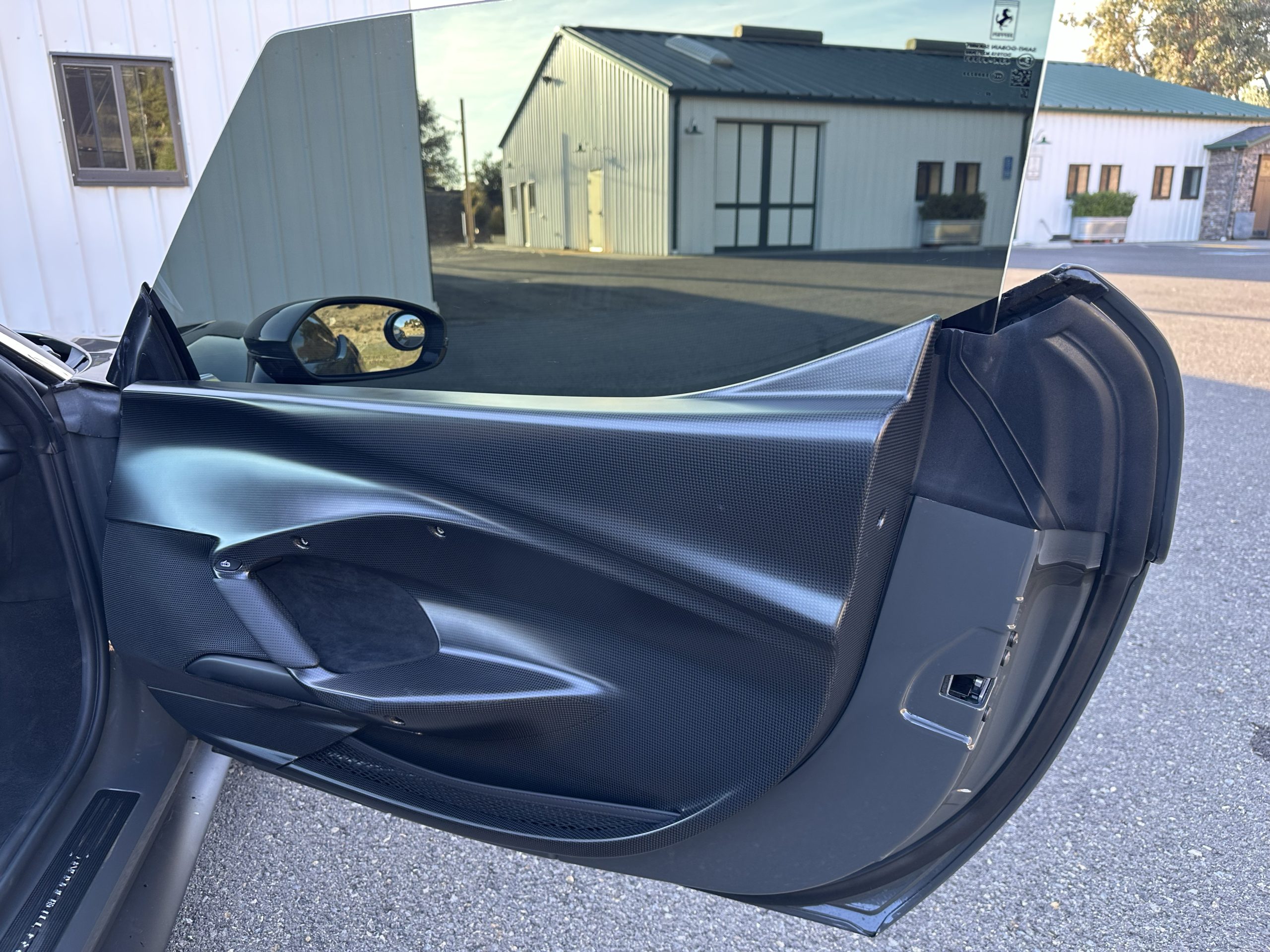
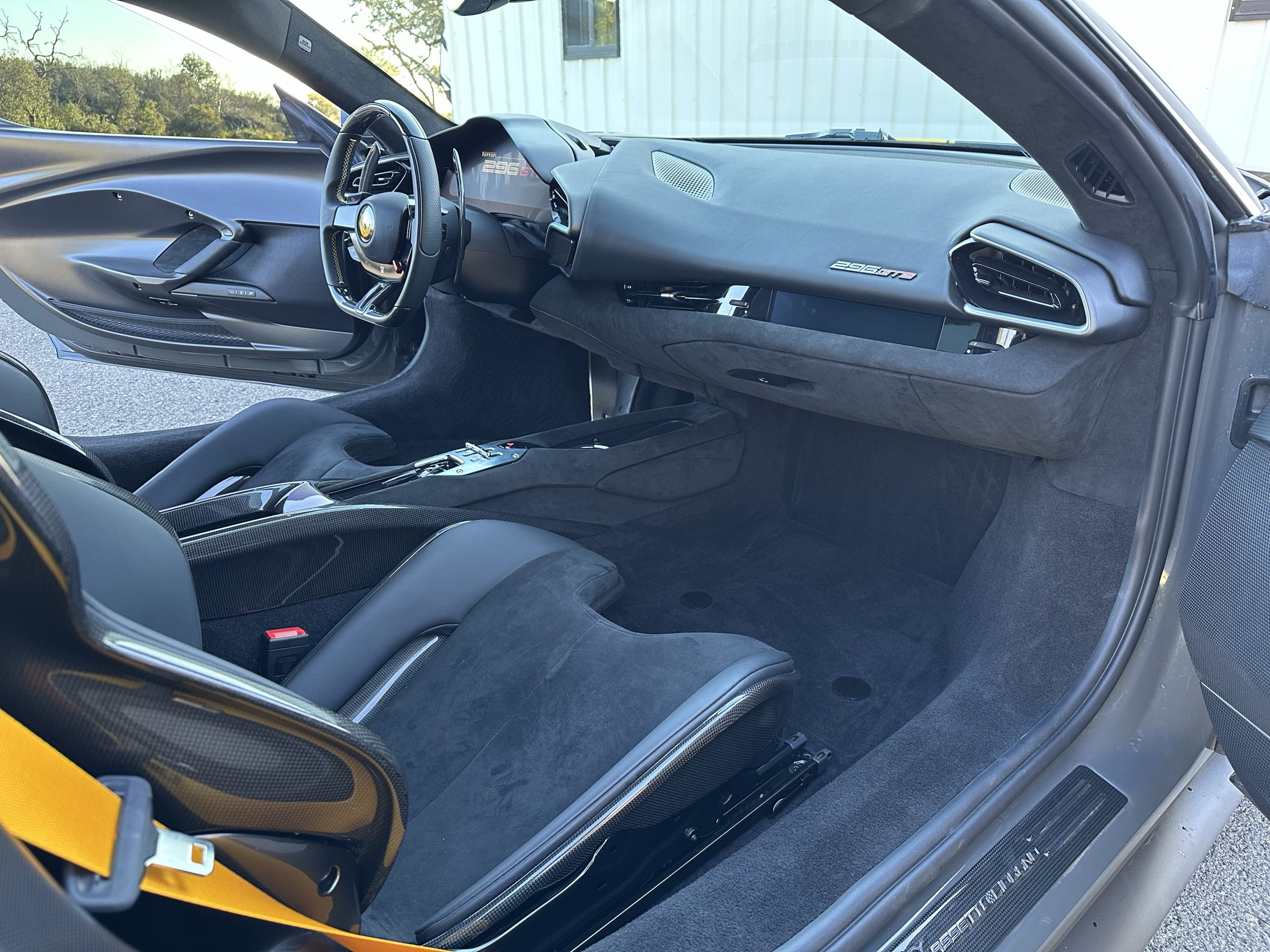
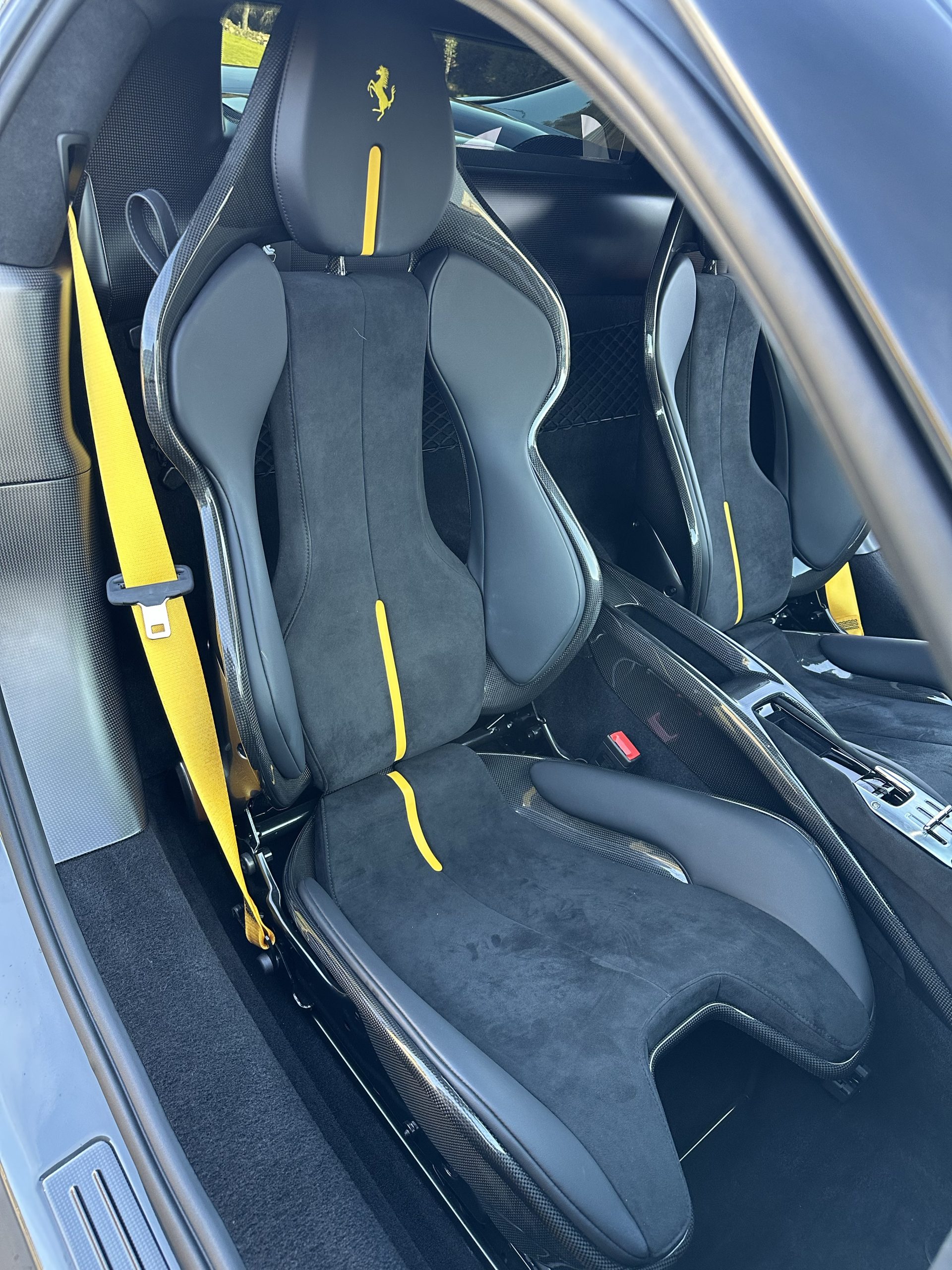
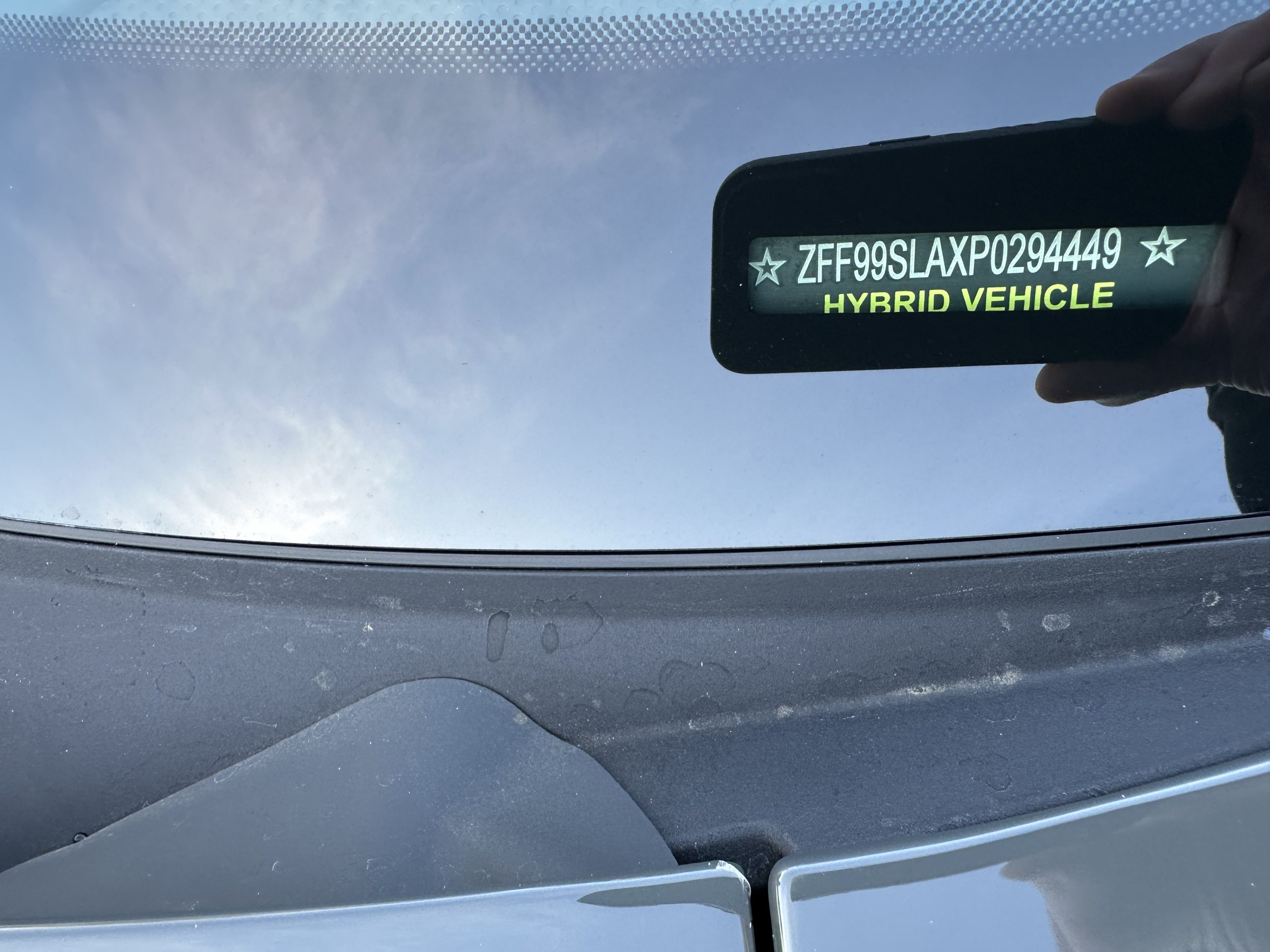
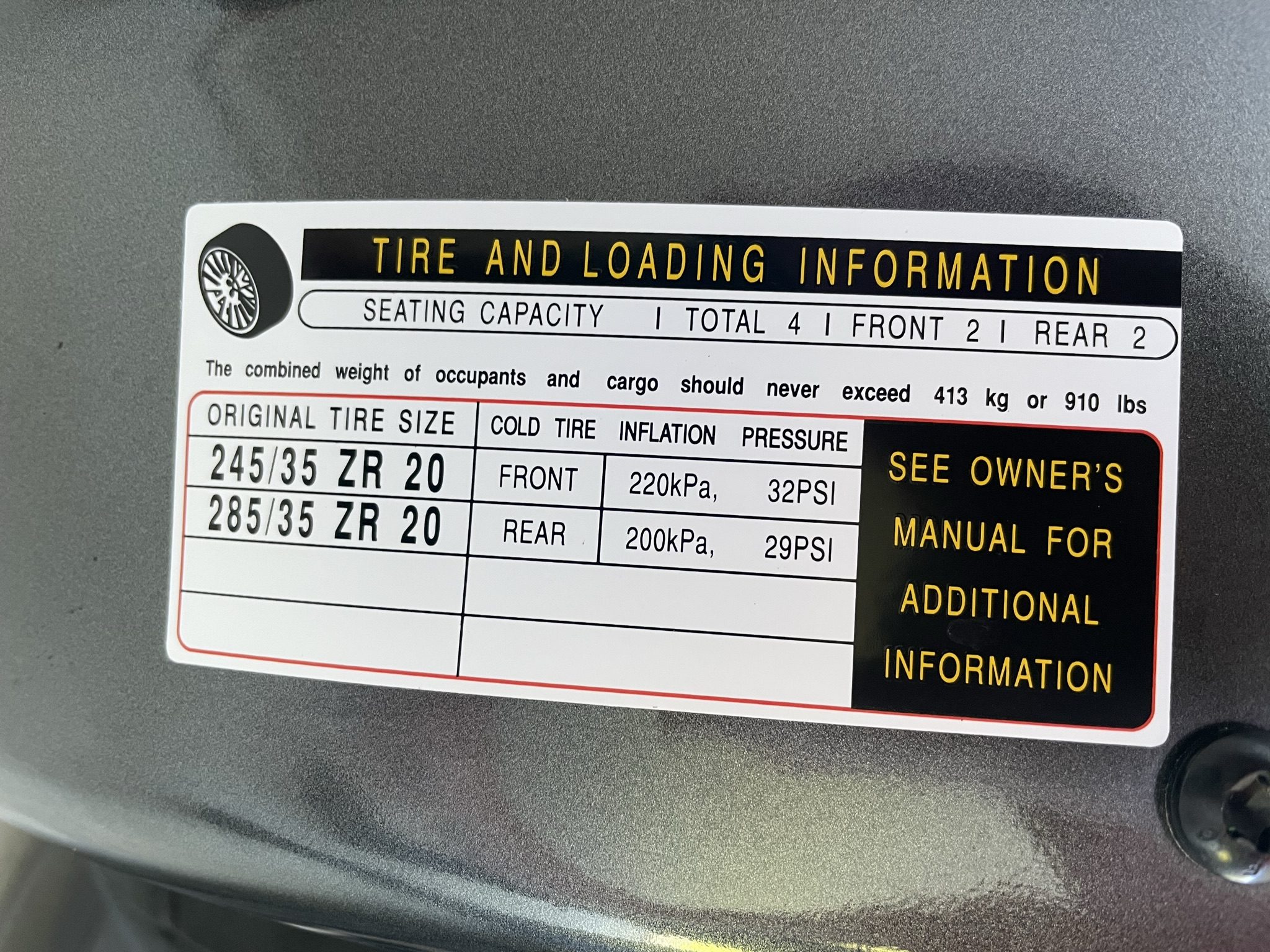
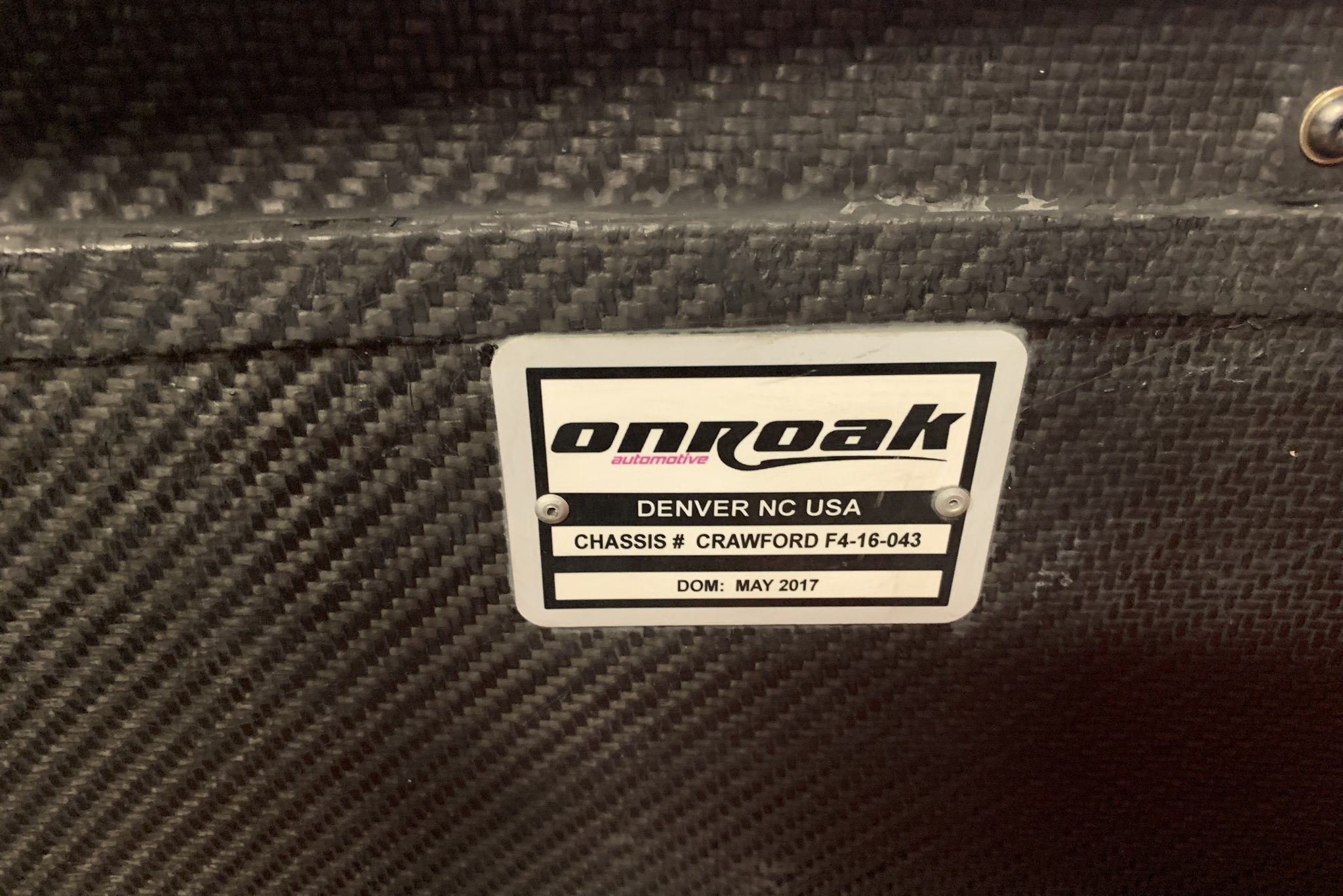
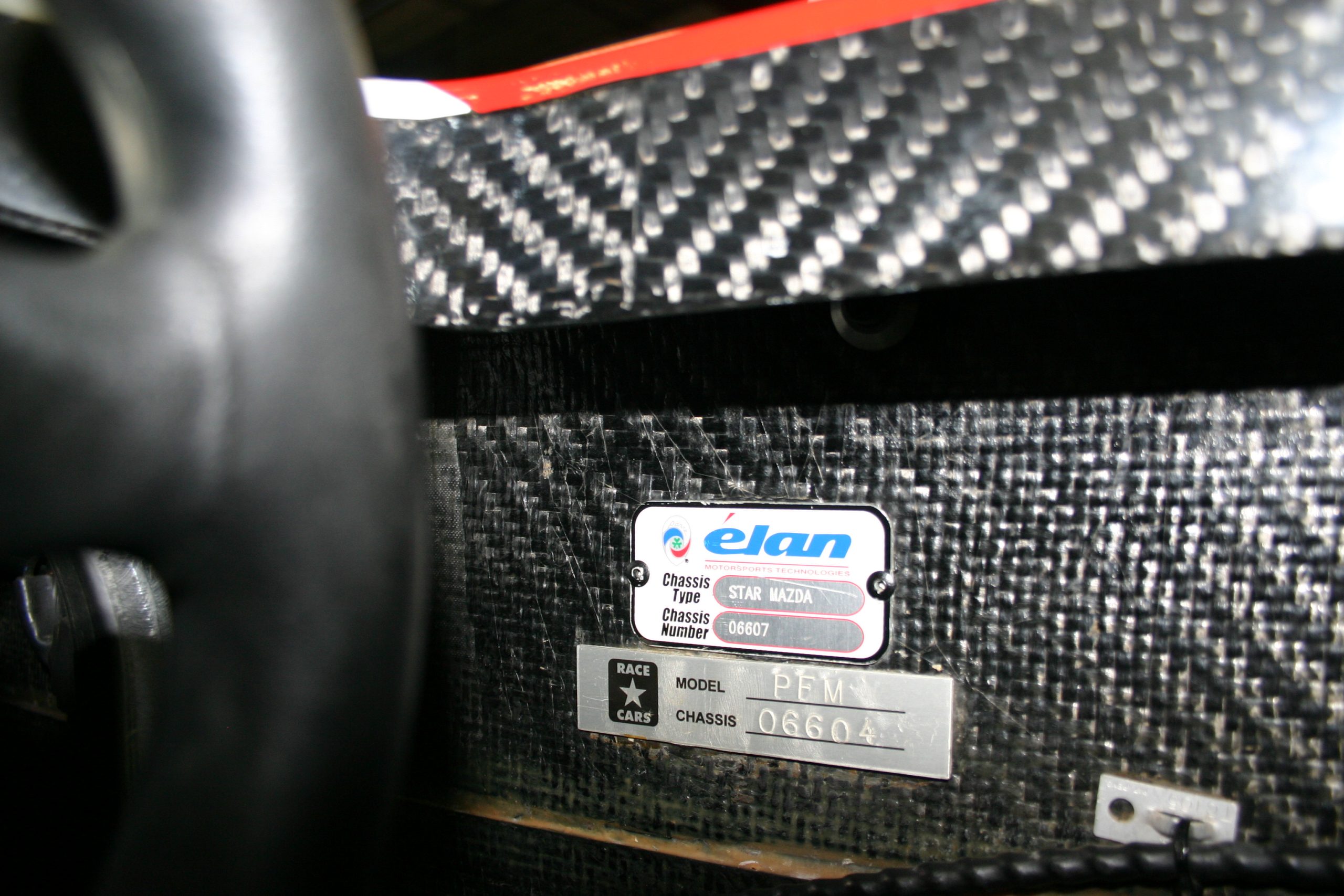
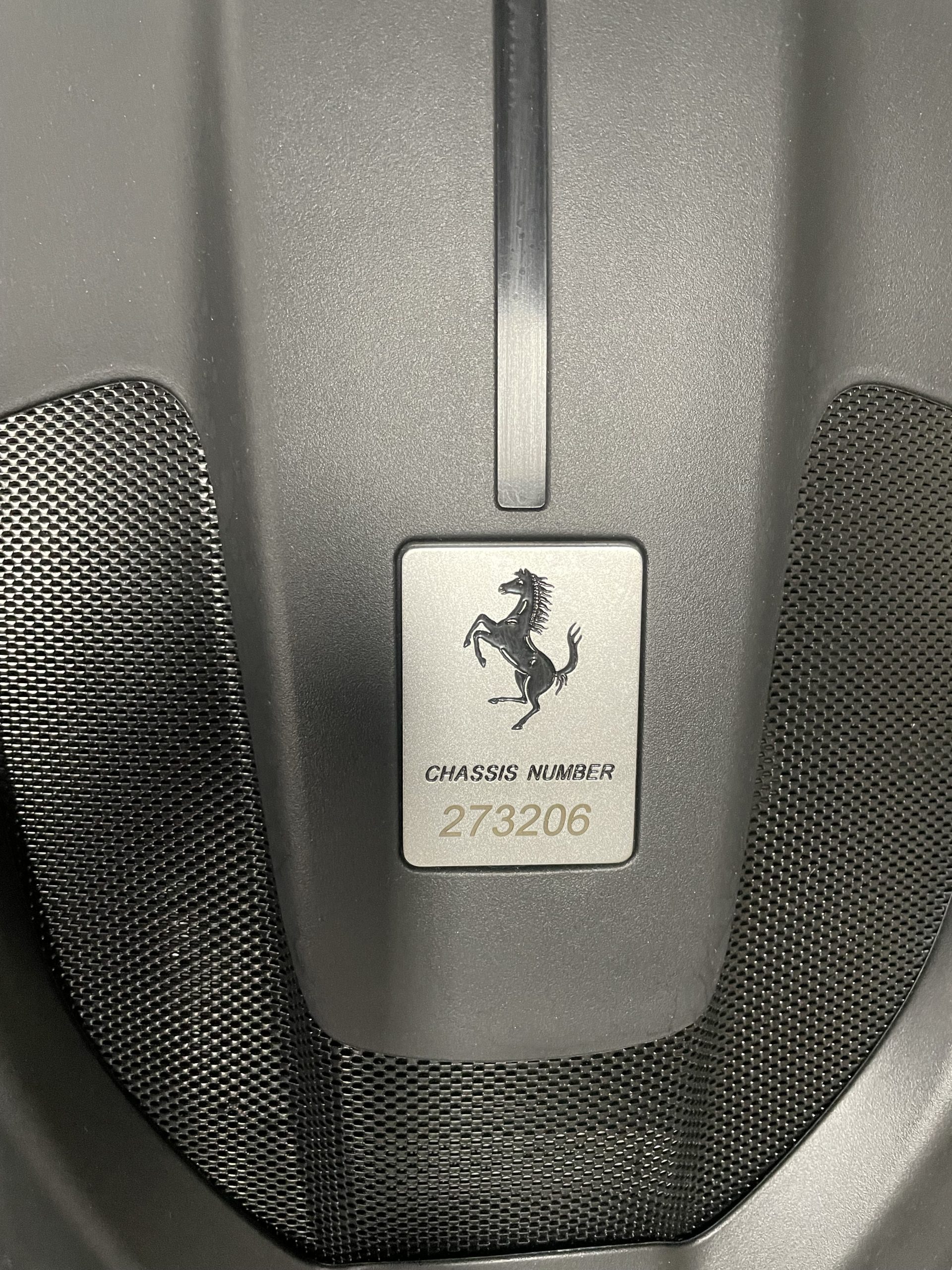
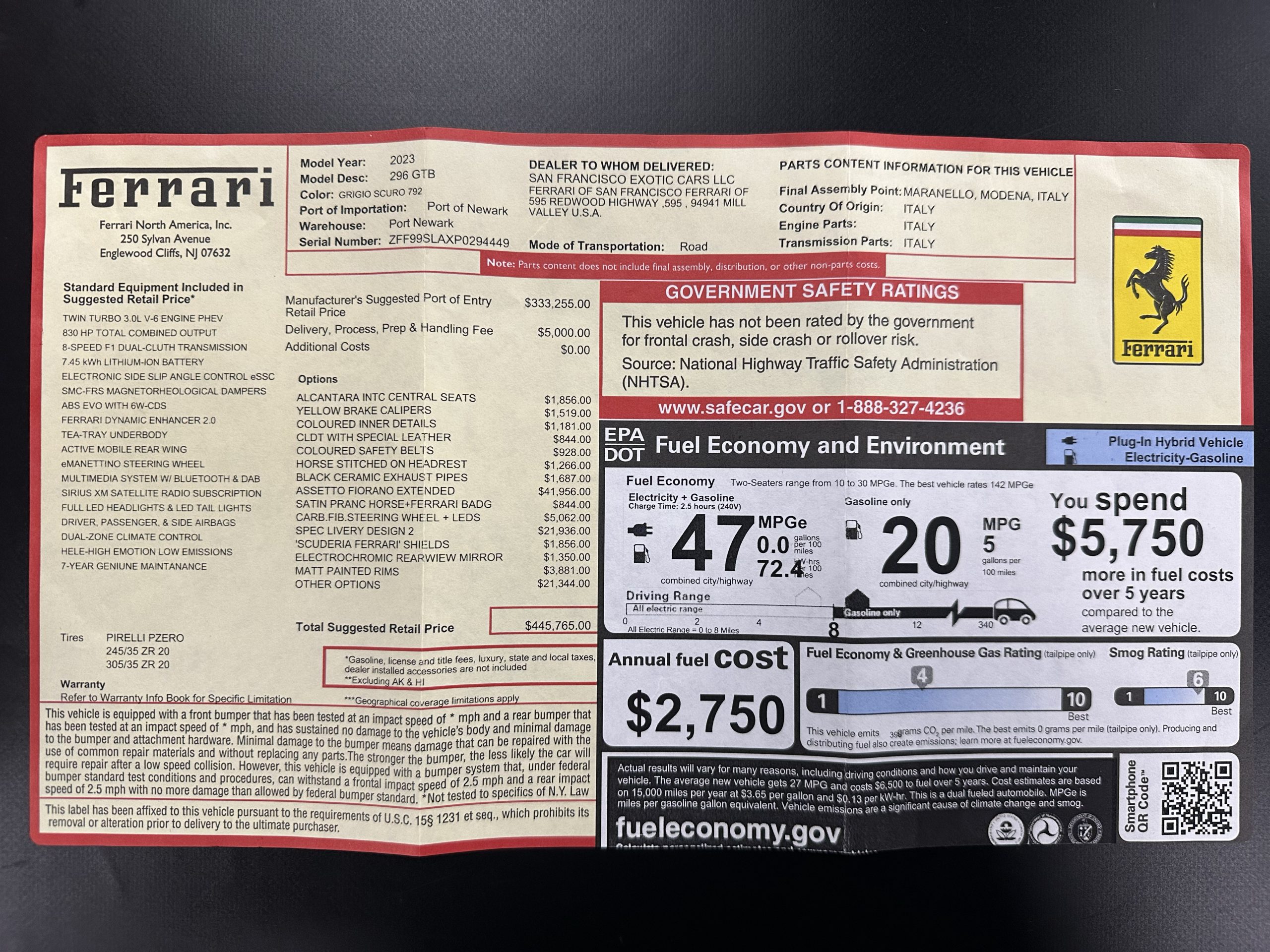
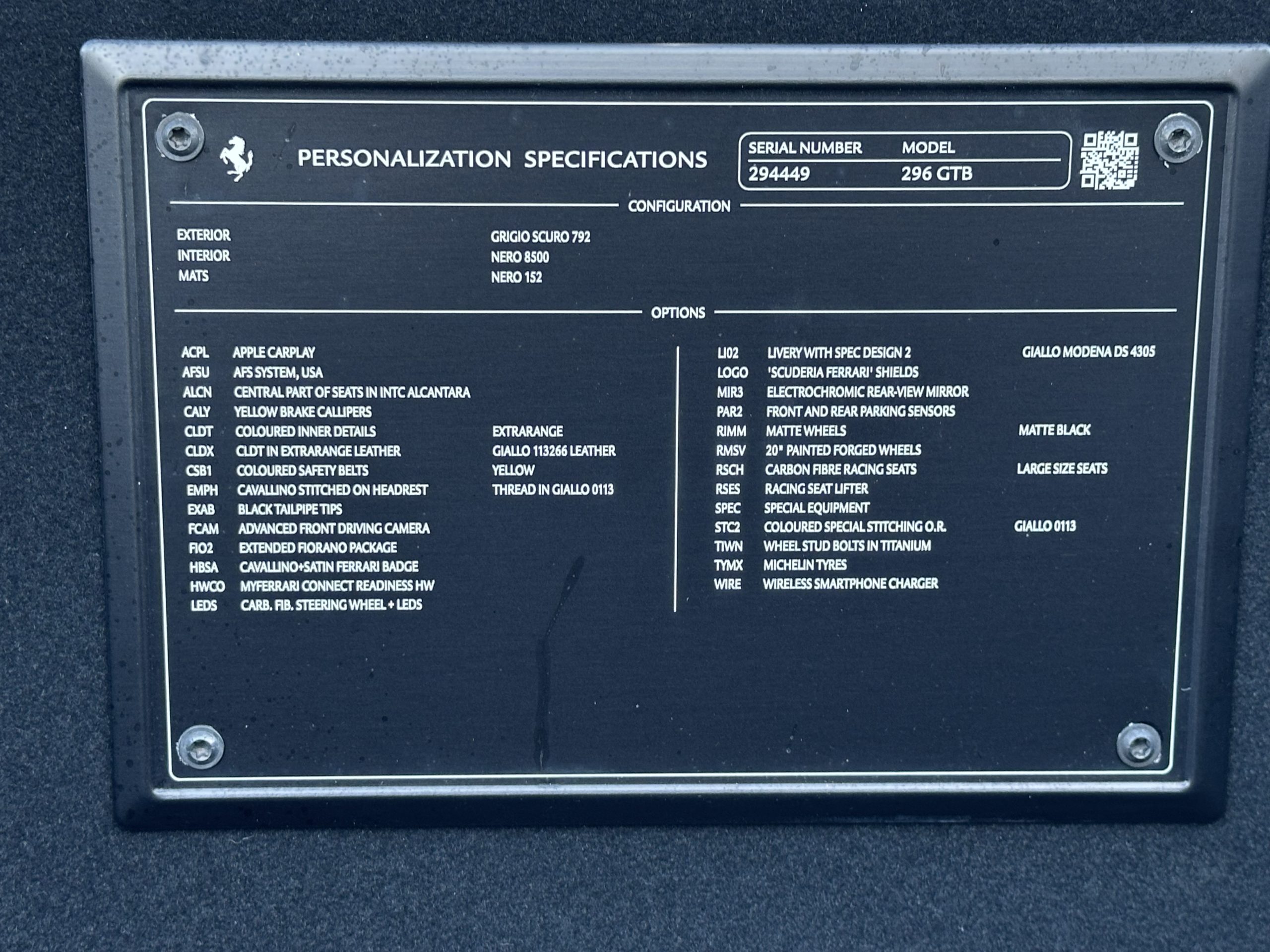
Labels and Stickers. Photograph all information labels and VIN stickers — typically in door jambs, under the hood, or in the trunk. Make sure the full label is in frame and the text is legible.
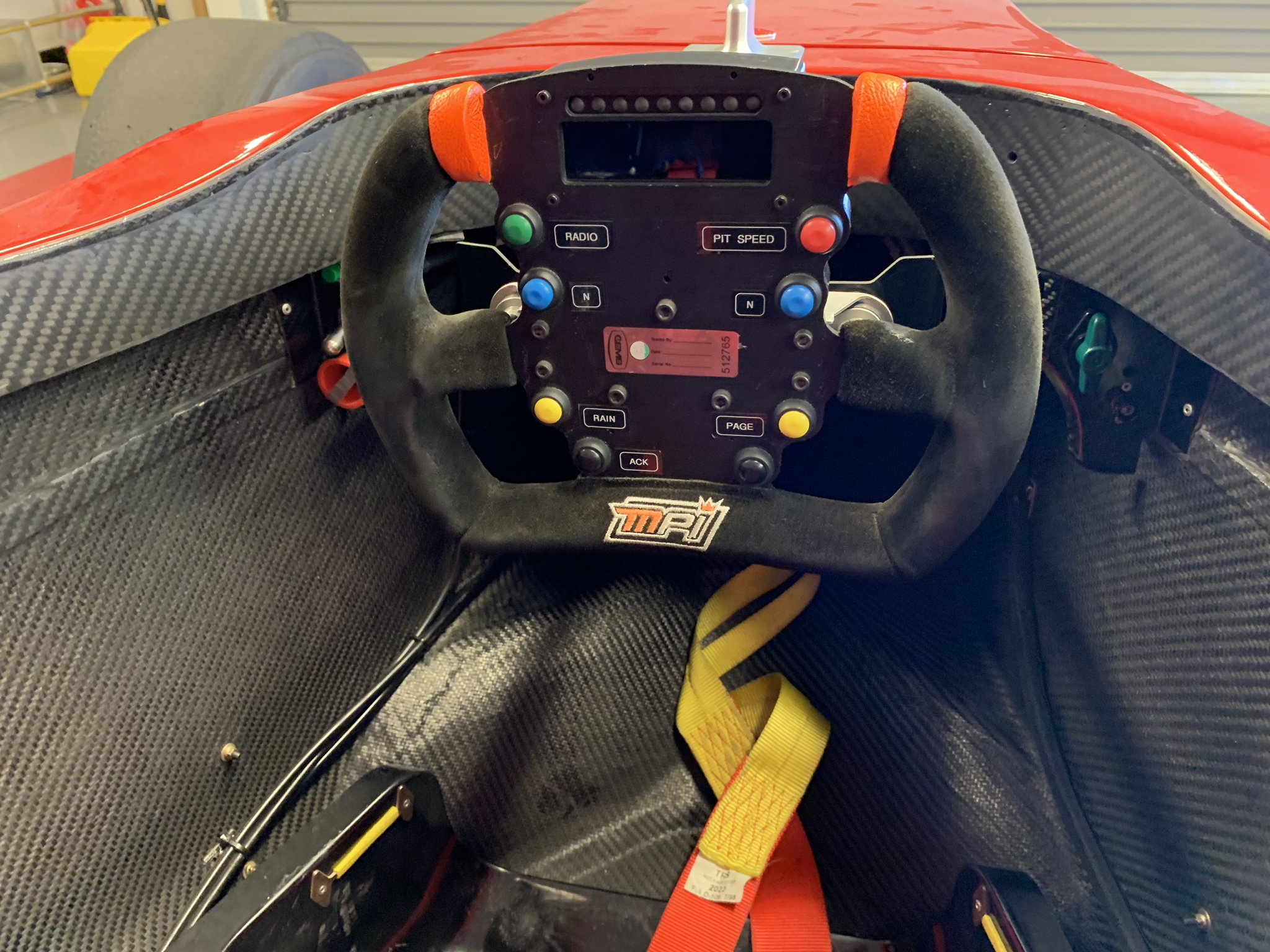
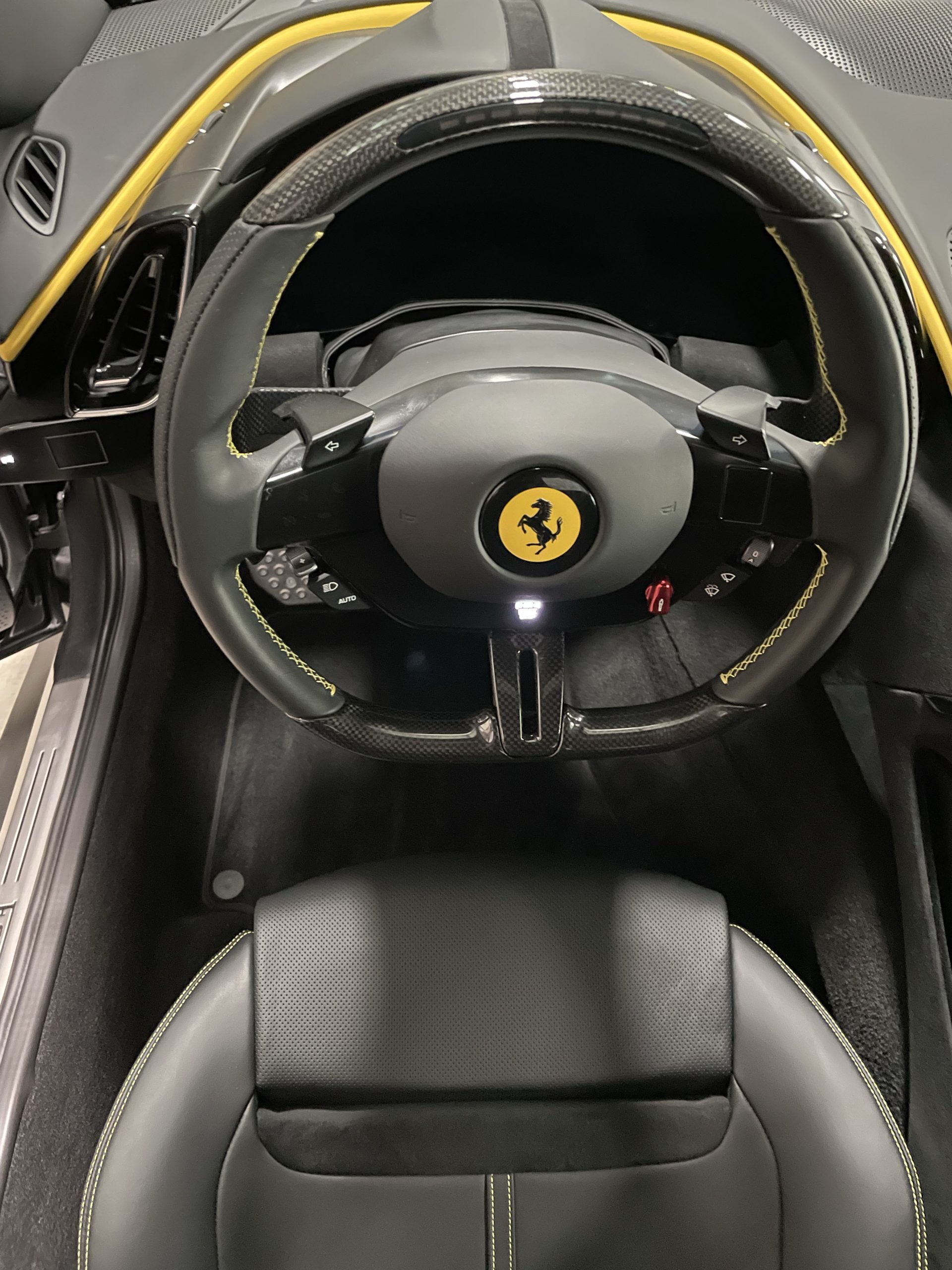
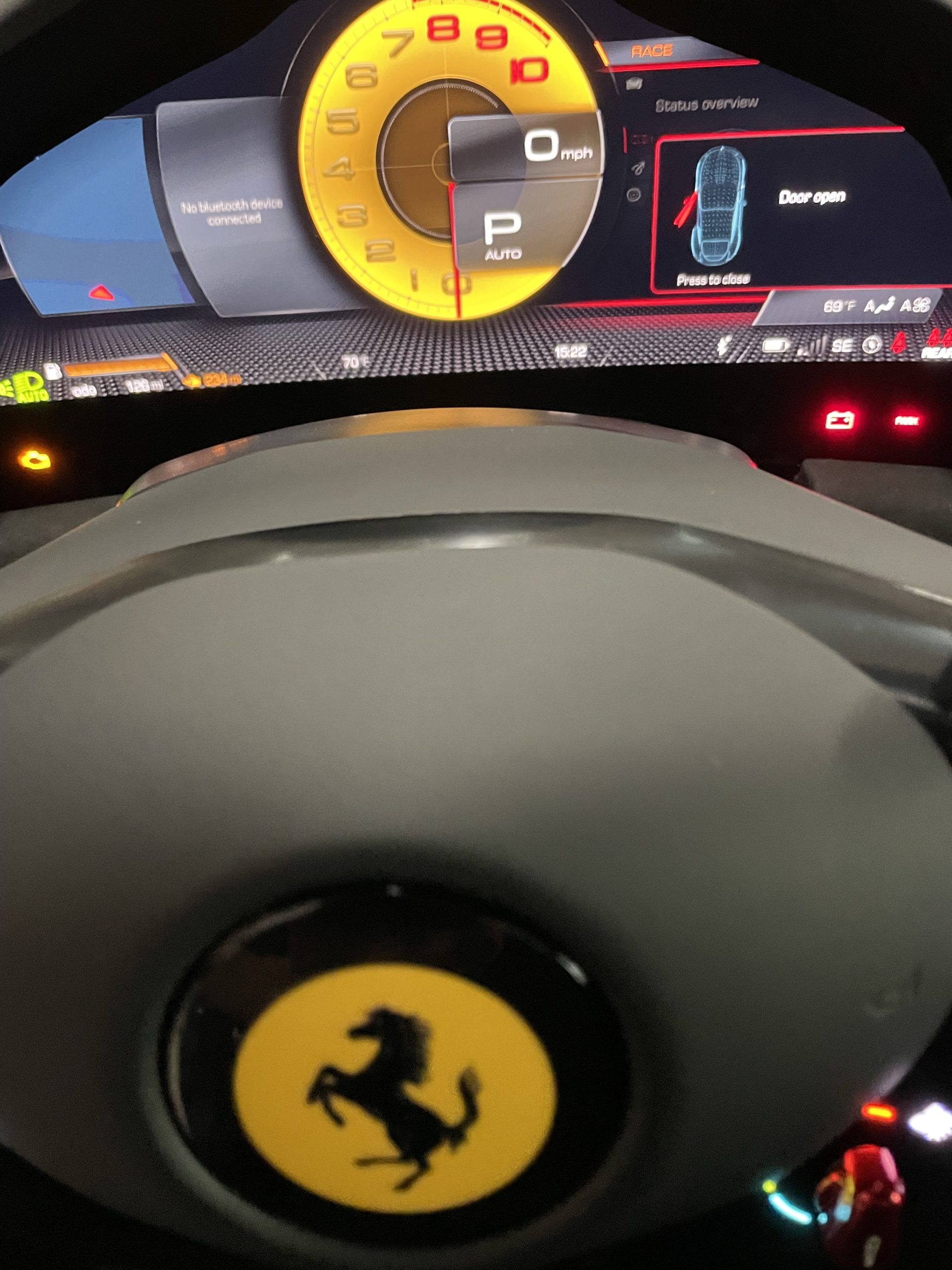
Dashboard & Cabin. Cover the full interior cabin:
- Dashboard from both sides
- Full instrument cluster — include the car idling and odometer reading
- Center console, shifter, and climate controls
- Radio and infotainment system
- Door panels and headliner
- Glovebox interior
- Trunk compartment — remove personal items first
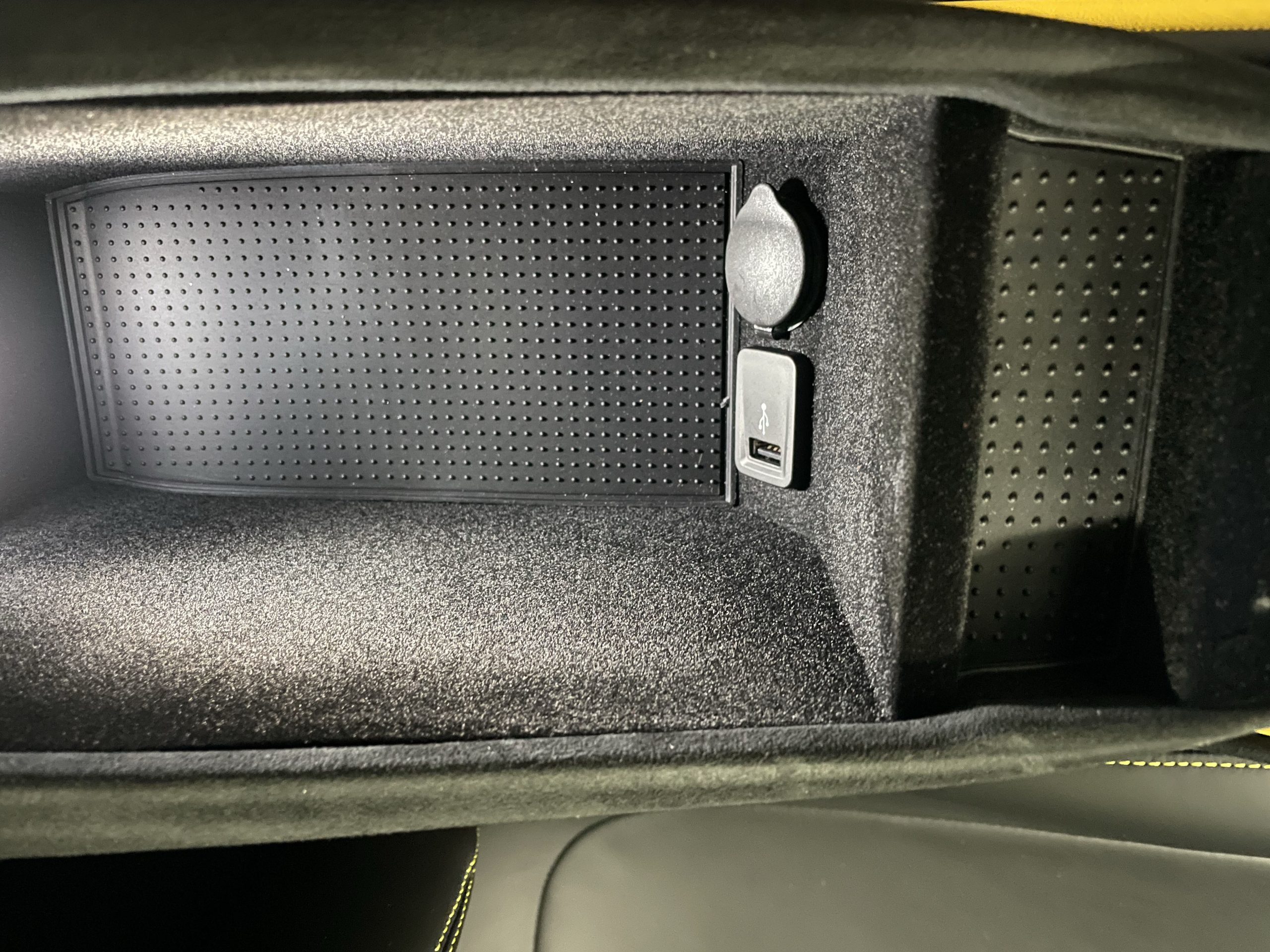
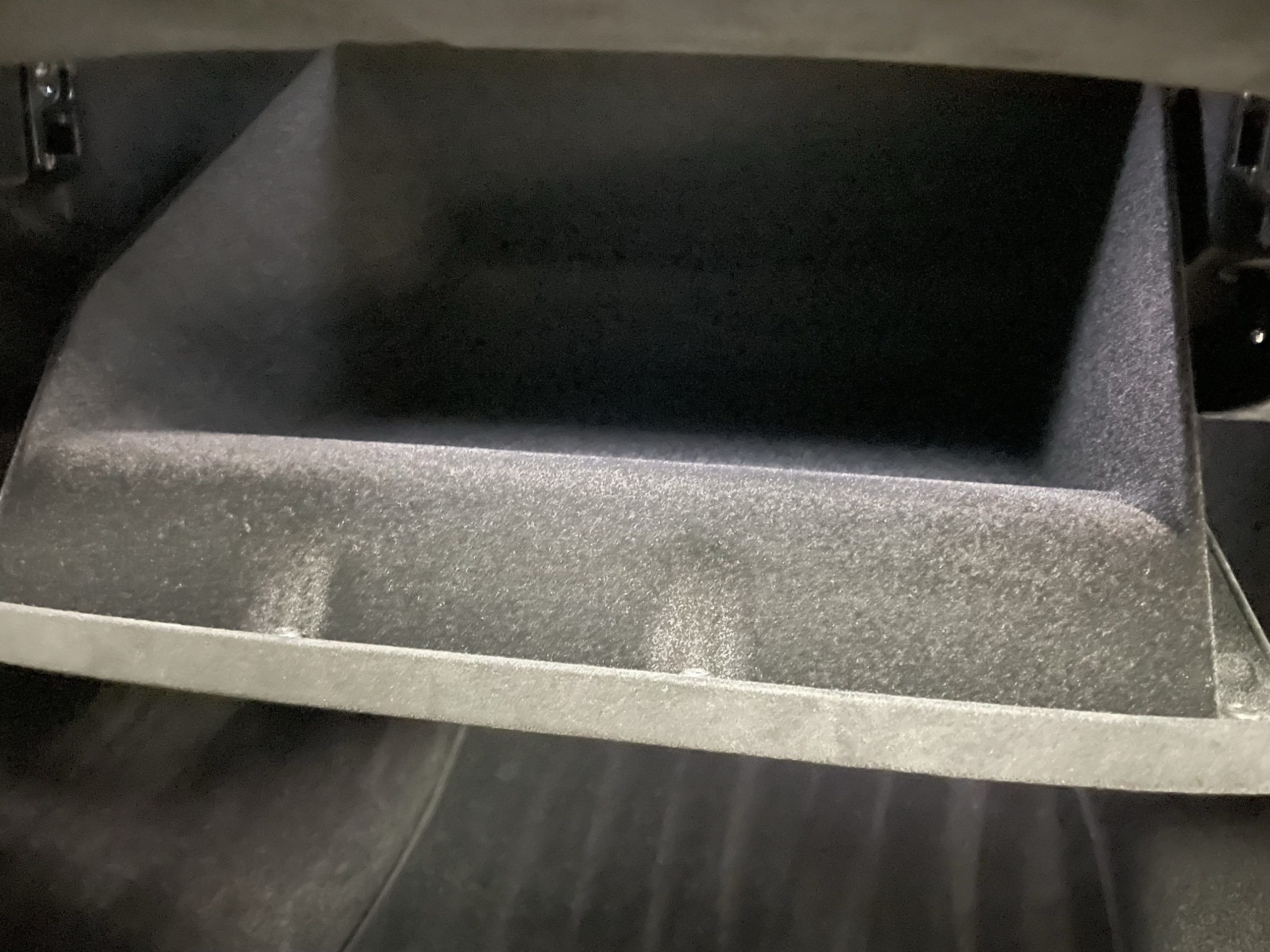
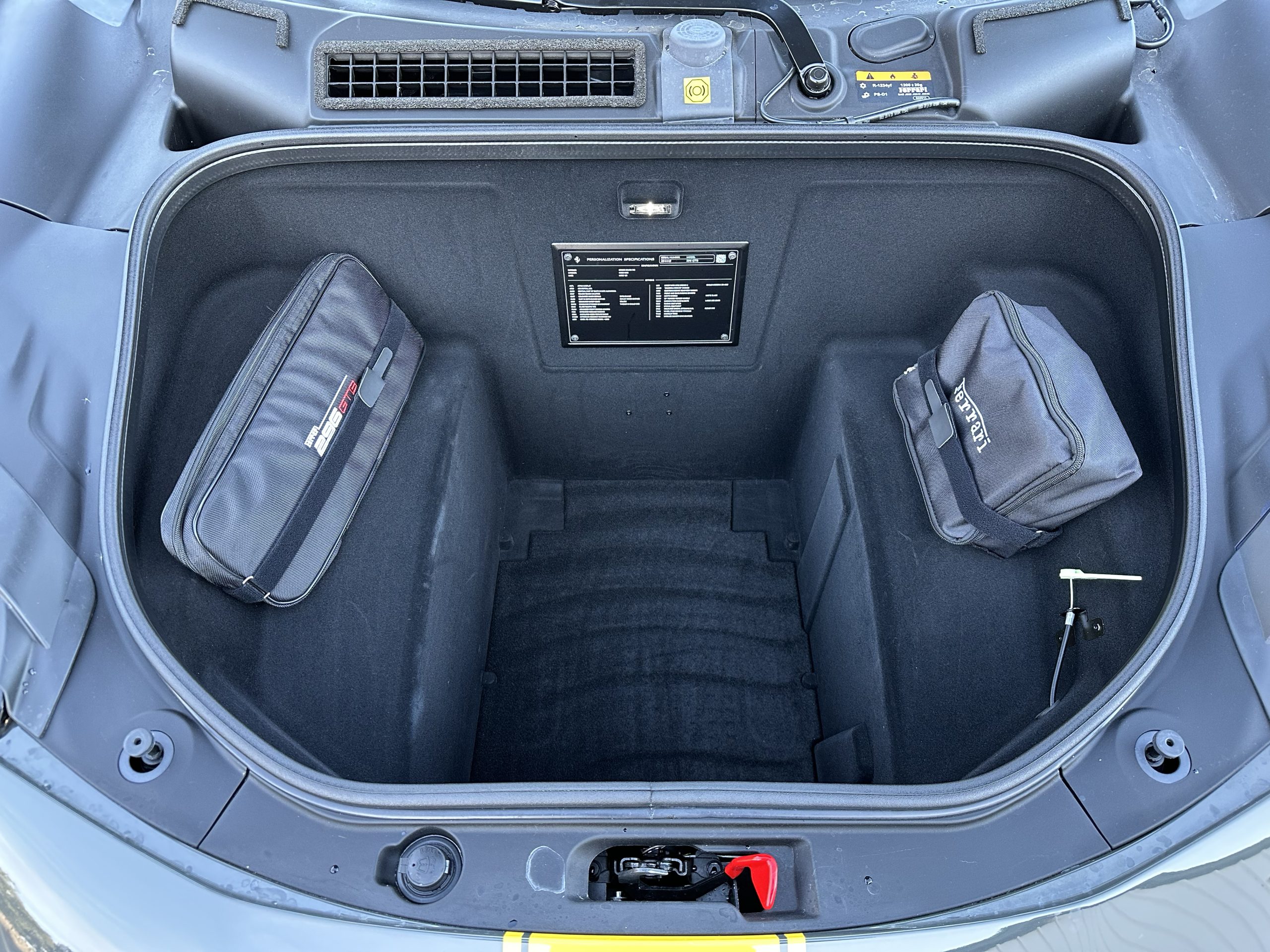
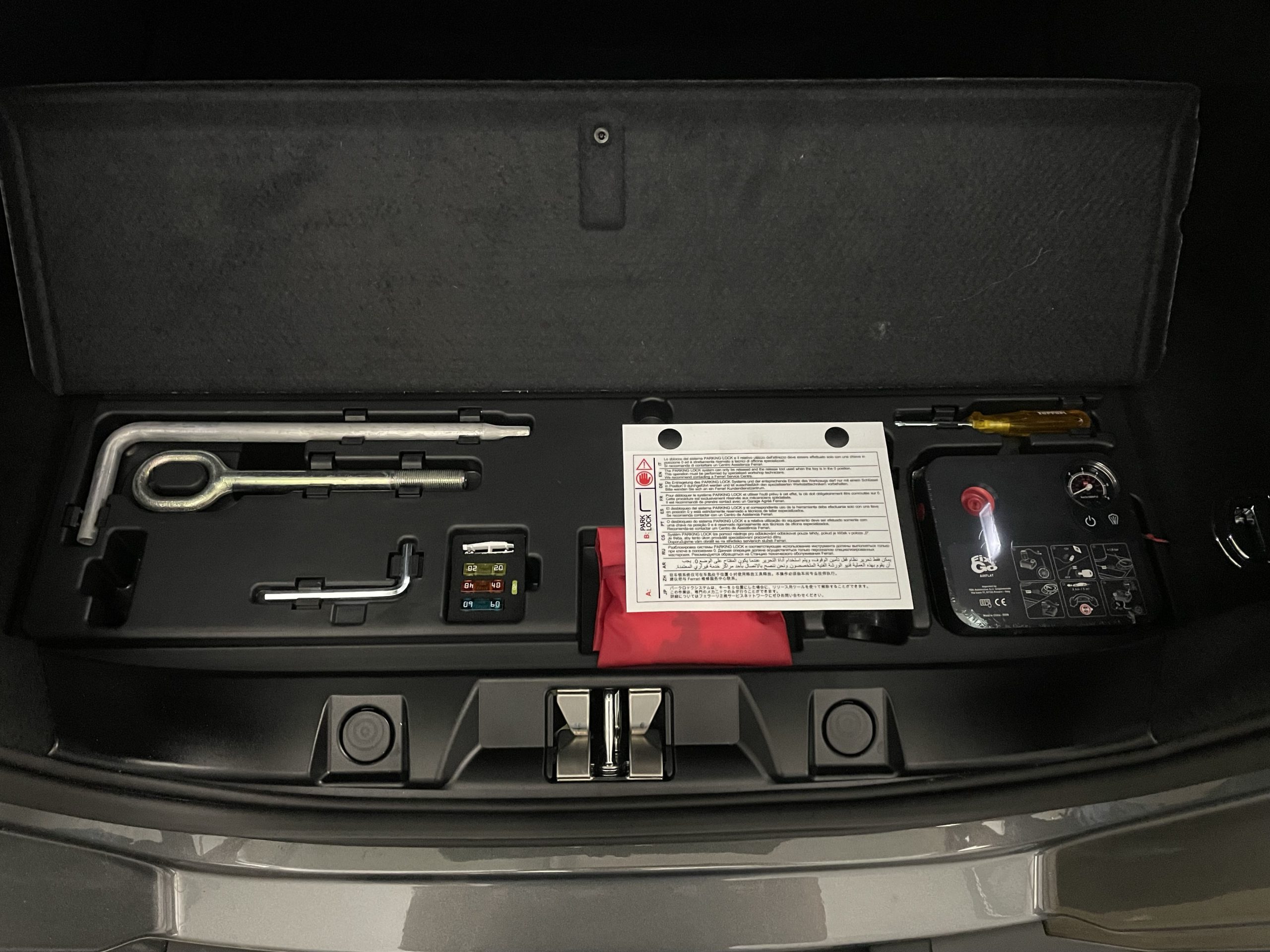
Mechanical
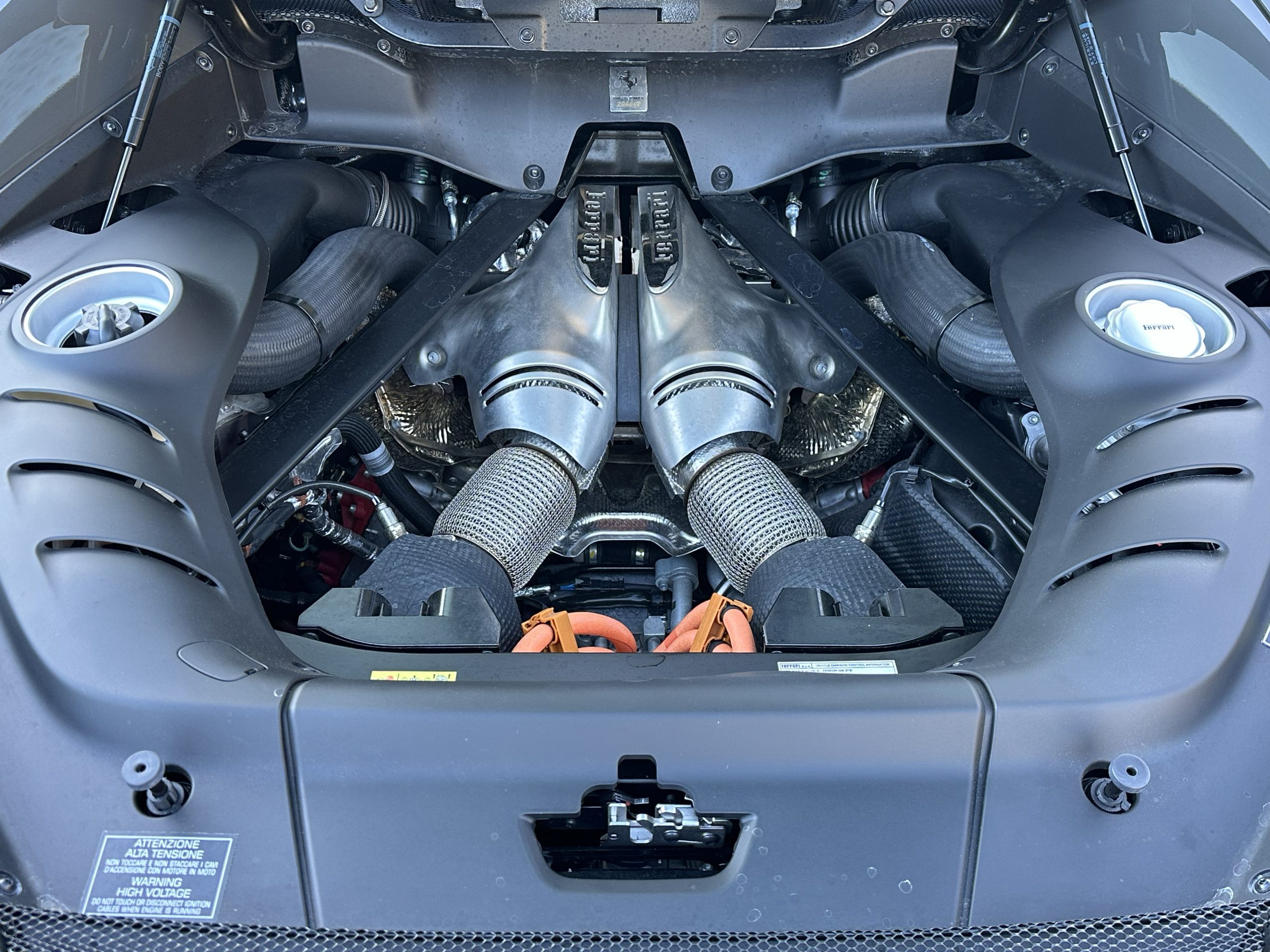
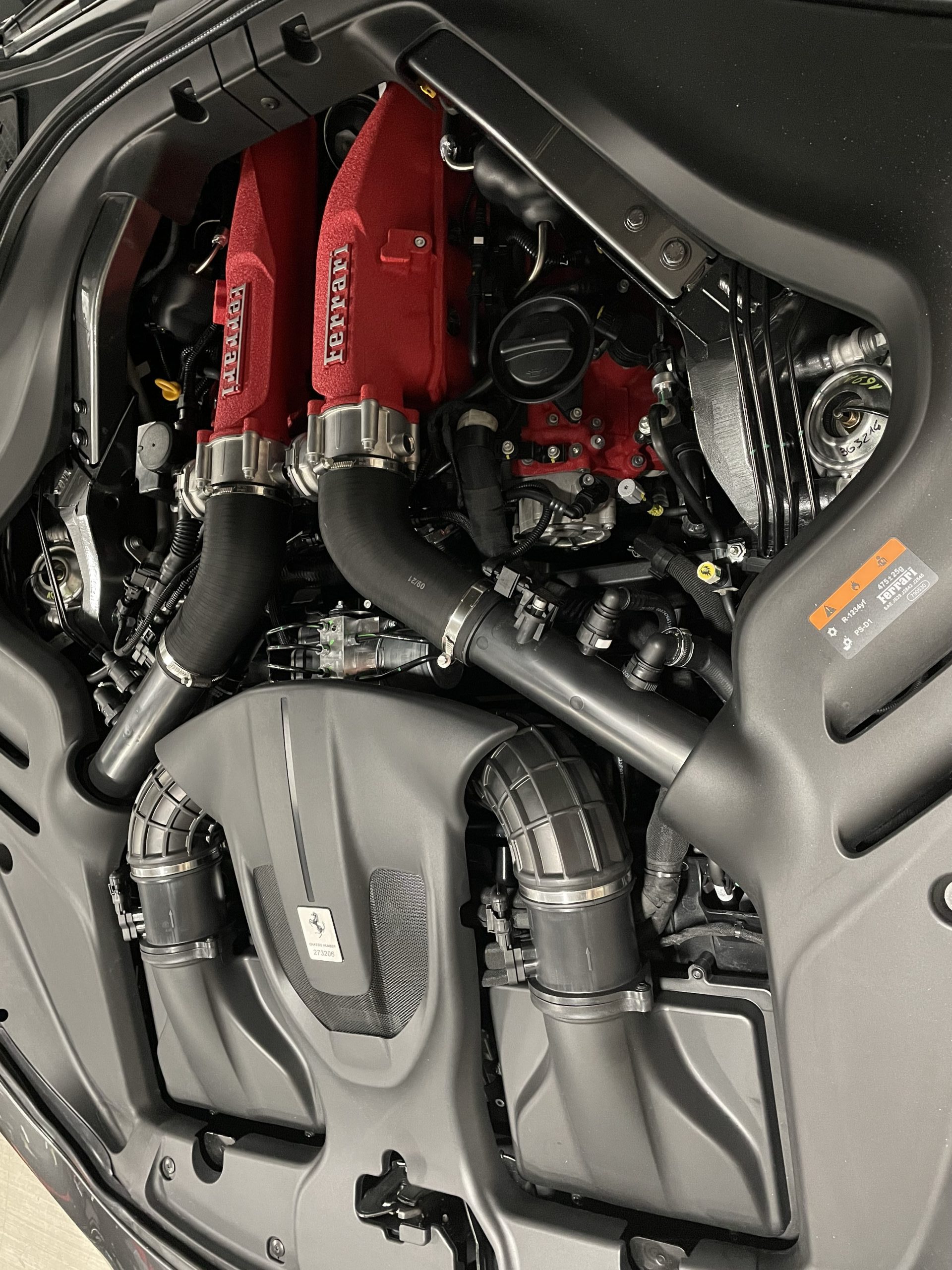
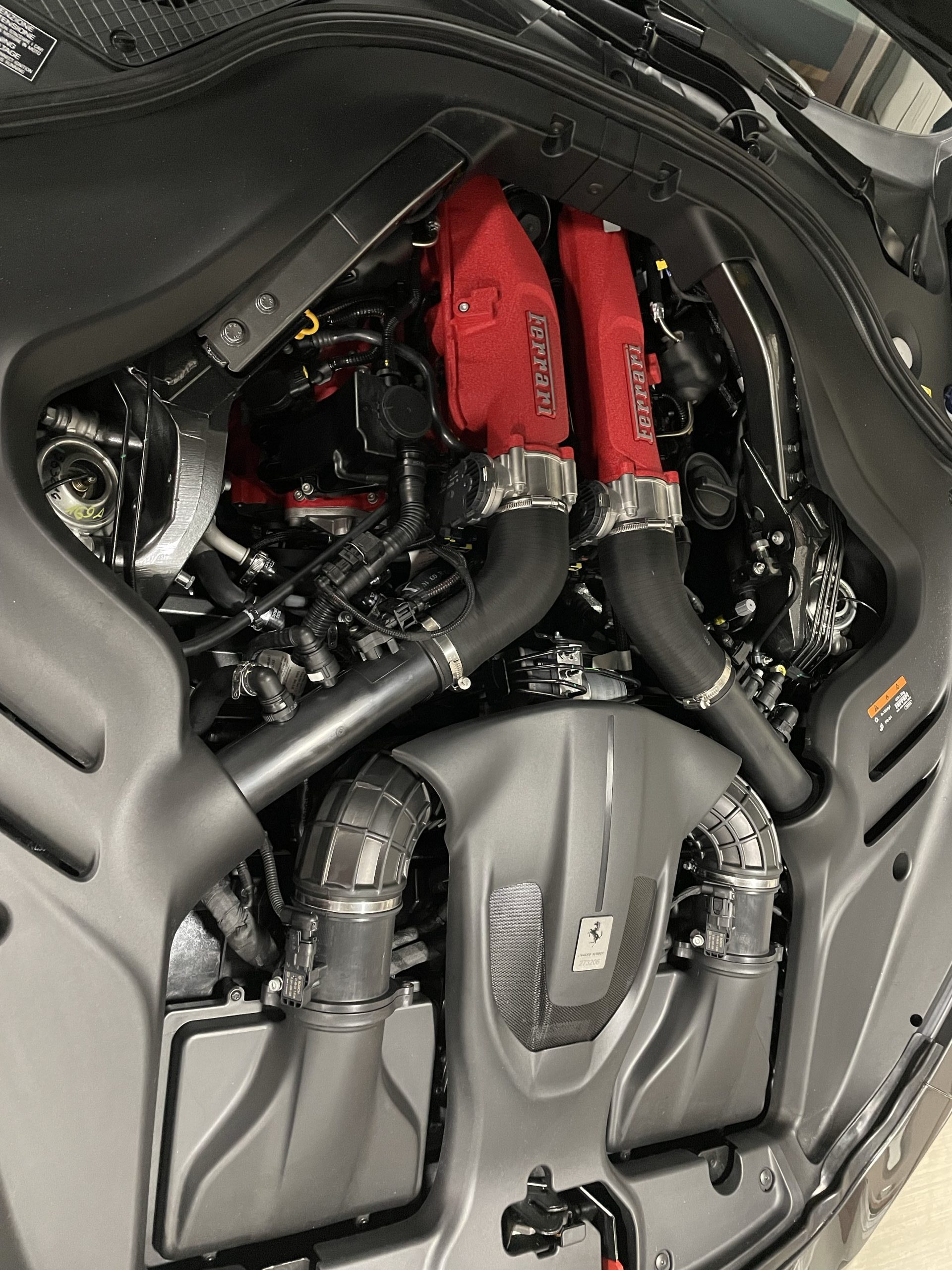
Document the engine bay, suspension components, and any mechanical systems you can safely access. Buyers evaluating a serious purchase want to see the mechanical condition — don’t leave this section thin. The more you show, the more confidence you build.
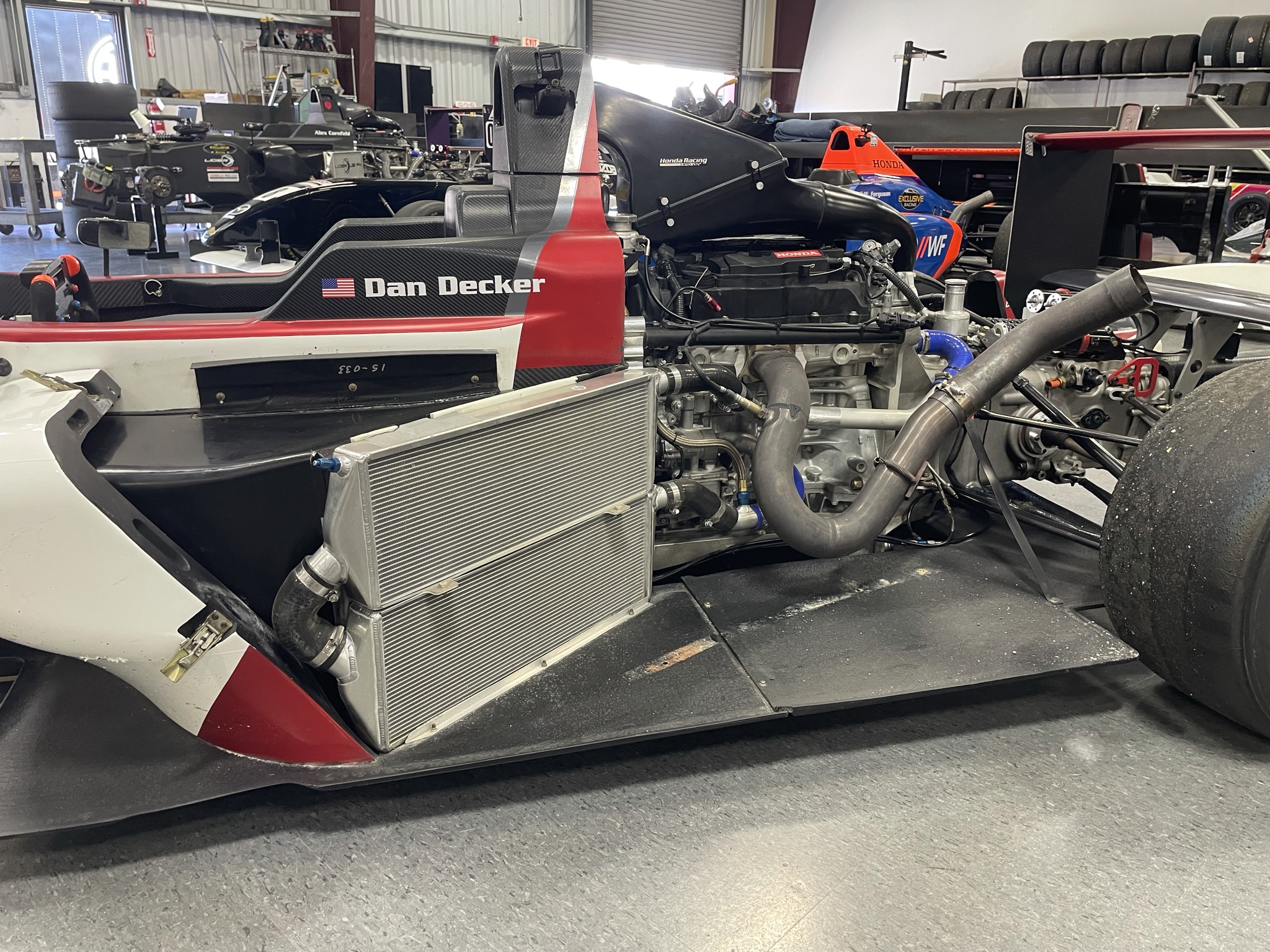
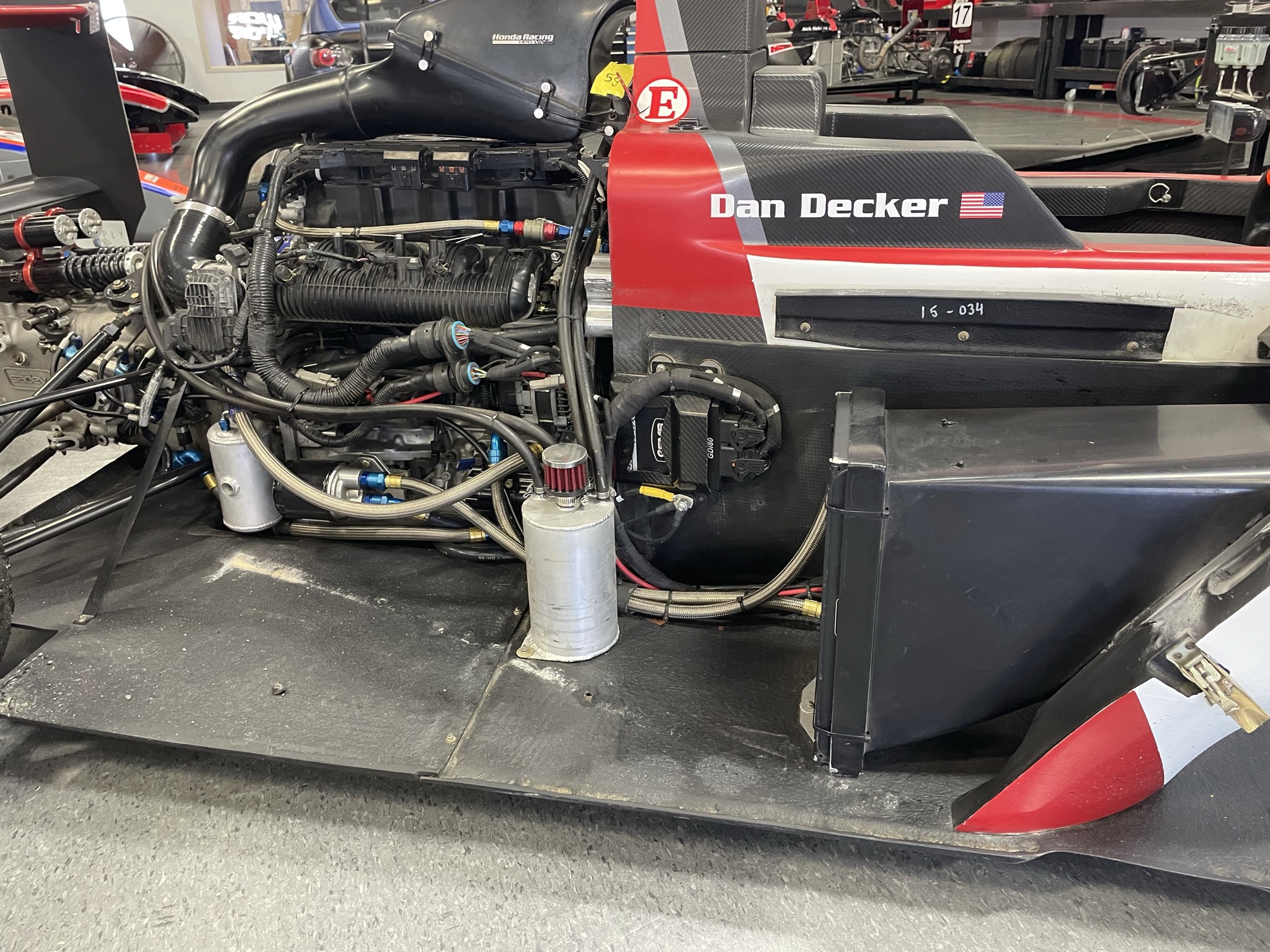
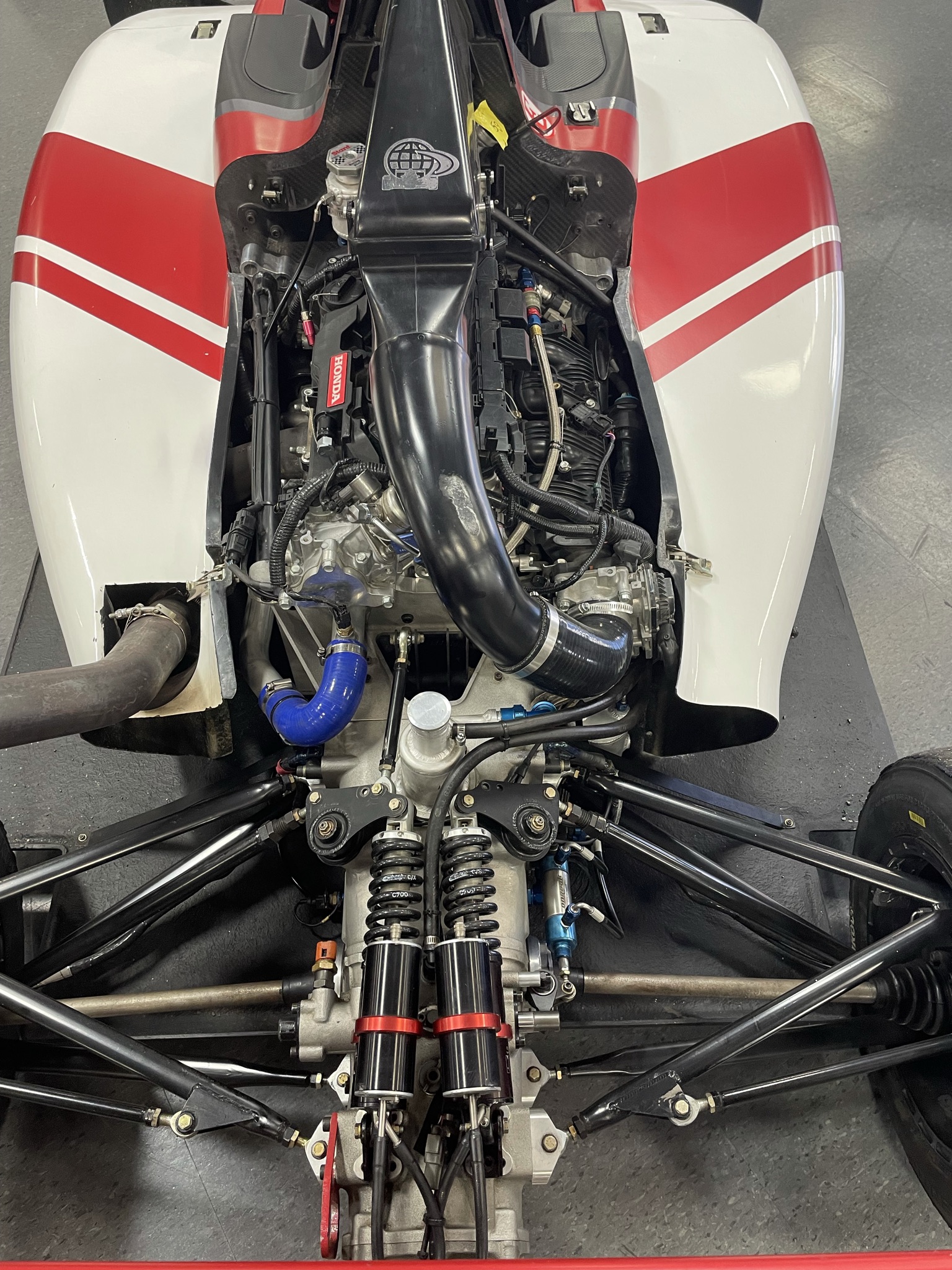
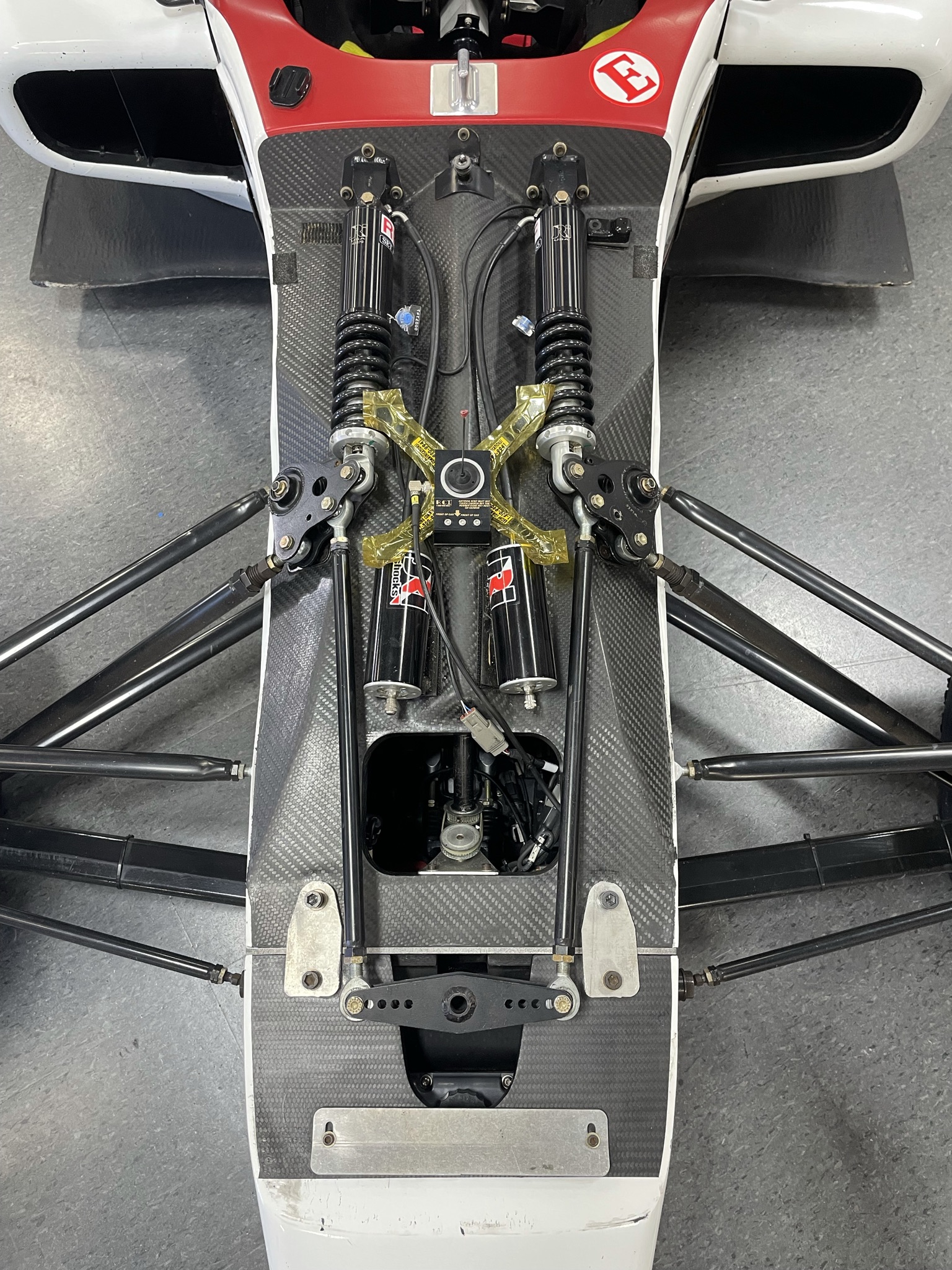
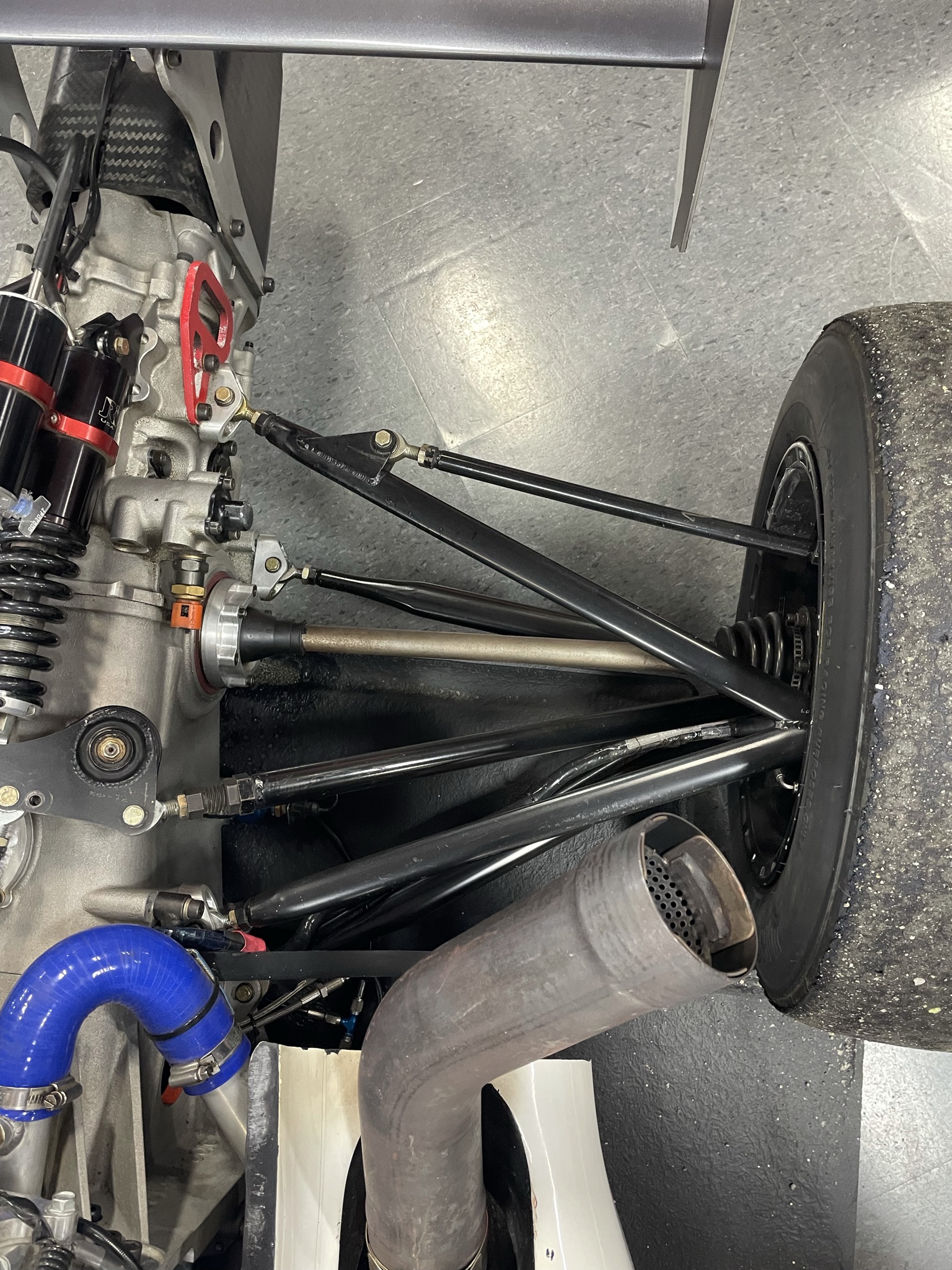
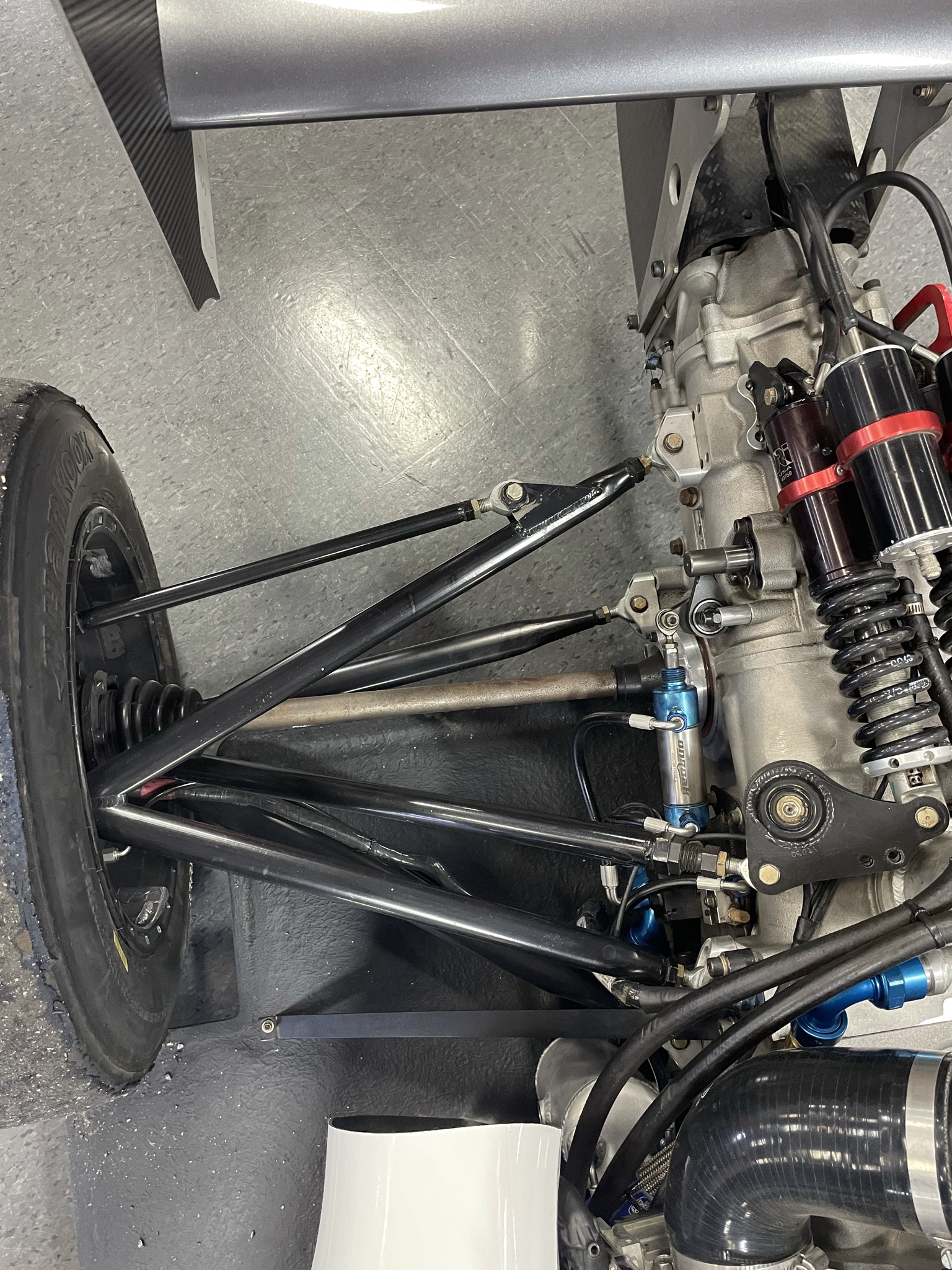
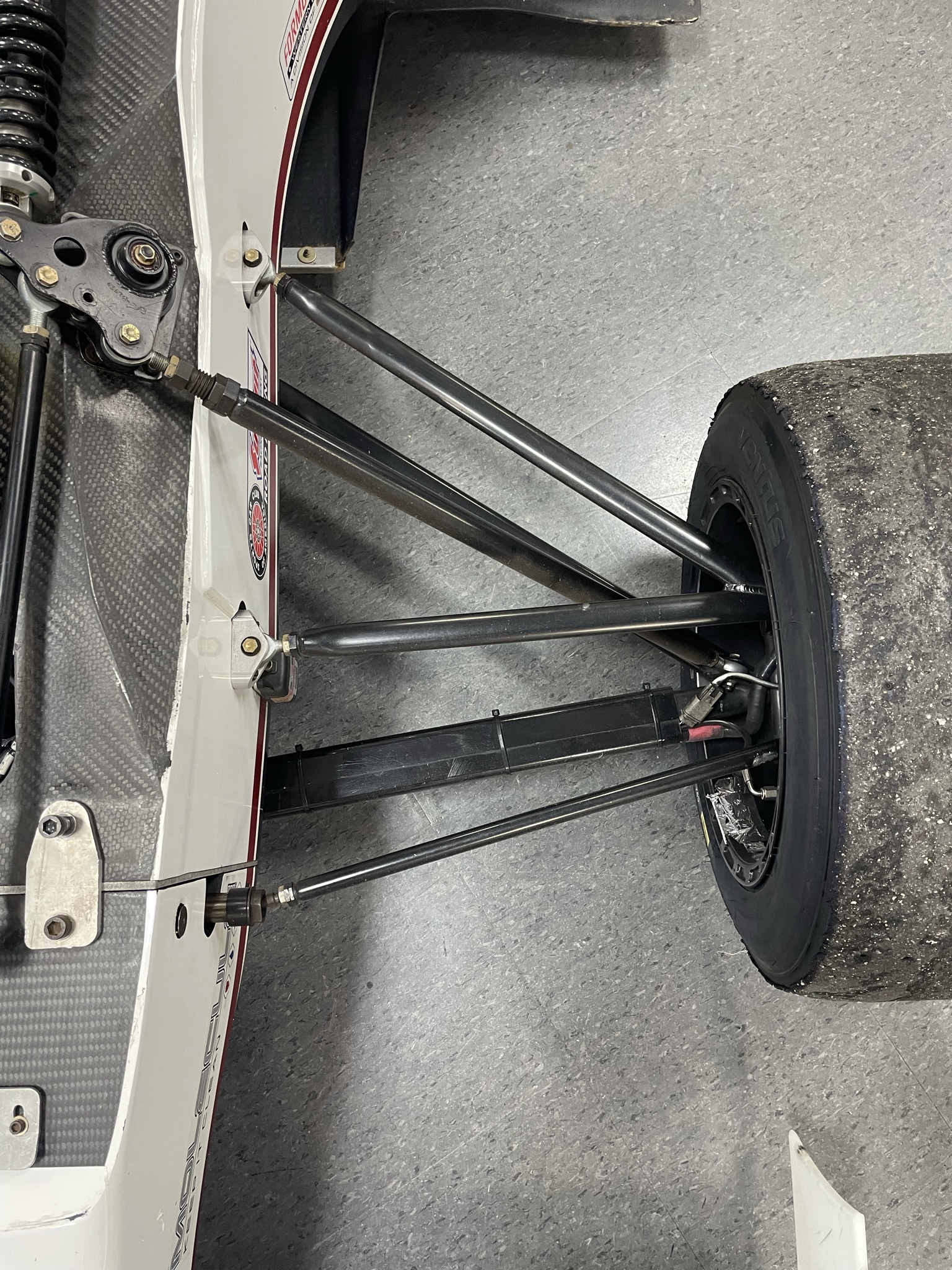
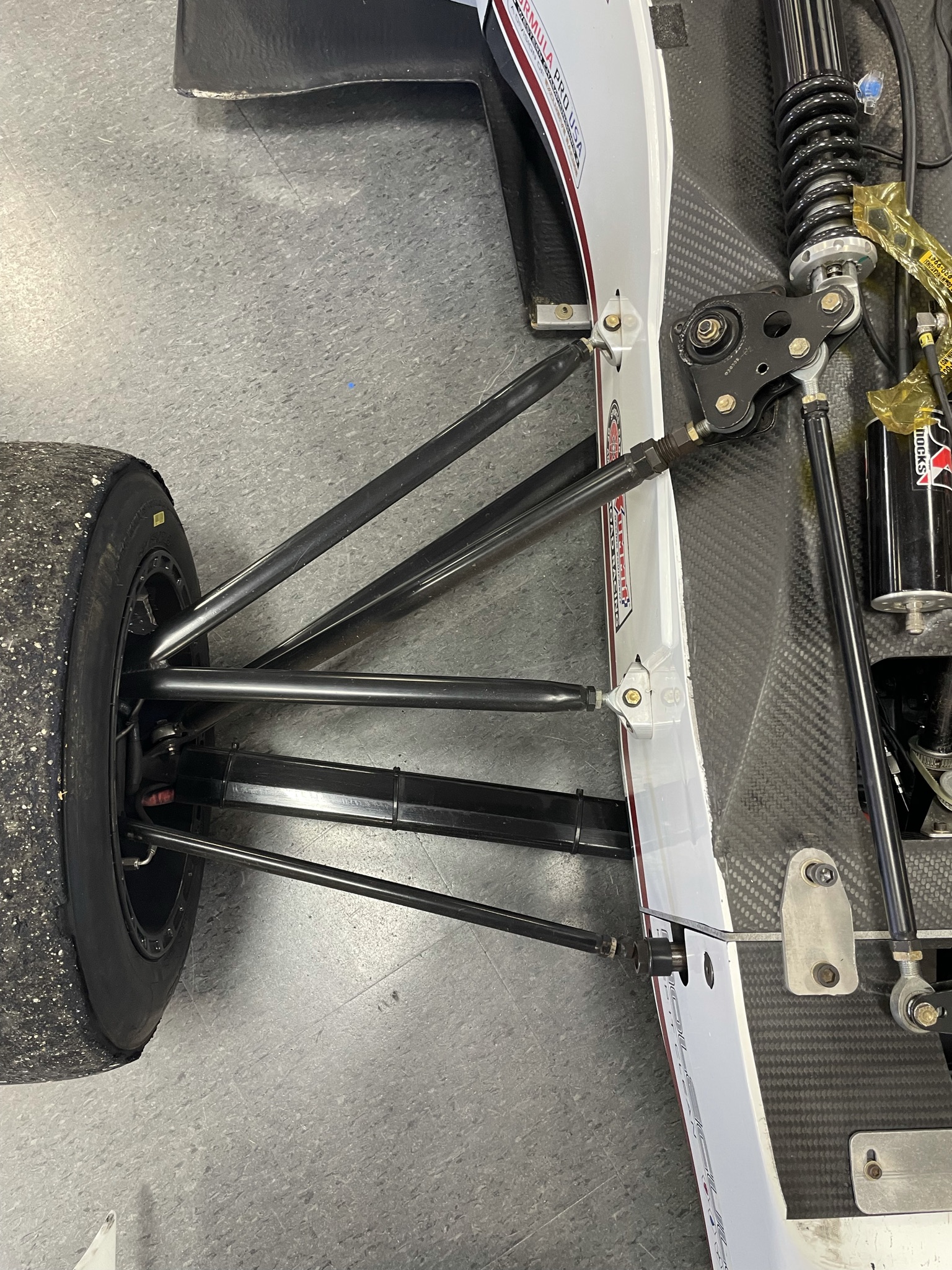
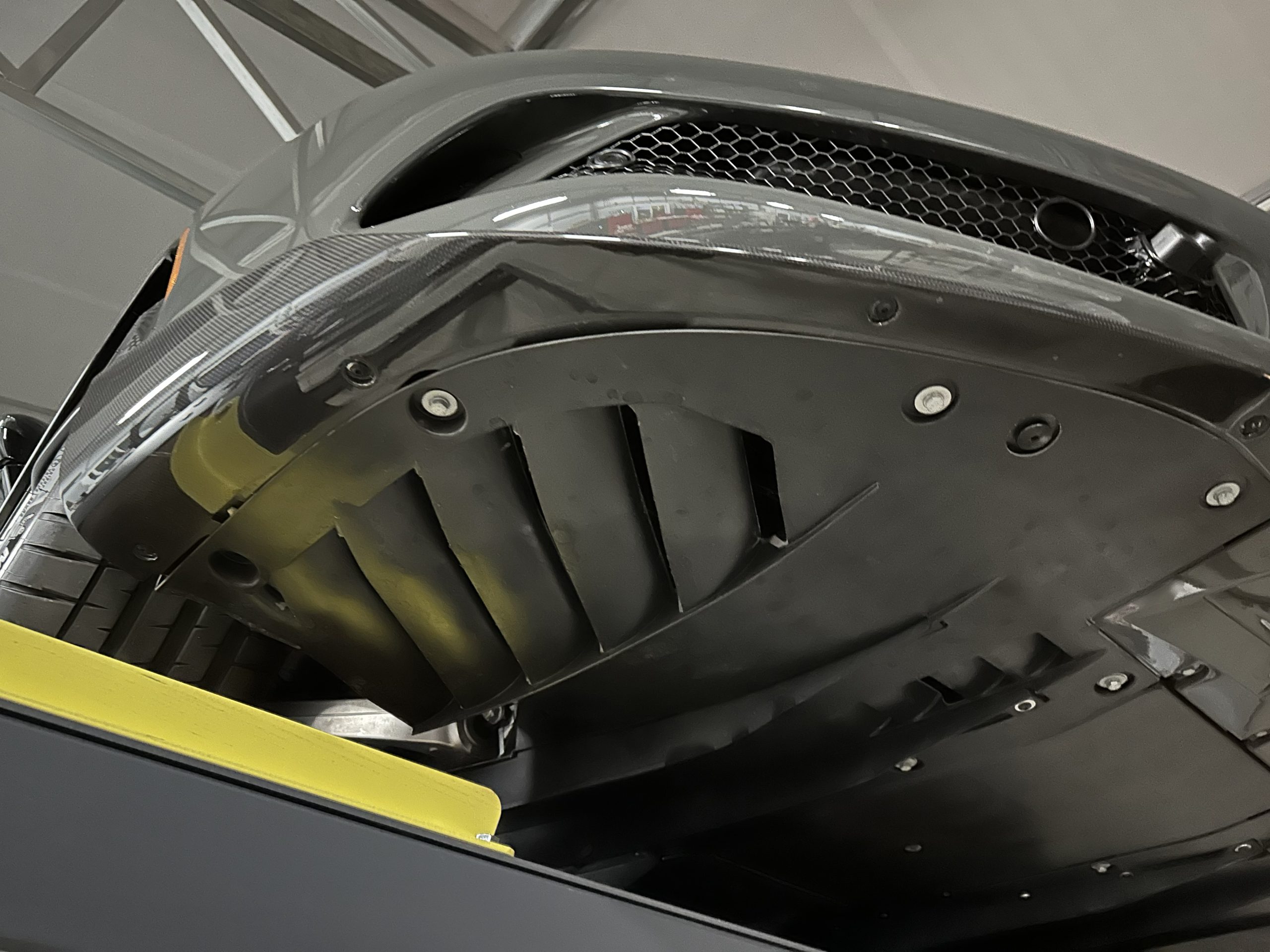
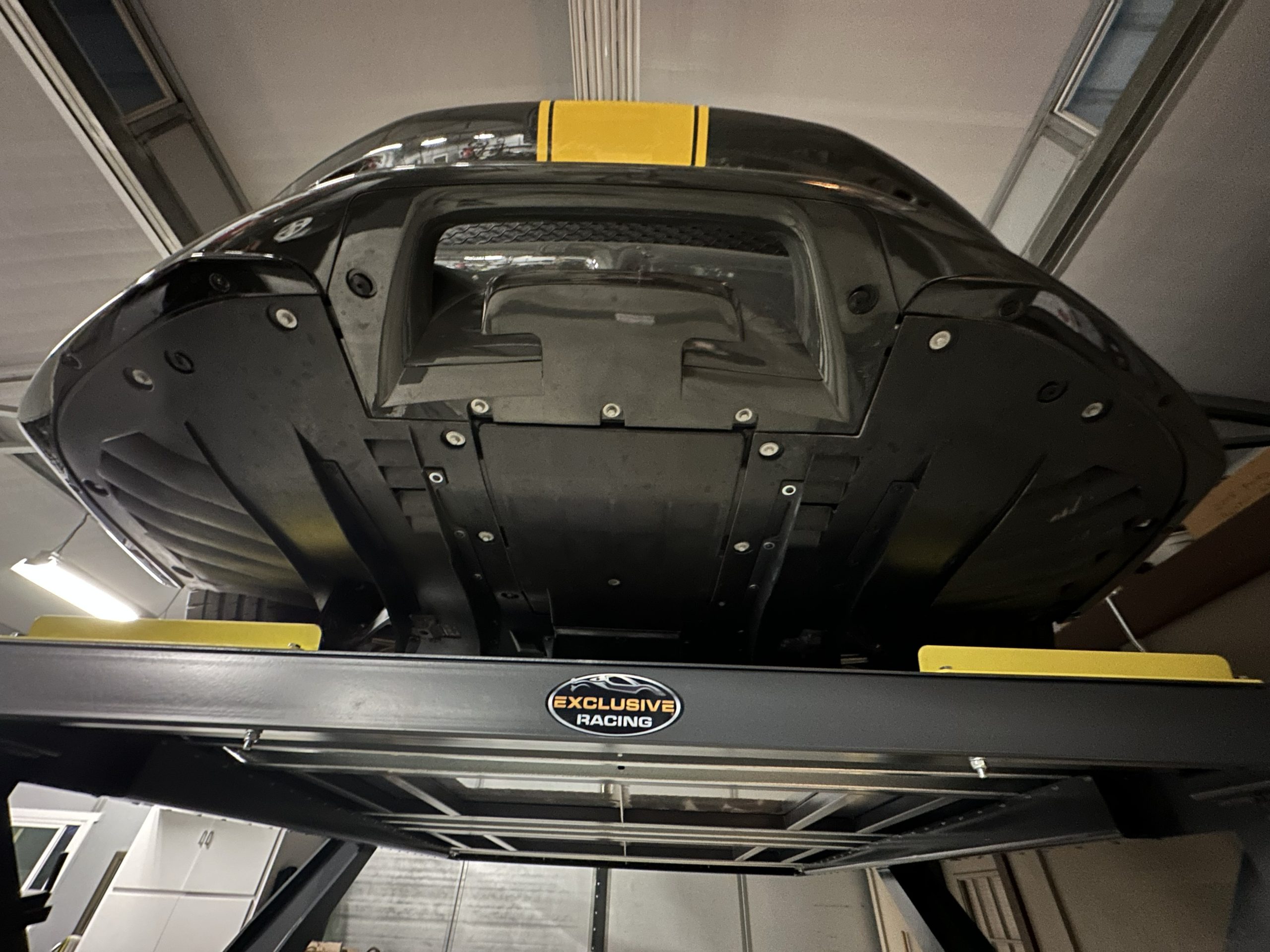
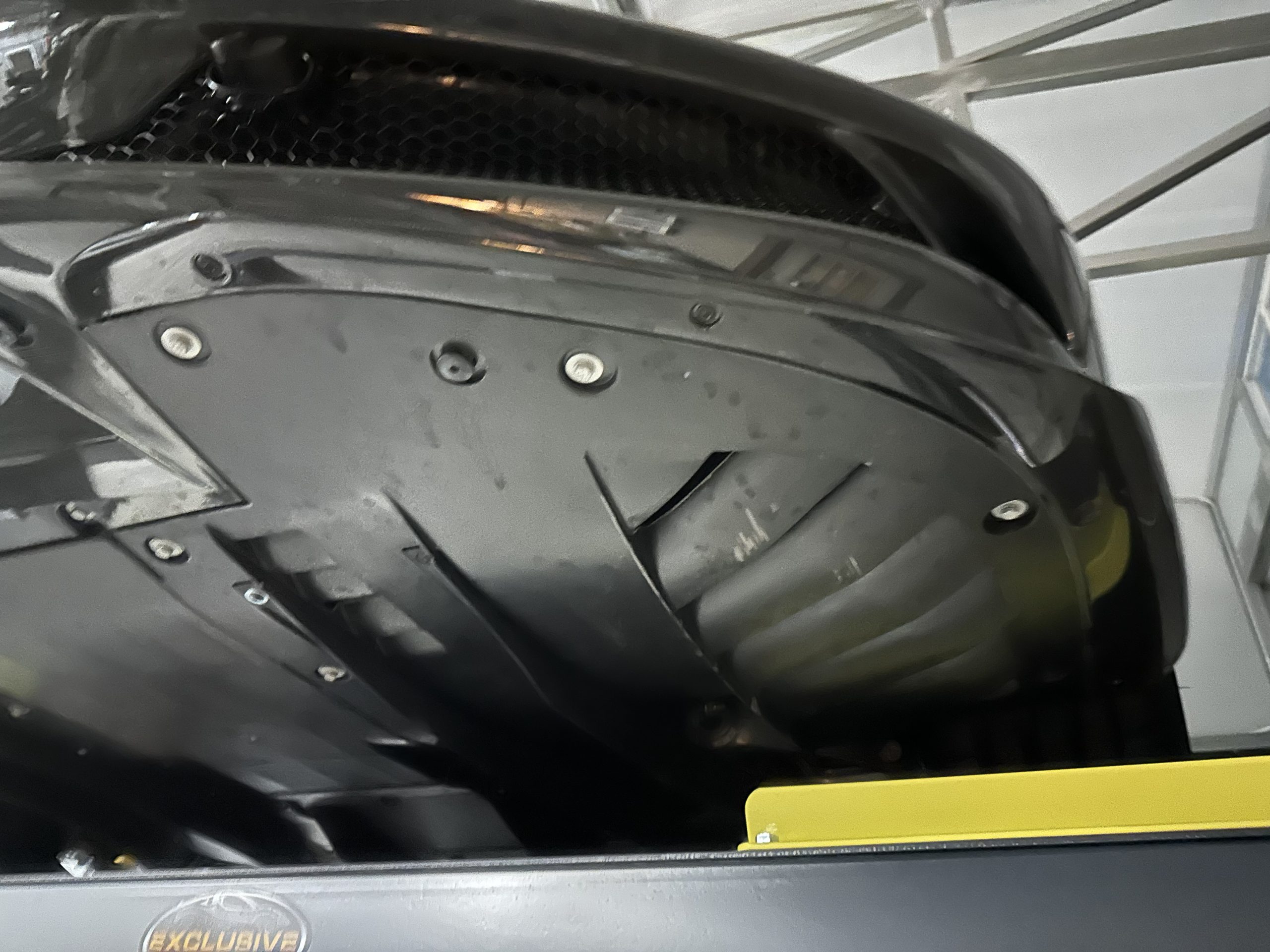
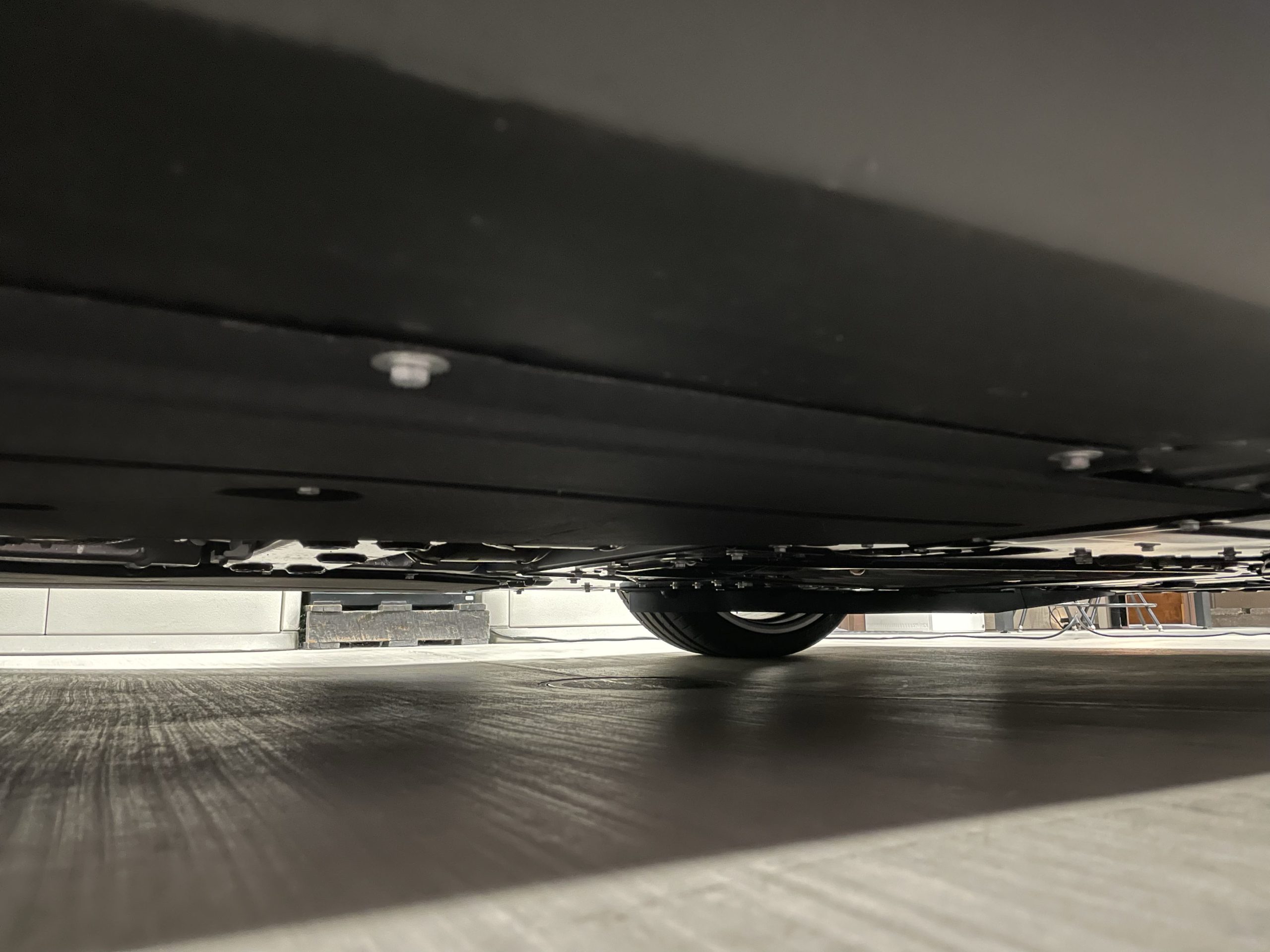
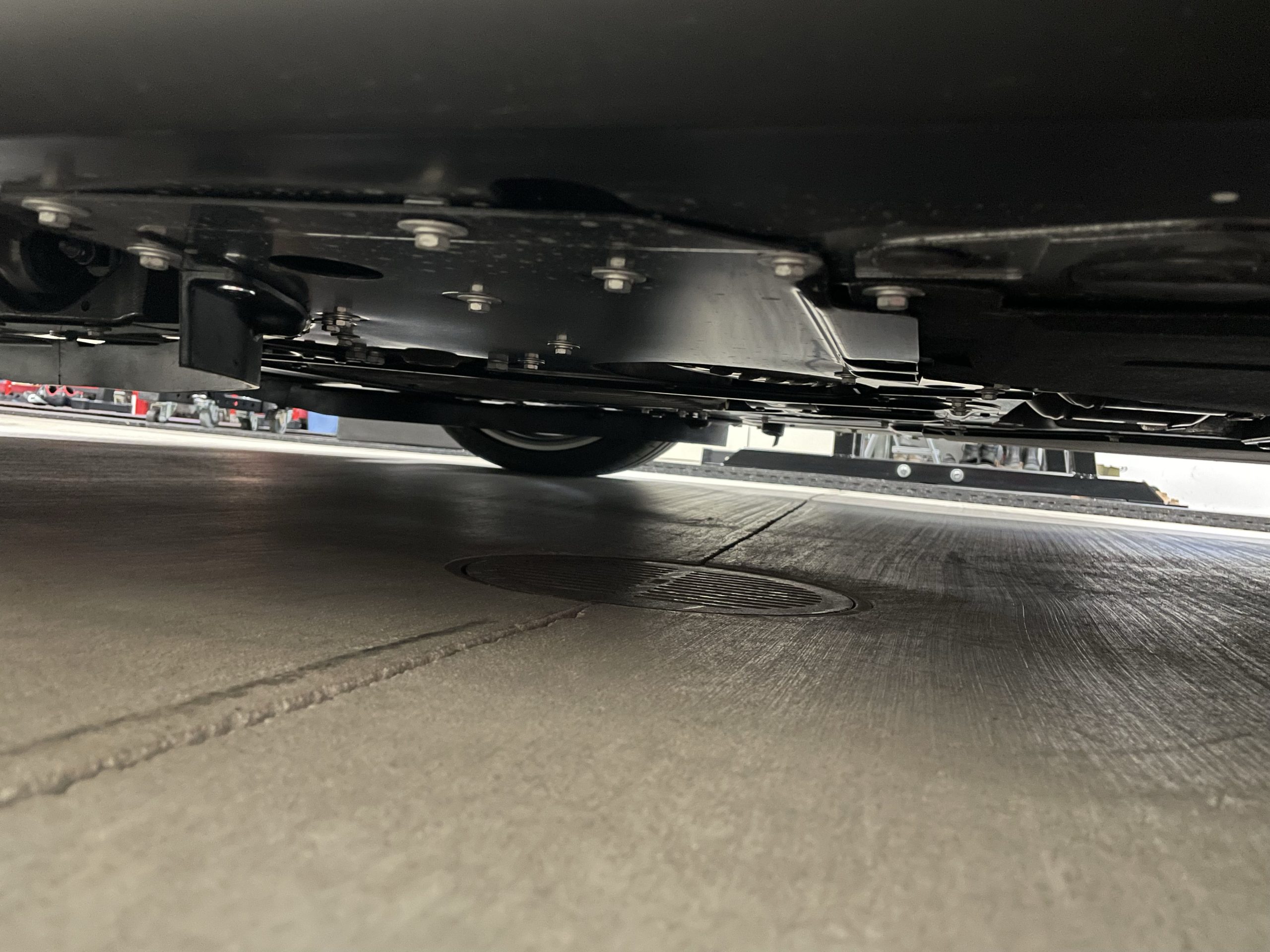
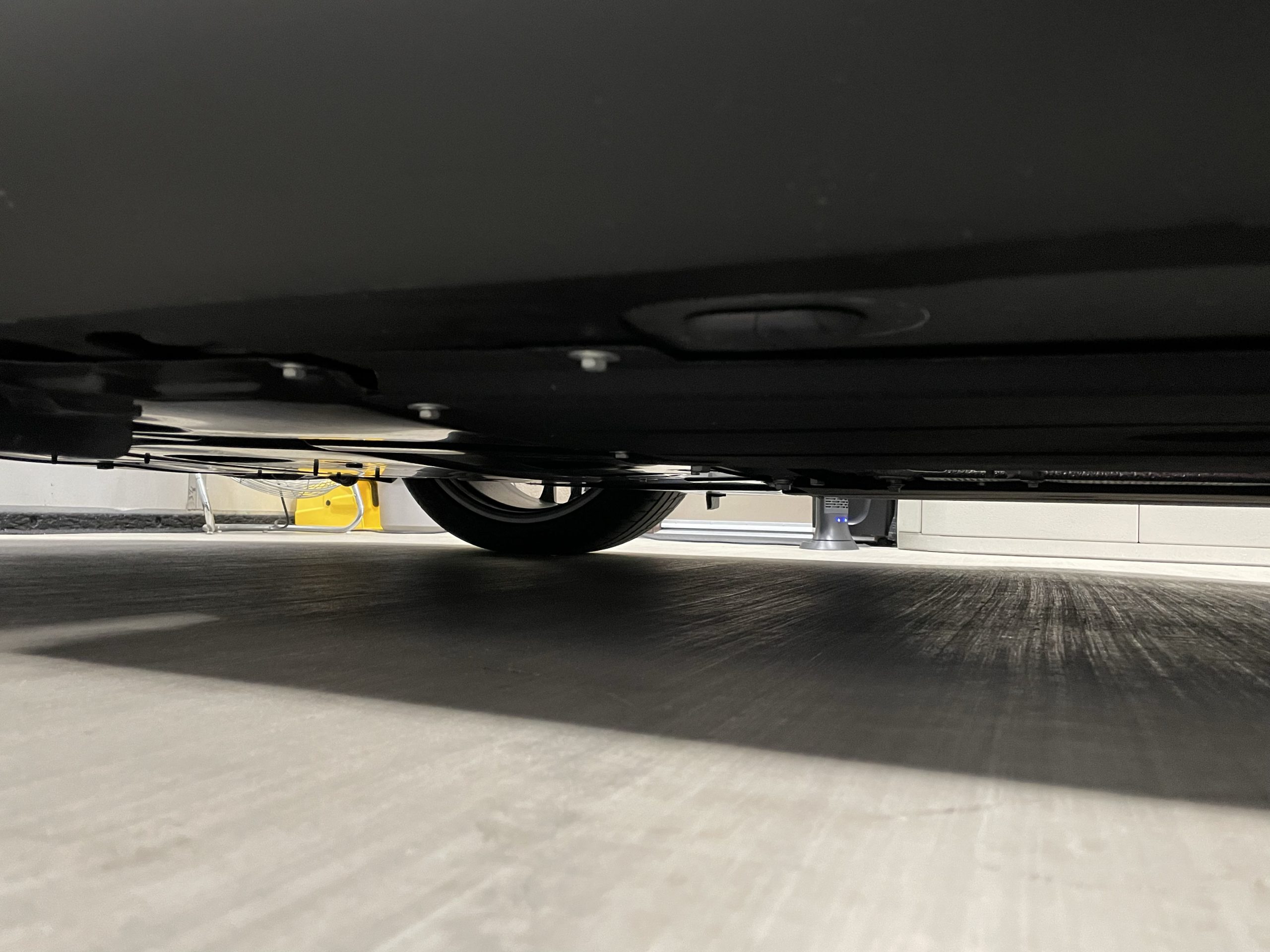
Underbody. Photograph the underbody from each side and from beneath both bumpers. If the vehicle is on the ground, use a flash for added light. A camera stick or phone extension rod can help reach difficult angles without a lift.
Damage & Flaws
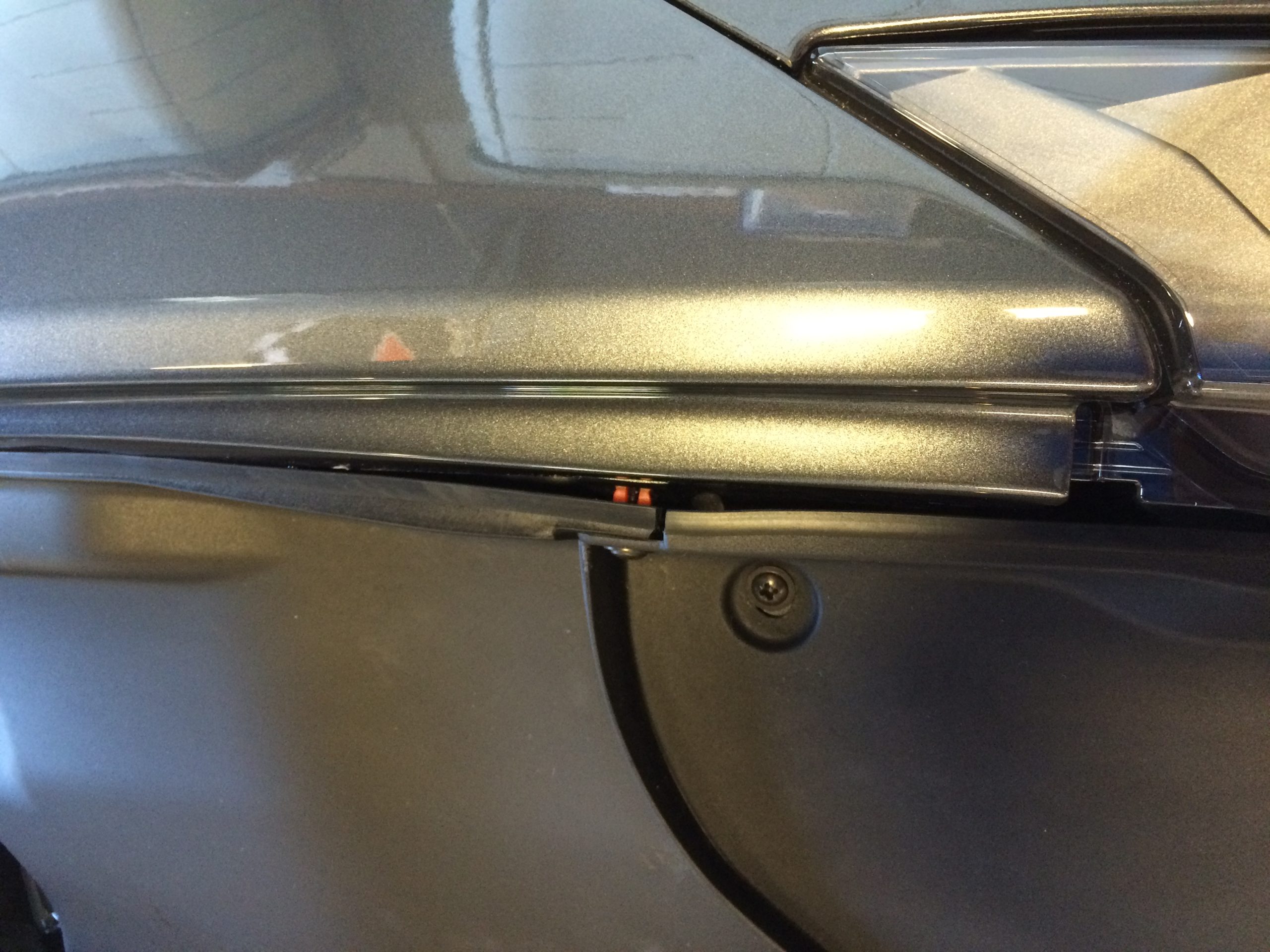
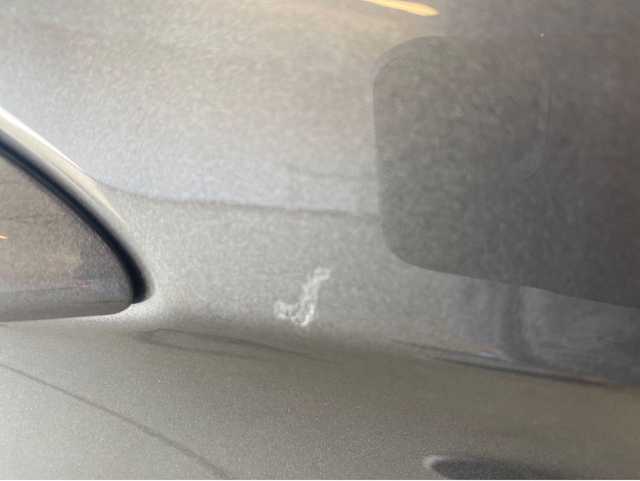
Document every scratch, ding, paint issue, or cosmetic flaw with a close-up photo. Place a ruler, pen, or your hand next to the flaw for scale.
Why this matters. Under our 7-day PPI window, a Buyer may cancel a transaction if a Pre-Purchase Inspection reveals a Major Undisclosed Defect — a material mechanical, structural, or title issue not disclosed in the listing and not reasonably observable from the listing media. Transparency protects you. Comprehensive damage documentation removes that risk. See Section 9 of our Terms of Service for full details.
Supporting Your Condition Rating
Every EXR listing carries a seller-disclosed A–F condition rating. Your photos and video are the evidence behind that rating — strong, honest documentation is what lets buyers trust the grade and bid with confidence.
Documents
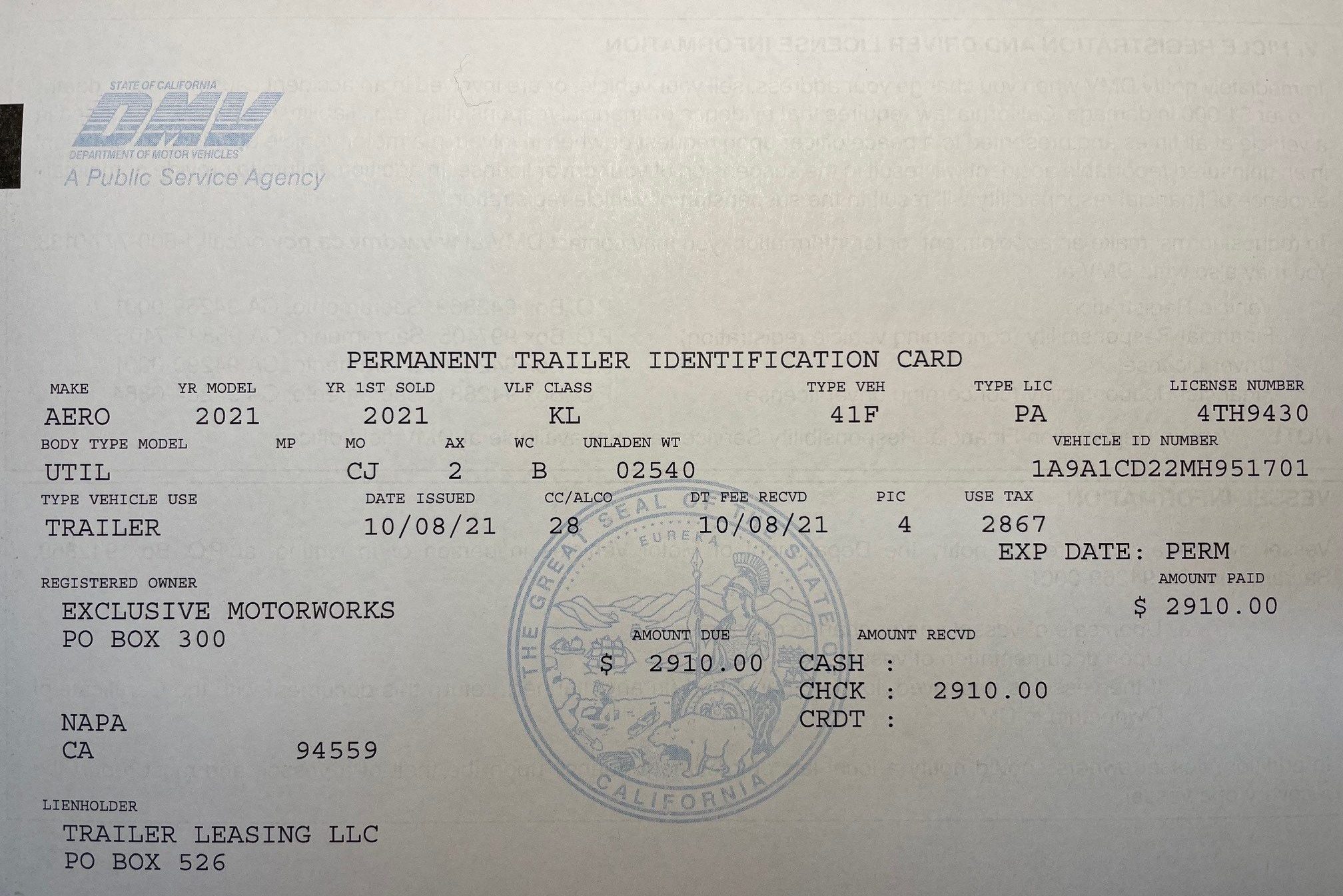
Photograph all relevant documents — PPI reports, registration, proof of ownership, build sheets, service records, and logbooks. (EXR auto-pulls free CARFAX reports on eligible listings — you don’t need to photograph the CARFAX yourself.) Ensure good lighting, avoid glare, and make sure all text is legible. Cross out any personal information before photographing.
Tip. Most modern smartphones have a built-in document scanner (iOS Notes, Google Lens, Files app) that crops and de-glares automatically. The PhotoScanner app (Apple/Android) is a solid free alternative.
Extras & Inclusions
Photograph everything included in the sale — keys, spare parts, spare tire, tools, and any additional equipment. Include photos of manuals, window stickers, and recent service documentation. These details reinforce value and reduce buyer questions.
License plate. Use the EXR license plate blocker images provided on this page to cover your plate in photos where it appears. You may use the license plate blockers below.
Walk-Around Video
A walk-around video gives buyers what photos can’t — sound and movement. It’s one of the most effective tools for generating serious interest in your listing.
How to upload. EXR listings support up to 25 video embeds via YouTube or Vimeo links. Upload your video to YouTube or Vimeo first (unlisted is fine), then paste the link into your listing. EXR does not host video files directly.
Keep your walk-around steady, well-lit, and thorough.
Exterior — include:
- A full 360° walk-around of the vehicle body
- Doors, windows, tires, front, and rear
- Any unique features — special paint, emblems, wraps, custom bodywork
- Exterior modifications — splitters, canards, custom wheels, decals
- Close-ups of any exterior flaws
Interior — include:
- All seats with close-ups of any wear or flaws
- Instrument cluster including odometer reading
- Center console and infotainment
- Trunk — emptied out before filming
Engine start sequence. Point the camera at the instrument cluster and start the engine. Then move to the engine bay and capture the engine coming to idle. Engine start is the most-watched moment in a walk-around video. Don’t skip it.
Pre-Upload Checklist
Run this list before you upload:
Vehicle washed and clean
Shot in landscape, 3:2 aspect ratio
Outdoors, natural daylight (golden hour ideal)
Vehicle fills ~75% of the frame with a clean border
Strongest front-3/4 angle uploaded first (it becomes your thumbnail)
All four corners, all four wheels, all four brakes covered
Interior, dashboard, instrument cluster, trunk
Engine bay, underbody, mechanical systems
Every flaw documented with a scale reference
Documents scanned and personal information redacted
License plate covered using the EXR blocker images
Walk-around video uploaded to YouTube or Vimeo
At least 25 photos uploaded, working toward the 250 max
Need Professional Photography?
Don’t have the time or gear? EXR offers Photo Pro Packages through our third-party partner network — professional photographers who specialize in race cars and high-performance vehicles.
Where Your Media Goes
Photos and videos uploaded to EXR are used to market your listing across our website, email, social media, and partner channels. The stronger your media, the further it travels. By uploading content to EXR, you grant us a license to use it for marketing — see Section 5 of our Terms of Service.
